CLONING! Clone a Tour to a Festival Rig | consoletrainer grandMA2 tutorial 2020
Автор: Consoletrainer - Cat West
Загружено: 2020-07-28
Просмотров: 28922
-- Cat's 8 Steps to a Successful Clone --
In this video, I'm going to take you through how I clone a touring showfile to a festival rig... start to finish! This is a big clone, but I'll explain it all and show you the types of macros I use. Seriously, this is how I do it every time, and it works for me - every time! If you can clone a full showfile, every other type of cloning is easy!
When you're done with this video, be sure to check out my additional Bonus Tips for Cloning: • GrandMA2 Cloning - Bonus Tips | consoletra...
This video also covers:
🍕 A couple of time savers that I try to always do when programming because I know it will make cloning easier.
🍕 How a default preset is going to help with those attributes in your festival rig that don't exist in your tour fixtures.
🍕 Double Clones!
🍕 How to deal with multi-instance fixtures
🍕 Whats up with those Global presets becoming Global and Selective?
🍕 Why do some of my cloned effects suck now, and how do I make them not suck?
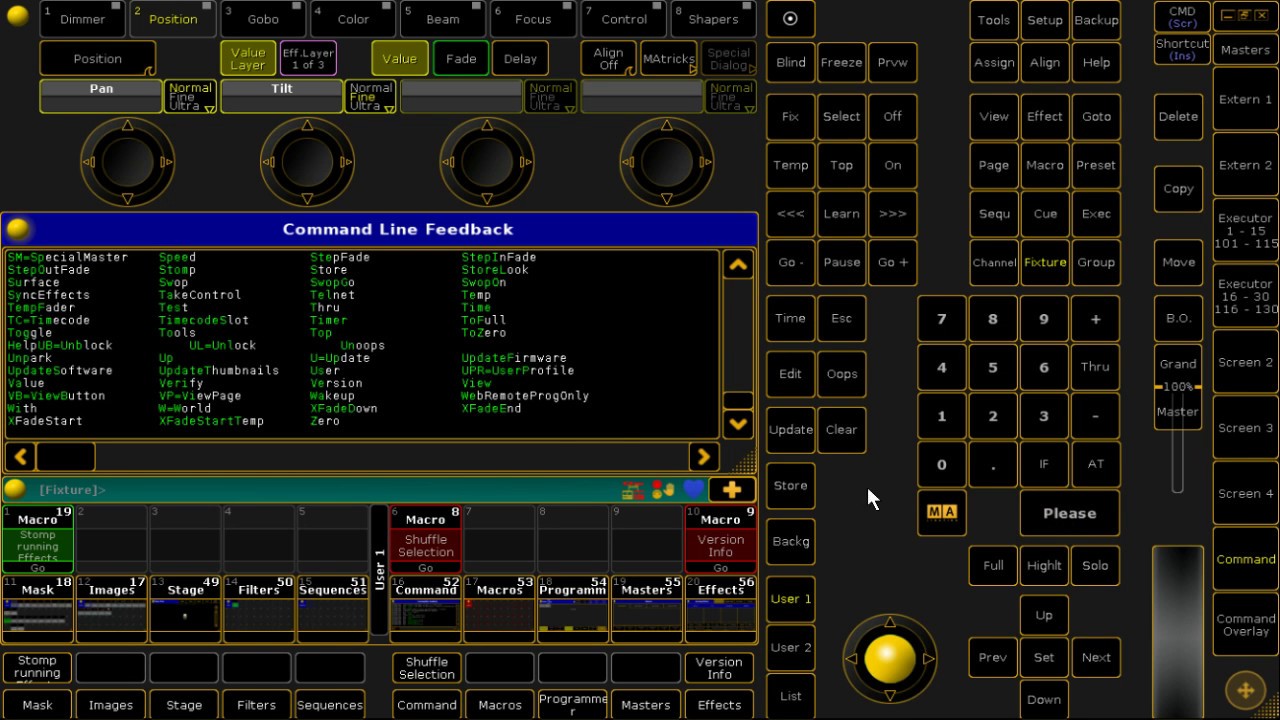
🍕 Another macro for "Requesting Universes"
Remember - be careful with the cloning macro. It does what it promises- it will update programming, so be careful not to run it accidentally. If you're making lots of backups, you have the safety net of being able to reload if necessary.
0:00 Let's clone our tour to a festival rig
0:47 What we aren't going to do! (We don't even need the built in menu...)
1:26 STEP 1: Prep Your Touring and Festival Showfiles
1:51 3 Things I build into my touring shows because they make my cloning process way easier
4:07 Puft reminds me to show you a "Request Universe" macro
5:20 STEP 2: Bring the Festival Patch into Your Touring Showfile
6:14 STEP 3: Figure Out What You're Cloning From And What You're Cloning To
7:14 Multi Instance fixtures need special attention - and some might need a DoubleClone
9:02 STEP 4: Clone Fixture Types to Update Global Presets
9:12 The Cloning Macro
11:57 Want to keep Global presets Global, not selective?
13:23 STEP 5: Clone Fixture to Fixture
14:20 How to keep Global Presets from becoming Global AND Selective
14:54 Let's clone some spots
15:33 DoubleClone the extended JDC1s to the compressed JDC1s
16:37 Shortening the macro for when you don't need to clone everything
17:14 STEP 6: Update Our Programming
17:32 What's up with my Effects having Individuals?
18:03 Update any bitmap effects you're using
18:24 STEP 7: Test Your Cues
18:58 Let's play a few cues
19:03 Those JDC1s need an update - Default Preset to the Rescue!
19:57 STEP 8: Have a Great Show
How to Import a Patch to your showfile: • Import a Patch to Your Showfile | consolet...
Partial Show Read: • Partial Show Read- How to use PSR to combi...
#grandma2 #consoletrainer #cloning
Thanks for watching! 🍕 🍕 🍕
▶️ Subscribe for more tutorials - https://www.youtube.com/user/consolet...
🧑🎓 Consoletrainer Courses - Certificate courses from Cat for when you're ready for more in-depth learning - courses.consoletrainer.com 🎓
💪🐱 Support the channel by becoming a member of my Crew at / consoletrainer 🎟
www.consoletrainer.com
/ consoletrainer
/ consoletrainer

Доступные форматы для скачивания:
Скачать видео mp4
-
Информация по загрузке: