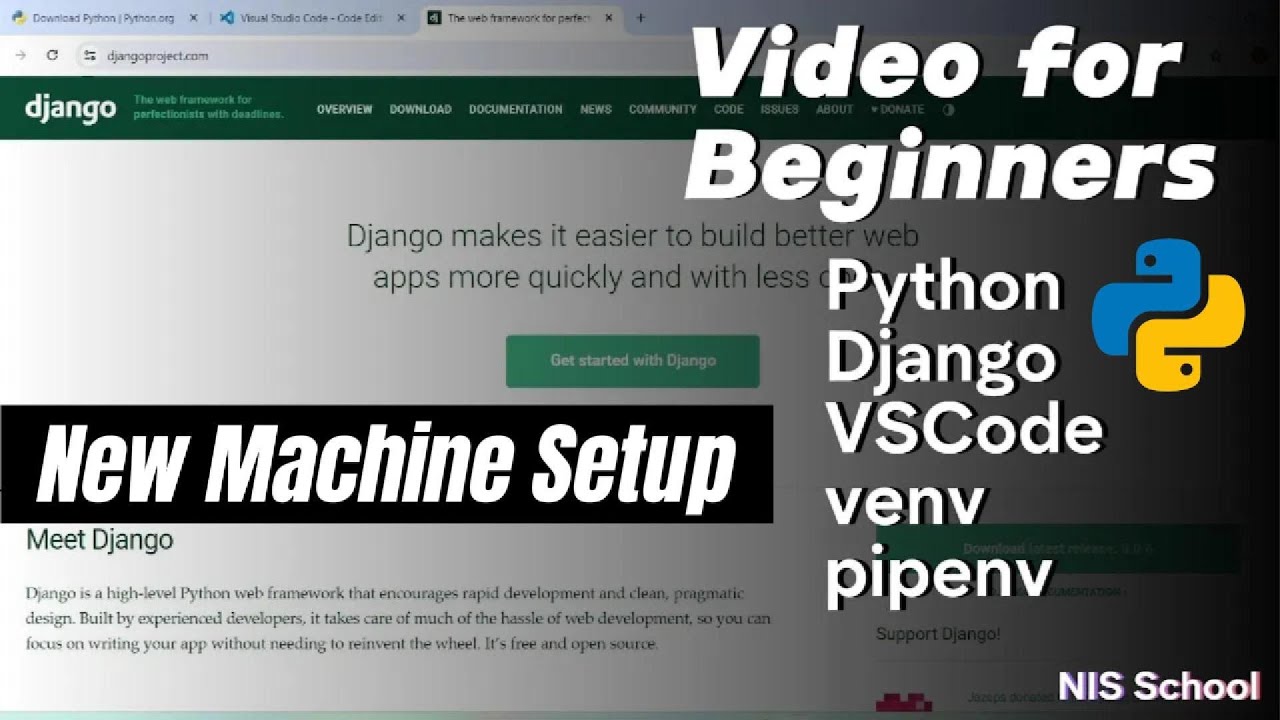
Python Django Tutorial for Beginners | New machine setup | Install python django vscode venv pipenv
Автор: NIS School
Загружено: 2024-07-16
Просмотров: 125
Welcome to our Python Django Tutorial for Beginners! In this episode, I'll guide you through setting up a new development environment from scratch. Whether you're new to Python and Django, we'll cover everything you need to get started by using new machine: installing Python, Django, VS Code, setting up virtual environments using venv and pipenv, and configuring your machine for efficient coding. By the end of this video, you'll have a solid basic knowledge to get started with python django. Let's dive in!
1 - Install Python https://www.python.org/downloads/
2- Install VS code https://code.visualstudio.com/
3- open cmd: python --version
4- virtural envirenment (python -m venv .env) to activate (.env\Scripts\activate)
5- pip install django
6- django-admin startproject my_project .
7- python manage.py runserver
if you want to use pipenv, skip step-4 and replace step-5.
5- pipenv install django
if pipenv not available "pip install pipenv" and to activate (pipenv shell) all explain in the video..
User Experience: "pipenv" is generally considered more user-friendly and streamlined for managing Python projects, especially those with complex dependency requirements.
When you are using pipenv for your virtual environment management, it's recommended to stick with pipenv commands for installing new packages " pipenv install package "
Q. What is the difference between venv, pyvenv, pyenv, virtualenv, pipenv, etc. ?
venv, pyvenv, and pyenv are all tools that can be used to create isolated Python environments. virtualenv is similar tool that can also create isolated Python environments. pipenv is a tool that combines virtualenv with pip, the Python package manager.
Brief overview of each tool:
venv is a built-in module in Python 3.3 and later versions that allows you to create isolated Python environments. It is similar to virtualenv, but it is installed by default with Python.
pyvenv is a script that comes with Python 3.3 and later versions that allows you to create virtual environments. It is a wrapper around the venv module, and it provides the same functionality as venv.
pyenv is a third-party tool that allows you to manage multiple Python versions on the same machine and create virtual environments. It is not related to venv or virtualenv, but it provides similar functionality.
virtualenv is a third-party tool that allows you to create isolated Python environments. It is not installed by default with Python, but it can be installed using pip.
pipenv is a tool that combines virtualenv with pip. It allows you to create virtual environments and manage Python packages for your projects. It is designed to be more user-friendly than using virtualenv and pip separately.
Доступные форматы для скачивания:
Скачать видео mp4
-
Информация по загрузке:
![Python - Полный Курс по Python [15 ЧАСОВ]](https://imager.clipsaver.ru/cfJrtx-k96U/max.jpg)











![How to setup Django (Python 3.13.1) in Visual Studio Code (VS Code) on Windows 11 [2025]](https://imager.clipsaver.ru/aYKWGpftMX4/max.jpg)