Unlock Click PLC Secrets: Temperature Control Via Modbus!
Автор: ACC Automation: PLC & Industrial Control Learning
Загружено: 2016-08-14
Просмотров: 31871
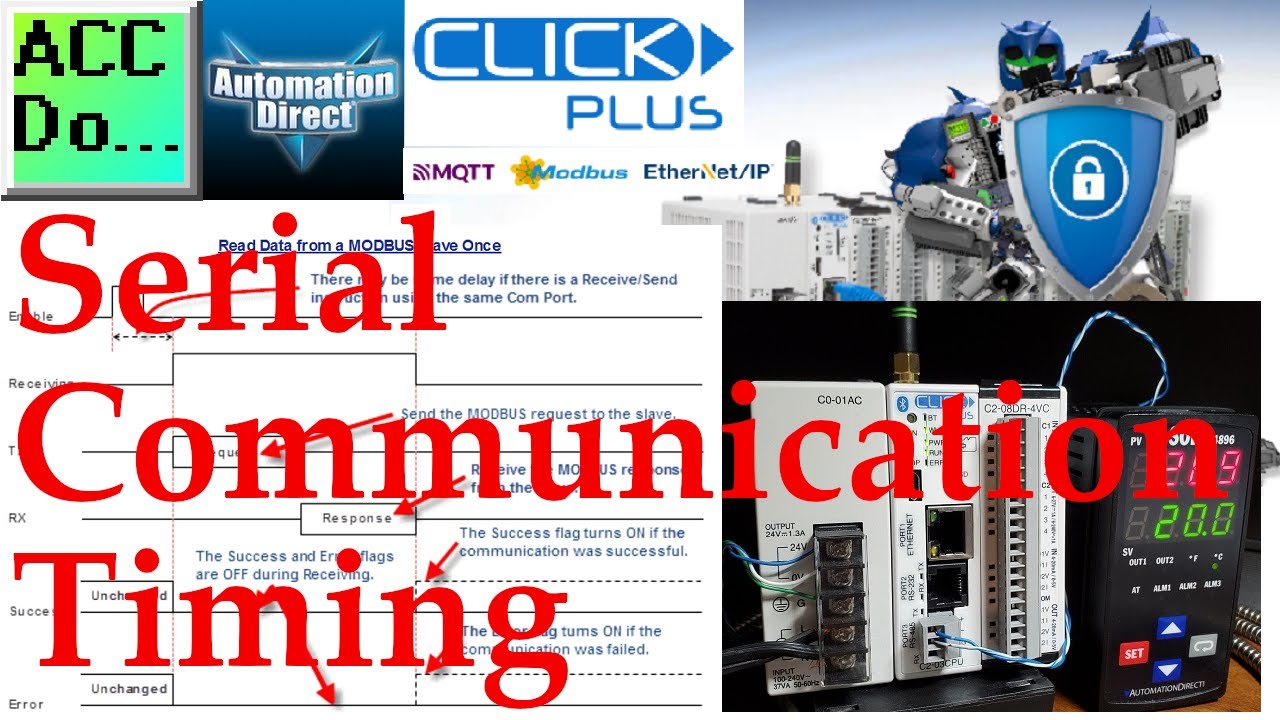
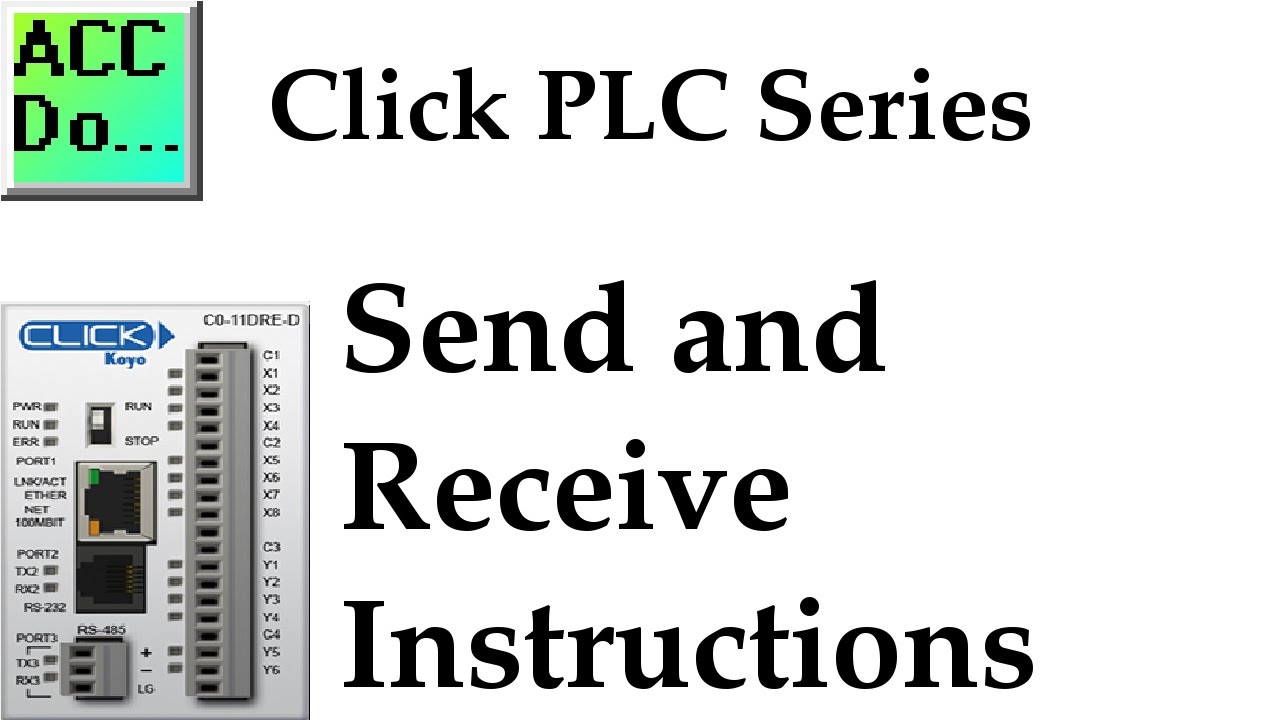
Click PLC sends and receives serial communication instructions to communicate with external equipment. We will be communicating serially to a temperature controller using Modbus RTU serial RS-485.
Receive and Send instructions will allow you to send and receive serial data to an external device. The communication method that you set up can be ASCII or Modbus. ASCII (American Standard Code for Information Interchange) can be used to send data to devices such as printers. Receiving ASCII can be used for connecting barcode scanners to the PLC. The barcode will be read as an ASCII string in the PLC. Modbus serial communication (Modbus RTU) is a standard protocol used in many automation devices. We will demonstrate the Send and Receive instruction by communicating with a Solo Temperature Controller via Modbus. Our example will read the current process (PV) value and write the setpoint value (SV) in the controller.
More information can be obtained on our Website. This includes all of the links mentioned in this video.
https://accautomation.ca/click-plc-se...
00:00 Click PLC Send and Receive Modbus RTU Serial to Solo Temperature Controller
00:35 Solo Process Temperature Controller Setup
02:17 Modbus RTU Communication Parameters
02:57 Click Modbus Receive Instruction
03:38 Click Port Setup
04:40 Solo Modbus Read Addresses
06:40 Click Modbus Send Instruction
07:32 Solo Modbus Write Address
08:49 Testing our Modbus Communication - Click to Solo
09:14 Data View Monitoring
Previously, we discussed:
Click PLC System-Hardware.
https://accautomation.ca/click-plc-sy...
Click PLC Installing the Software
https://accautomation.ca/click-plc-in...
Click PLC Establish Communication
https://accautomation.ca/click-plc-es...
Click PLC Numbering System and Addressing
https://accautomation.ca/click-plc-nu...
Click PLC Timers and Counters
https://accautomation.ca/click-plc-ti...
Click PLC Compare and Math Instructions
https://accautomation.ca/click-plc-co...
Click PLC Program Control Instructions
https://accautomation.ca/click-plc-pr...
Click PLC Shift Register Instruction
https://accautomation.ca/click-plc-sh...
Click PLC Drum Instruction
https://accautomation.ca/click-plc-dr...
Download the Click Programming software at the following address:
https://support.automationdirect.com/...
There are several reasons why we are using the Click PLC. Here are just a few.
Investment is low for the hardware, and the software is free (Low Cost PLC)
Standalone PLC with built-in I/O
Communication ability - Ethernet Port, RS232, RS485 - support for protocols such as Modbus RTU, Modbus TCP, etc.
Ability to expand the system with a variety of modules, including RTD and Thermocouple inputs directly.
Regards,
Garry
ACC Automation
https://www.accautomation.ca
Доступные форматы для скачивания:
Скачать видео mp4
-
Информация по загрузке: