How to Setup Android-x86 After Installation (2025 Guide)
Автор: Friendly neighborhood Engineer
Загружено: 2025-12-24
Просмотров: 17
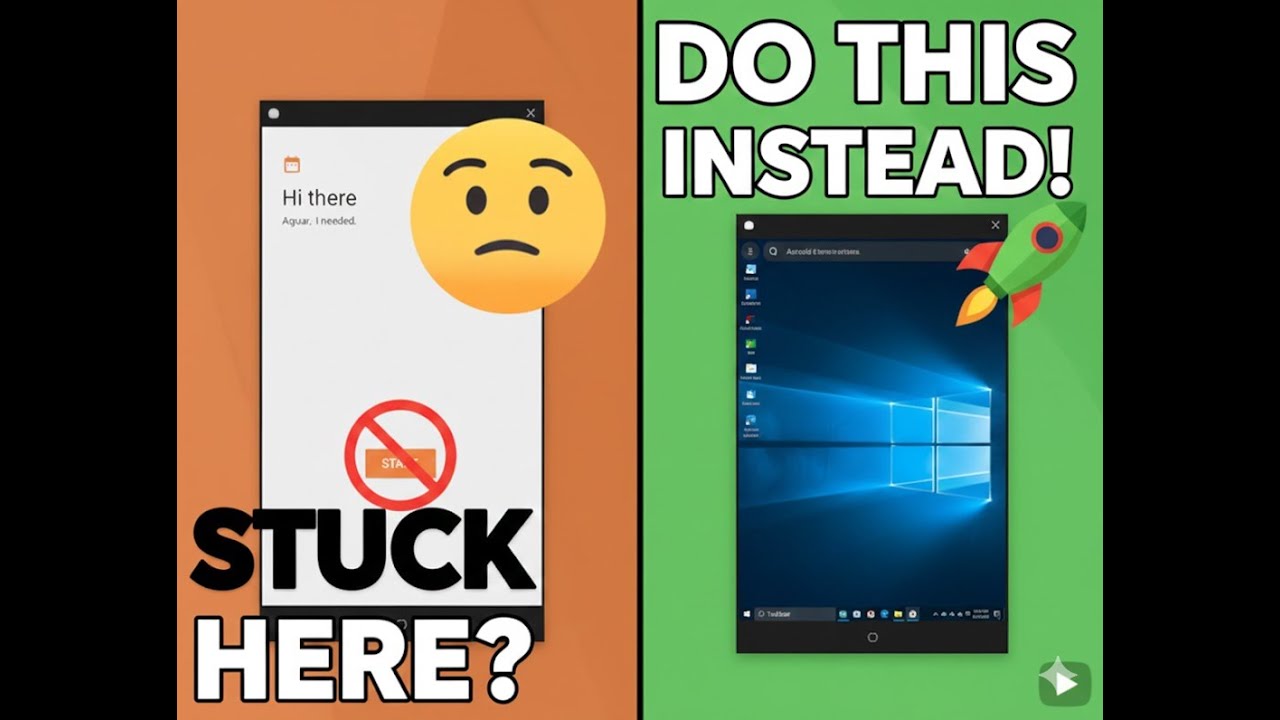
You’ve successfully installed the Android ISO... but now what? 🛑 If you just click 'Next' on every screen, you're going to end up with a laggy, slow Virtual Machine.
In this tutorial, I show you the exact settings to choose on the 'Hi there' and 'Date & time' screens to ensure peak performance. We also cover why you should click 'Don't Copy' and skip the Google sign-in to save yourself a massive headache.
In this video:
How to handle the 'Searching for Wi-Fi' bug.
Why 'Don't Copy' is your best friend during setup.
Configuring Date & Time for system stability.
Disabling background Google services to save RAM.
The final Home Screen choice: Quickstep vs. Taskbar.
Don't forget to LIKE and SUBSCRIBE! In the next video, we are fixing the screen resolution and enabling ARM app support. See you there!
android VM, Android-x86 Setup, VirtualBox Tutorial, VMware Android Guide, How to use Android on PC, Android ISO 2025, Fix Android VM Lag, Android Virtual Machine Installation, Tech Tutorial, Android-x86 Date and Time Fix, Android-x86 Copy Apps and Data.
Доступные форматы для скачивания:
Скачать видео mp4
-
Информация по загрузке: