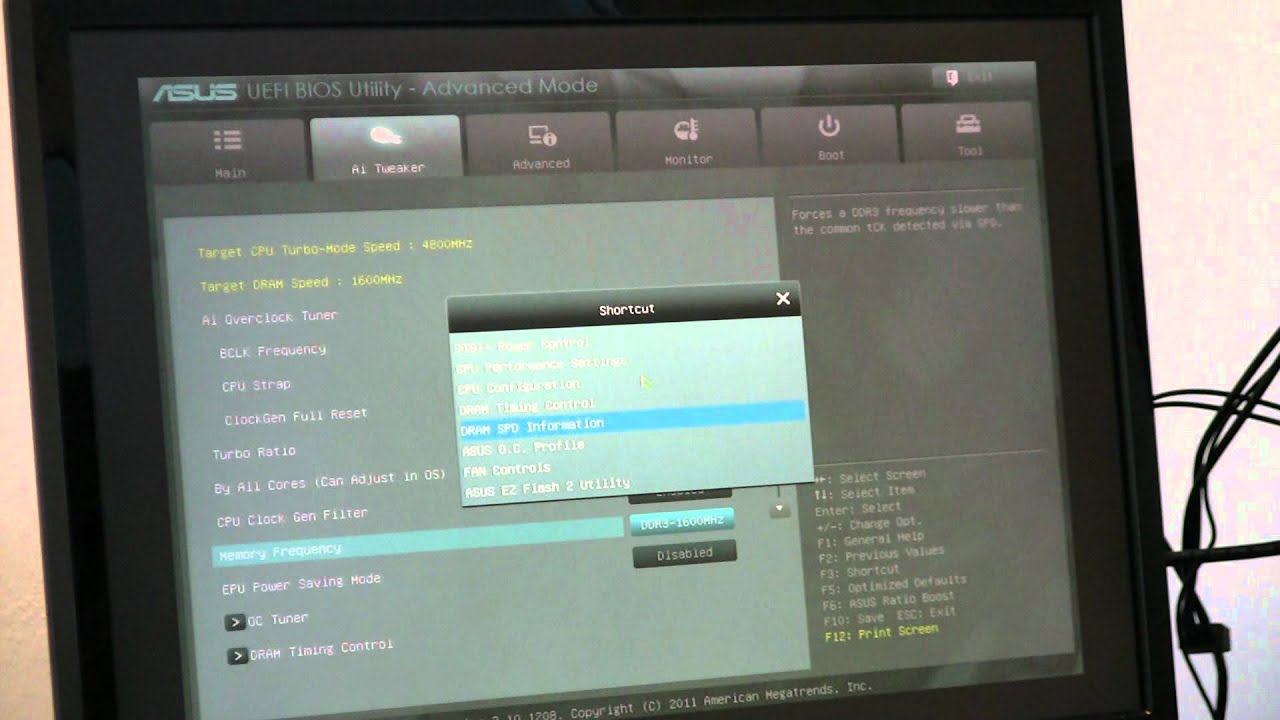
How to Overclock an Intel X79 Sandy Bridge-E Motherboard 2/3
Автор: ASUS North America
Загружено: 2011-11-18
Просмотров: 21044
JJ from ASUS shows us how to overclock the new X79 platform.
System Specs:
1.ASUS P9X79 PRO LGA 2011 Intel X79 SATA 6Gb/s USB 3.0 Intel Motherboard with USB BIOS
Item #: N82E16813131800
2. Corsair Carbide Series 400R Graphite grey and black Steel / Plastic ATX Mid Tower Gaming Case
Item #: N82E16811139008
3.Western Digital Caviar Black WD2002FAEX 2TB 7200 RPM SATA 6.0Gb/s 3.5" Internal Hard Drive -Bare Drive
Item #: N82E16822136792
4. ASUS ENGTX580 DCII/2DIS/1536MD5 GeForce GTX 580 (Fermi) 1536MB 384-bit GDDR5 PCI Express 2.0 x16 HDCP Ready SLI Support Video ...
5. CORSAIR Professional Series Gold AX750 (CMPSU-750AX) 750W ATX12V v2.31 / EPS12V v2.92 80 PLUS GOLD Certified Modular Active ...
6. CORSAIR Vengeance 16GB (4 x 4GB) 240-Pin DDR3 SDRAM DDR3 1600 (PC3 12800) Desktop Memory Model CML16GX3M4A1600C9B x 2
7. Intel Core i7-3960X Sandy Bridge-E 3.3GHz (3.9GHz Turbo) LGA 2011 130W Six-Core Desktop Processor BX80619i73960X
8. Corsair Force Series 3 CSSD-F120GB3A-BK 2.5" 120GB SATA III Internal Solid State Drive (SSD)
Item #: N82E16820233206
9. CORSAIR H100 (CWCH100) Extreme Performance Liquid CPU Cooler
Item #: N82E16835181017
Доступные форматы для скачивания:
Скачать видео mp4
-
Информация по загрузке: