Repasting Asus ROG Strix Scar 15 G533
Автор: TacoBellOwl
Загружено: 2023-11-08
Просмотров: 2973
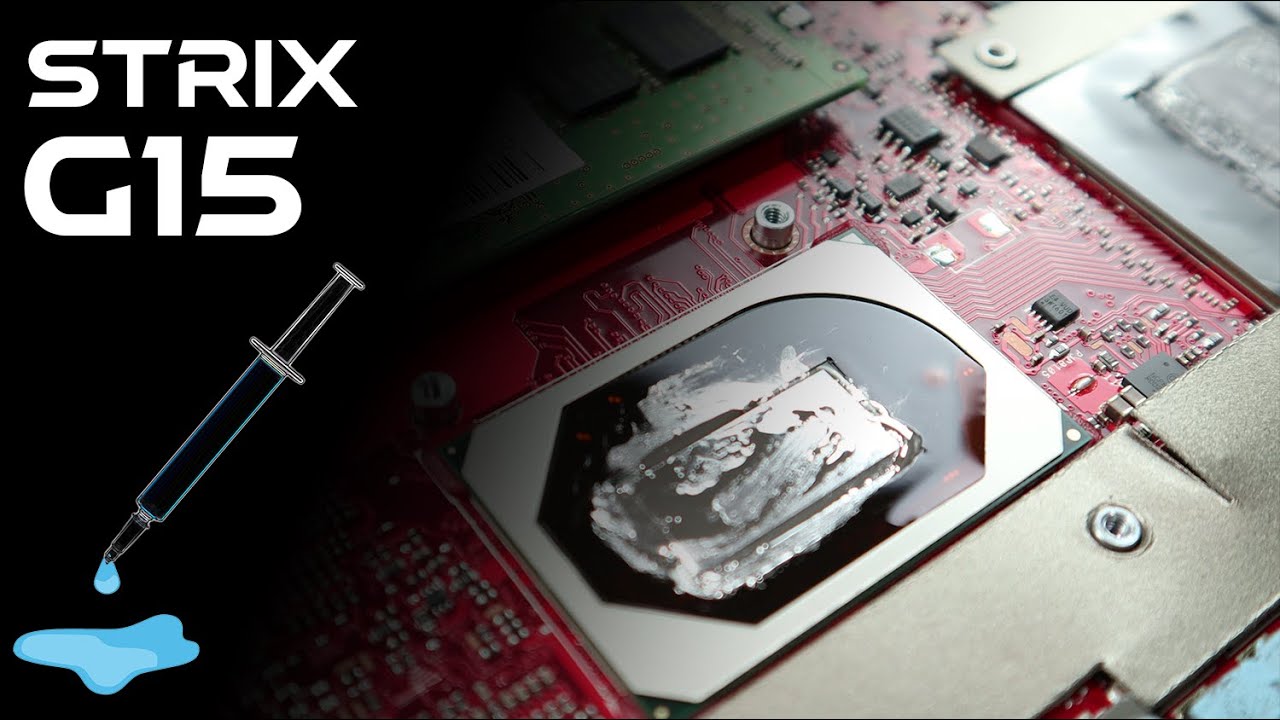
Repasting my Asus ROG Strix Scar 15 G533QS Ryzen 9 5900hx RTX 3080 laptop. I've had heating problems since day 1 and thought it was fine till the performance started to drop. The laptop used to stay over 60C idle CPU. People told me to disable the CPU boost for better temperature but at the cost of worse performance. CPU used to get as hot as 98C while playing Valorant which doesn't' even utilize the full CPU. As for the GPU, it went as high as 89C and used to throttle bad. I couldn't play many games due to throttling. So after almost 3 years I felt a need to repaste the laptop and see if it makes any difference. When I finally opened the laptop, I found terrible work done by Asus. The thermal paste on GPU was everywhere but on the GPU. Same for the CPU. After the repaste, I don't get over 70c on both CPU and GPU while gaming. With the RTX on I do hit as much as 85C on the CPU and 83C on GPU both overclocking aggressively. Best decision ever. If you too have high temperature consider repasting because manufacturers especially Asus do terrible job with pasting thermal compounds.
Thanks for watching!
Time stamps
00:00 Intro
00:05 Removing the back cover
01:45 Removing the fans
02:46 Unboxing Gelid Solutions GC-Extreme and Thermal Grizzly Conuductonaut
03:32 Removing the heatsink
05:05 Mess Asus made
05:21 Cleaning the Thermal paste and liquid metal/Cleaning the mess Asus made
07:07 Cleaning the fans
07:56 Close up of the mess/stock paste by asus
08:30 Applying Liquid metal
09:40 Applying Thermal paste over GPU and VRM
11:13 Assembling the Heatsink
11:47 Assembling the Fans
12:51 Assembling the back cover
13:33 Problems before repaste
14:09 Results
14:29 Verdict
#pc #asus

Доступные форматы для скачивания:
Скачать видео mp4
-
Информация по загрузке: