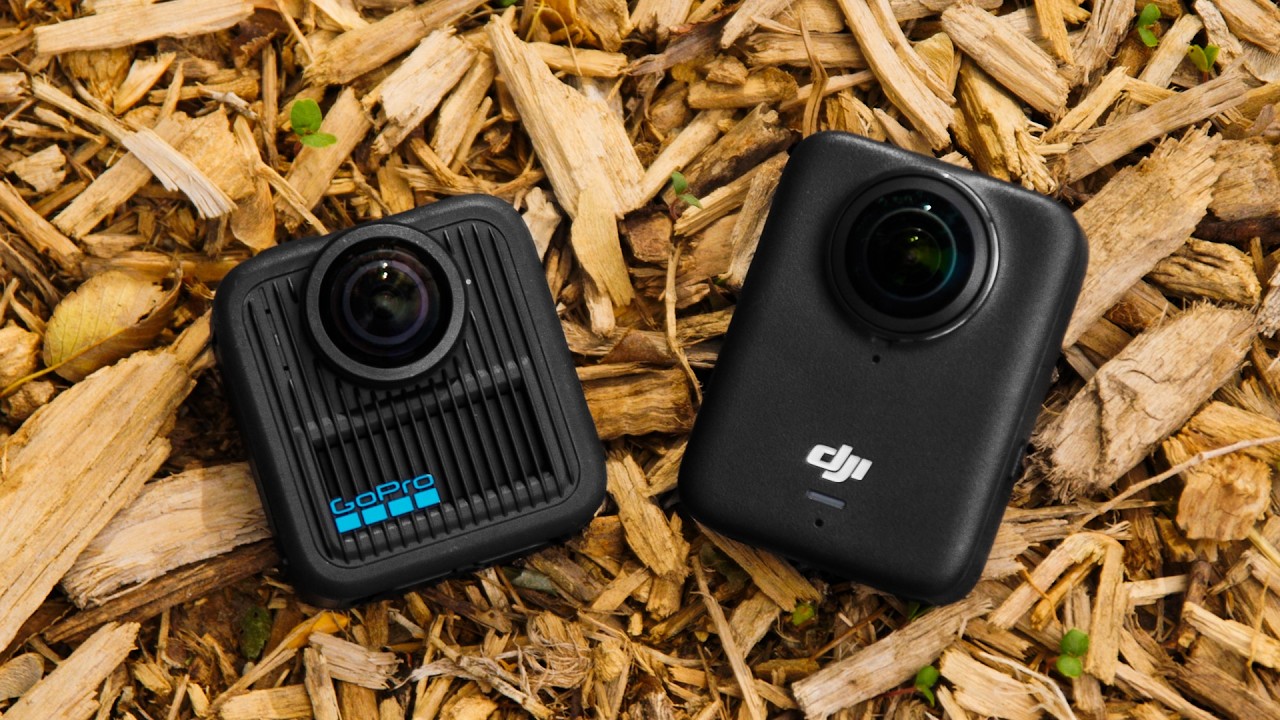
GoPro 360 Max 2 Quick app object tracking demo
Автор: Donnsvideos outdoor adventures
Загружено: 2025-10-19
Просмотров: 135
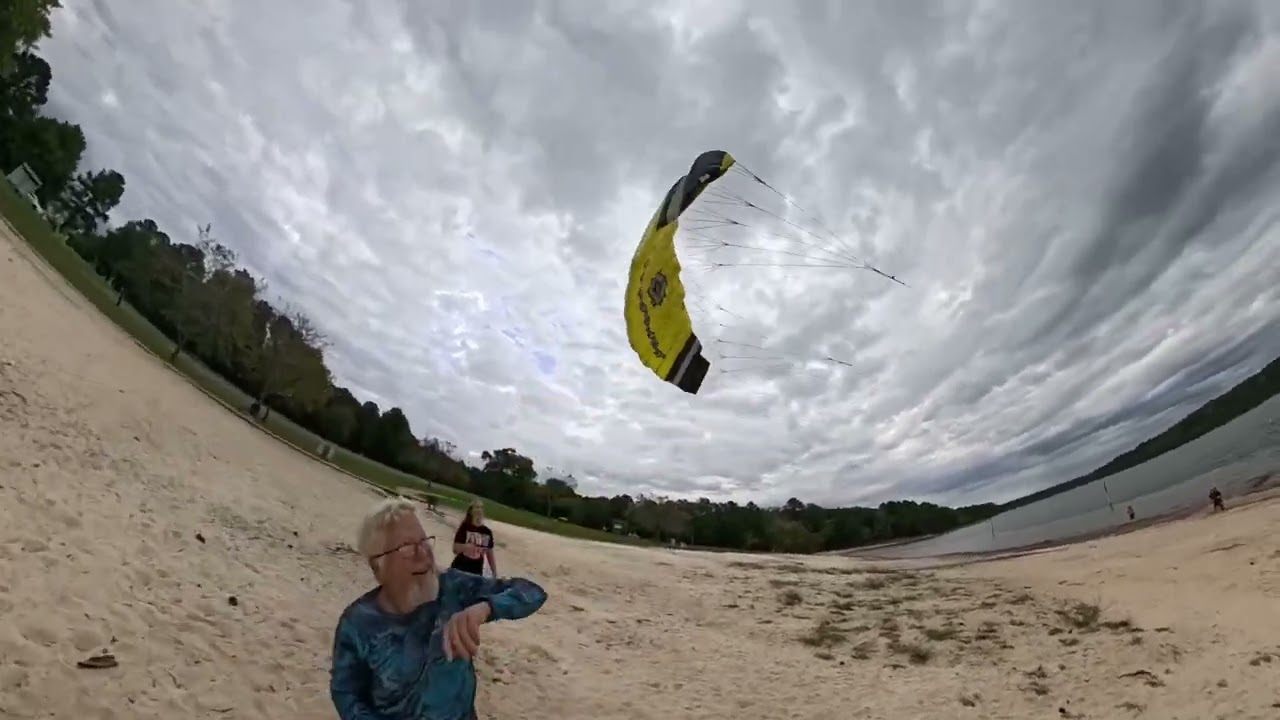
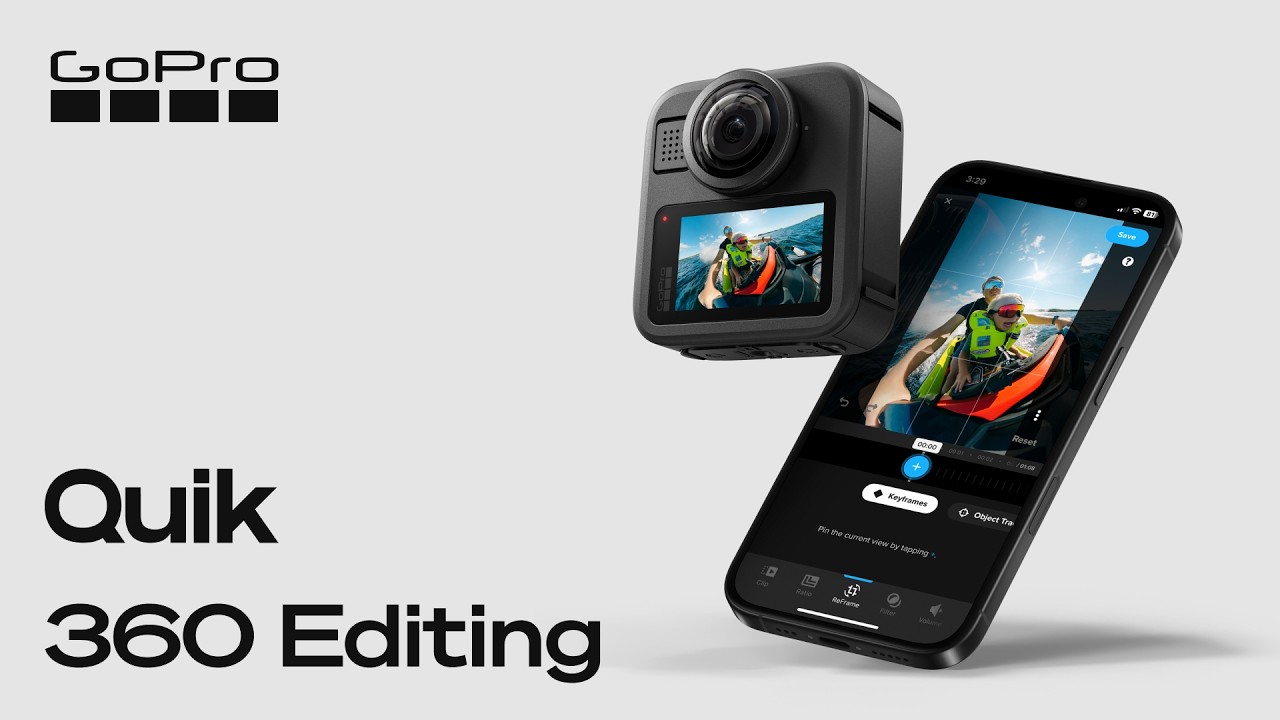
I am slowly learning how to edit all the video footage i’ve been shooting with my new GoPro Max 2 camera. I found doing a bunch of key frames is a pain in the butt, so I tried the object tracking function for this video. You basically can draw a box around the object of interest and the app will track it for you and pretty much keep it center of frame. This high speed kite footage is a good example for challenging the object tracking feature function. What I learn so far with the quick app is 360 video is not nearly as easy to edit as POV video. You basically have to edit a 360 video multiple times once to the figure out where in the 360 sphere is your subject, then leveling and setting distances And trying to eliminate the giant fish eye effect you gotta do all that but then you have to get it out of the 360 realm by converting it to POV standard video. Then once you get there, you can access the AI functions to add your music edit the clips and all that It’s a real pain in the butt.
Доступные форматы для скачивания:
Скачать видео mp4
-
Информация по загрузке:



![☀ Киношная картинка с экшн-камеры? Тест МАКРО, боке и 8K. [Action 6 Macro Lens]](https://imager.clipsaver.ru/fOQstVJpT7s/max.jpg)