Illustrator's Paintbrush Tool and Brush Panel | A Comprehensive Guide to Brushes in Illustrator
Автор: Envato Tuts+
Загружено: 2020-12-23
Просмотров: 142233
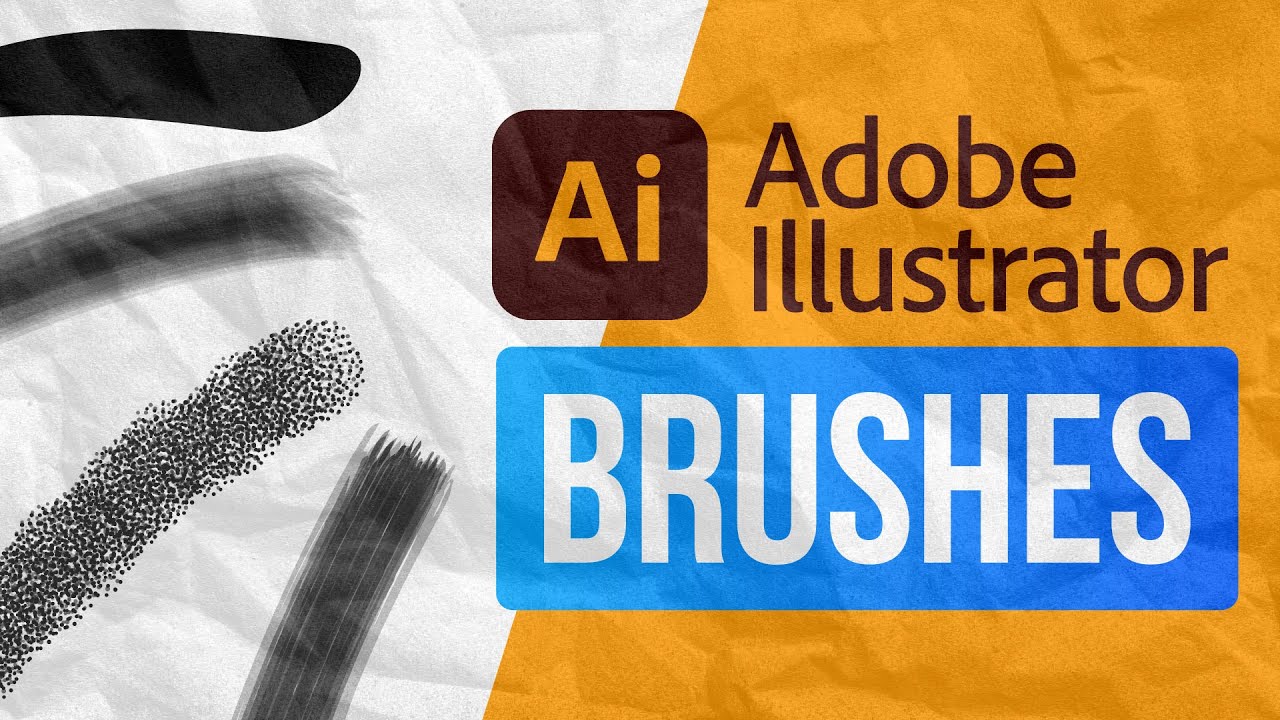
What's the difference between Illustrator's Paintbrush Tool and the various brushes available in the Brush panel? Find out all about Illustrator brushes in this comprehensive video guide. ► Download hundreds of professional Illustrator brushes: https://elements.envato.com/add-ons/b...
In this video, you'll get familiar with brushes in Adobe Illustrator. Andrei Marius breaks down the basics of the Paintbrush Tool and the Brushes Panel and shows you how to create, manage and work with different Illustrator brushes.
What You'll Learn:
00:33 - Brushes Panel
01:58 - Paintbrush Tool
04:13 - Calligraphic Brush
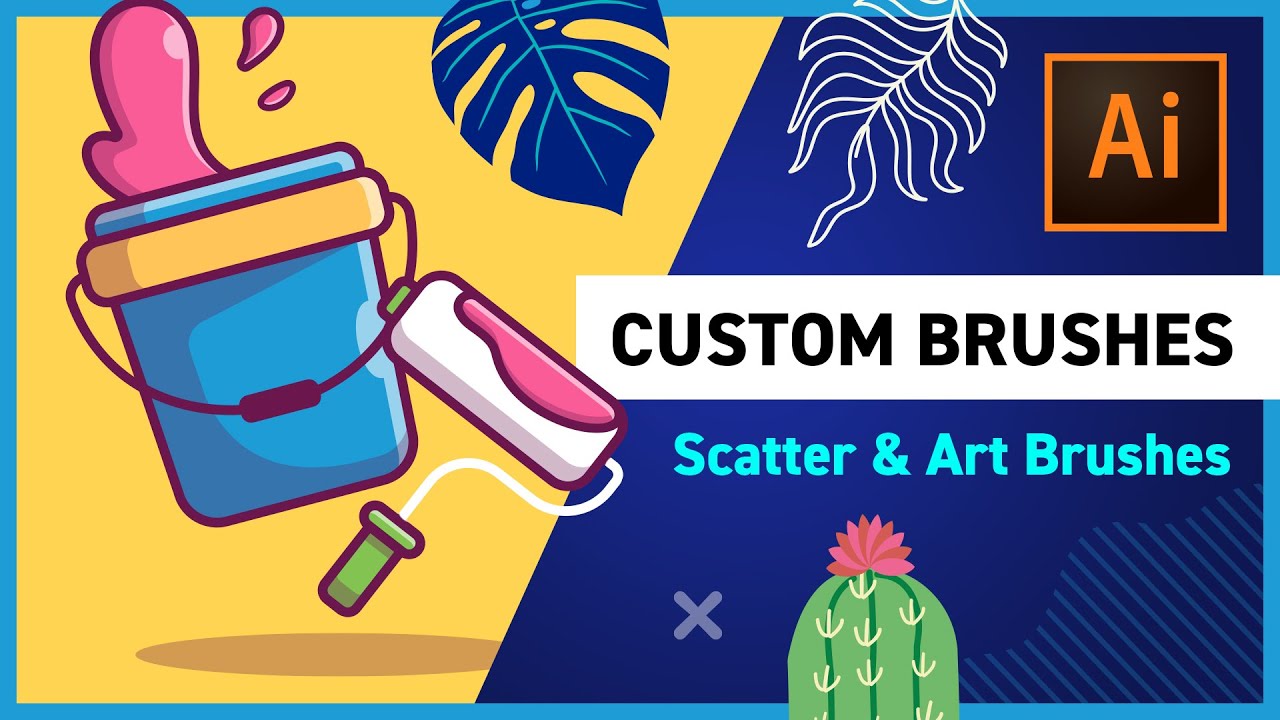
07:07 - Scatter Brush
10:35 - Art Brush
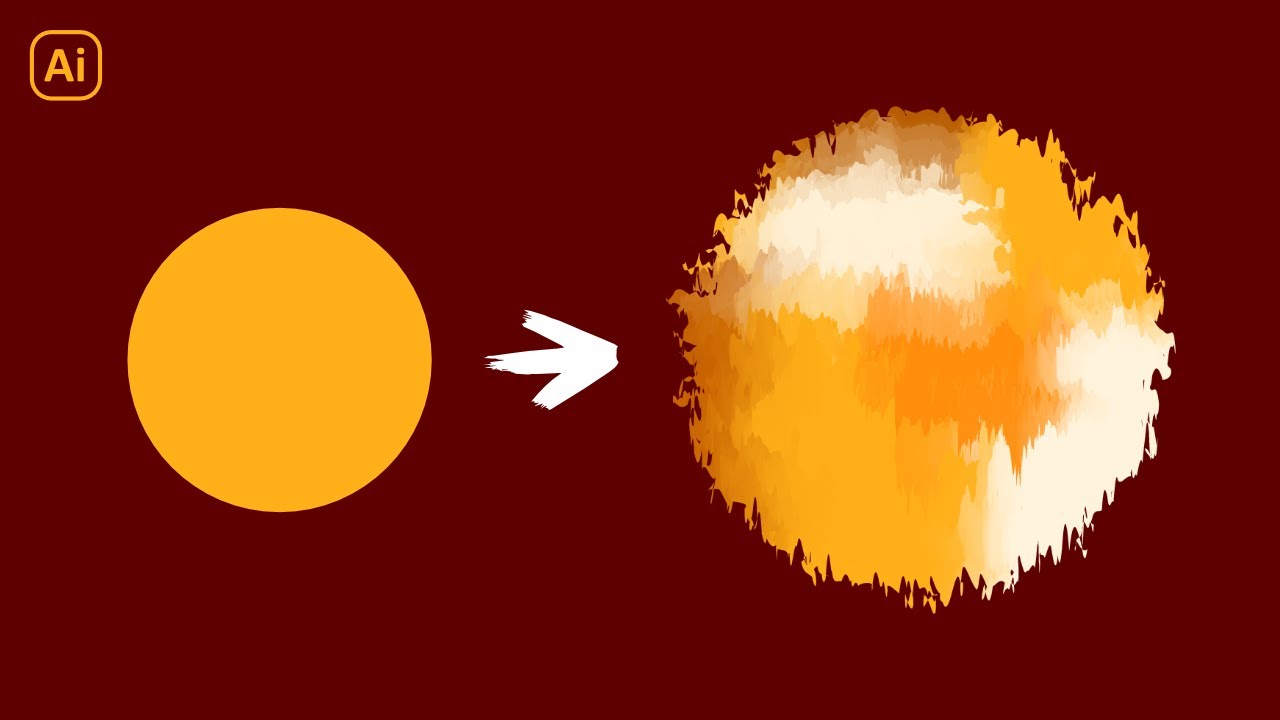
12:58 - Bristle Brush
14:31 - Pattern Brush
18:59 - Save/Load Brushes
► Download Unlimited Stock Photos, Fonts & Templates with Envato Elements: https://elements.envato.com/?utm_camp...
Illustrator's Paintbrush Tool (B) and Brush Panel are some of its most powerful tools. With the Paintbrush Tool (B) and Brush Panel, you can dress up your vector paths into compelling flourishes, patterns, tapered edges, and more.
Basically, the Paintbrush Tool (B) functions like the Pencil Tool, allowing you to click and drag to create a path. The difference is that the Paintbrush Tool applies predefined vector art to the paths you create. This might seem like a simple distinction, but using brushes will greatly improve your Illustrator productivity and help you create artwork you never thought possible.
Illustrator has four kinds of brushes. These various brushes offer a different kind of behaviors when applied to a path.
1. The Calligraphic Brush creates a brush stroke that looks as if it was made by an ink pen or paintbrush. With a Calligraphic Brush, you can define a nib or pen point.
2. The Scatter Brush will define vector art as a brush. The Scatter Brush will then scatter copies of the art across a path when applied to a path.
3. The Art Brush will define vector art as a brush. The Art Brush will stretch the art across a path when applied to a path.
4. The Pattern Brush allows you to specify five defined patterns to a brush and then distribute them along a path.
All of this will become much clearer in the video! Or read the full written guide to Illustrator's Paintbrush Tool and Brush Panel on Envato Tuts+: https://design.tutsplus.com/tutorials...
- - - - - - - - - - - - - - - - - - - - - - - - - - - - - - - - - - - - - -
Envato Tuts+
Discover free how-to tutorials and online courses. Design a logo, create a website, build an app, or learn a new skill: https://tutsplus.com/?utm_campaign=yt...
Envato Elements
All the creative assets you need under one subscription. Customize your project by adding unique photos, fonts, graphics, and themes.
► Download Unlimited Stock Photos, Fonts & Templates with Envato Elements: https://elements.envato.com/?utm_camp...
► Subscribe to Envato Tuts+ on YouTube: / tutsplus
► Follow Envato Tuts+ on Twitter: / tutsplus
► Follow Envato Tuts+ on Facebook: / tutsplus
- - - - - - - - - - - - - - - - - - - - - - - - - - - - - - - - - - - - - - brushes in illustrator

Доступные форматы для скачивания:
Скачать видео mp4
-
Информация по загрузке: