Скачать
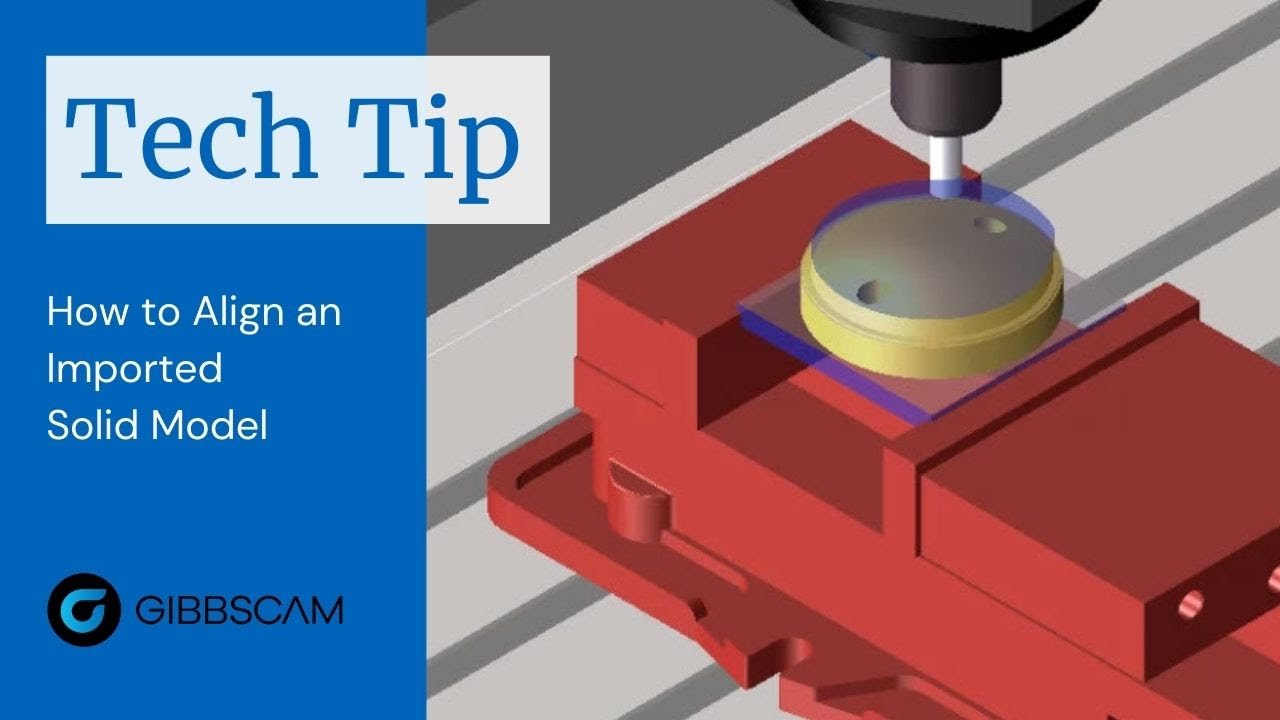
GibbsCAM Tech Tip: How to Align an Imported Solid Model
Автор: WestCAM Solutions
Загружено: 2021-04-13
Просмотров: 478
Описание:
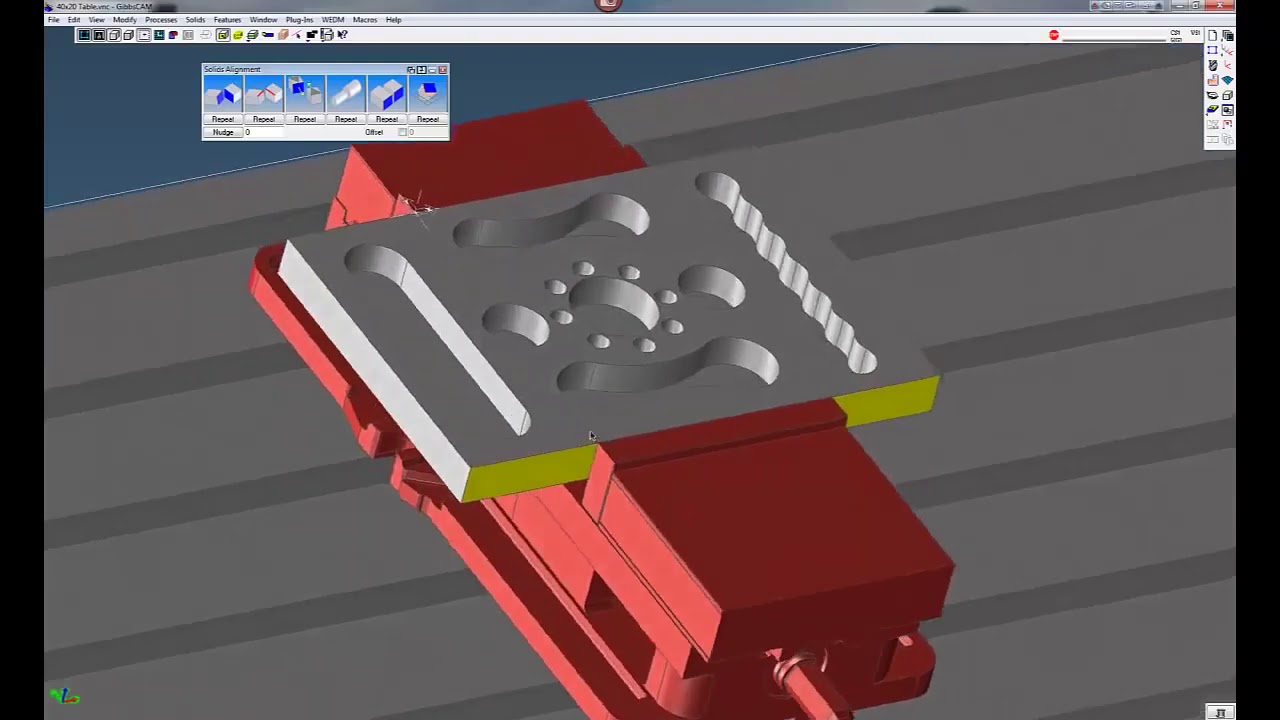
This GibbsCAM Tech Tip shows you another method of orienting an imported solid model. It demonstrates how to use coordinate systems to change the alignment—with no need to extract geometry.
It happens all the time, you import a solid model from your favorite CAD program and it comes in completely out of position in GibbsCAM. You need to quickly get it in machining position.
There are a few ways to tackle this issue to get you programming quickly. We showed you one way in a previous Tech Tip, and today we are going to show you another method using coordinate systems.
For more information about GibbsCAM, visit: https://www.gibbscam.com/
Доступные форматы для скачивания:
Скачать видео mp4
-
Информация по загрузке: