How to Use Filters, If & Switch Nodes in N8N
Автор: Ritesh Hegde - Your No-Code Partner
Загружено: 2025-08-14
Просмотров: 470
Welcome to Day 257 of the 1000-Day No-Code AI Challenge
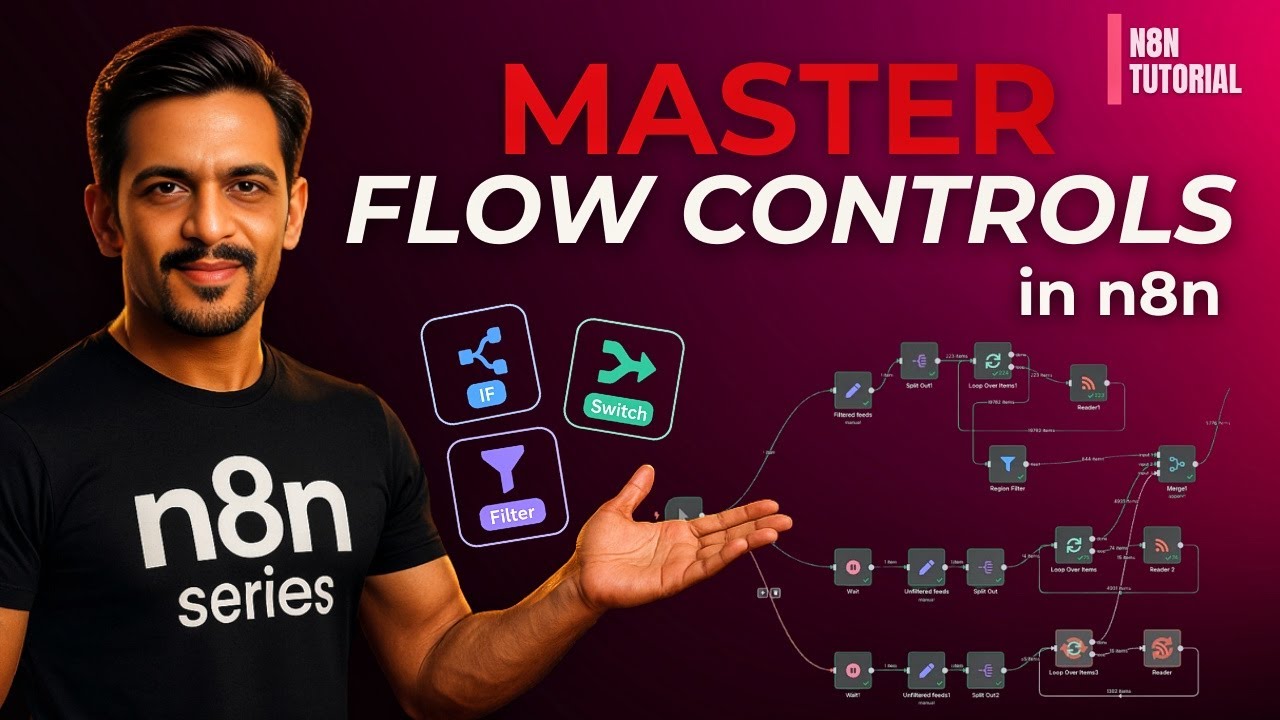
Today we’re unlocking Flow Control in n8n — the key to building smart, conditional automations that adapt based on your data. Whether you’re routing leads, filtering records, or combining multiple branches, this session will show you exactly how to use IF, Switch, Filter, and Merge nodes to design workflows that work the way you think.
In this tutorial, you’ll learn:
✔ How to use IF nodes for true/false decision making
✔ How to route data into multiple branches with Switch nodes
✔ How to Filter data before performing an action
✔ How to Merge different branches back together for unified processing
✔ Practical examples with Google Sheets & Outlook
✔ Sending different emails based on conditions
✔ Updating data back to Sheets automatically
By the end of this video, you’ll be able to create complex, dynamic workflows that save time, reduce errors, and handle multiple scenarios without manual intervention. Perfect for CRM, marketing, and operations automation.
Try n8n Free: https://n8n.io
Join WhatsApp Group: https://chat.whatsapp.com/FhzbbwTsZW3...
Community Webpage: https://abcd.ritz7.com/
Follow on Social Media:
Instagram: https://www.instagram.com/ritz7talks?...
LinkedIn: / ritztalks
Twitter: https://x.com/RitzTalks/
📌 Subscribe and Let’s Build Together: This isn’t just a series—it’s a movement. Subscribe to the channel, turn on notifications, and let’s create something impactful together. Let’s make the next 1000 days unforgettable!
#1000DayNoCodeChallenge #n8n #n8ntutorial
Доступные форматы для скачивания:
Скачать видео mp4
-
Информация по загрузке:








![ПОЛНЫЙ ГАЙД на n8n. ИИ агенты и автоматизации (5+ часовой курс) [Без кода]](https://image.4k-video.ru/id-video/tUufFo-JTZQ)


