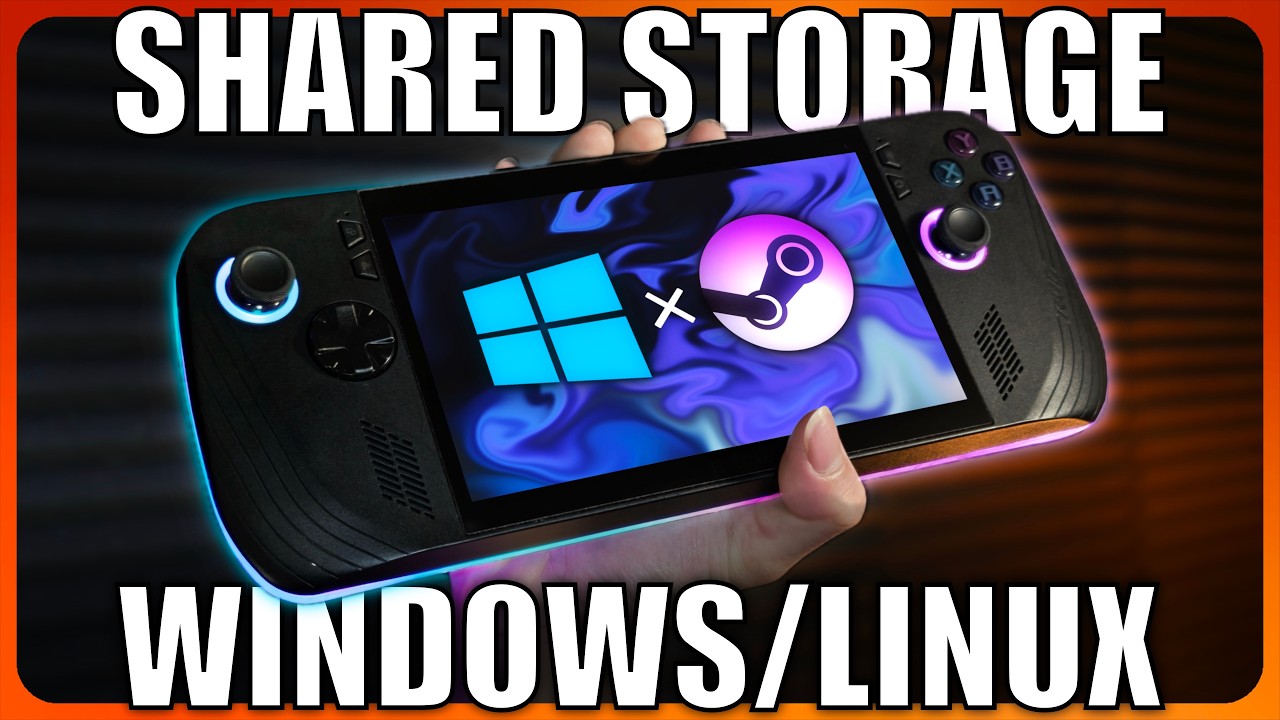
Dual Boot SteamOS and WINDOWS on your ROG Ally X! + SHARED Gaming Library!
Автор: TopGadget
Загружено: 2025-07-10
Просмотров: 8934
Hello guys today we will be ditching that good old windows for some Linux gaming action. But not completely, no we aren't saying goodbye to the sunshine that comes through that 4 panel glass opening in the wall, we are instead having both operating system installed with a shared partition so we can save on storage. Join me as we dive in how to set this up for a hassle free experience.
▬▬▬▬▬▬▬▬▬▬▬▬▬
Stuff you will need
Bazzite ➜ https://bazzite.gg/
Rufus (Windows) ➜ https://rufus.ie/en/
Belena Etcher (MacOS) ➜ https://etcher.balena.io/
▬▬▬▬▬▬▬▬▬▬▬▬▬
Commands
Identifying the Drive
$ sudo mkdir /media/gamedisk
Check if both these values are 1000 (they should be by default)
$ id -u
$ id -g
Attached Disk Partition
$ sudo fdisk -l
Identify UUID
$ sudo blkid
Edit the fstab
$ sudo nano /etc/fstab
On the bottom of the list, paste in the following:
UUID=[PASTE YOUR UUID HERE] /media/gamedisk ntfs uid=1000,gid=1000,rw,user,exec,umask=000 0 0
Reboot your system after
Link to the guide to mount the NTFS partition:
https://github.com/ValveSoftware/Prot...
▬▬▬▬▬▬▬▬▬▬▬▬▬
Timestamps
00:00 Intro
00:26 Stuff you will need
01:01 Downloading Bazzite & Creating a Bootable USB
03:29 Disable Fast Startup & Device Encryption
05:35 Shrinking Windows
06:27 Disabling Secure Boot and Fast Boot
07:42 Booting into Bazzite Installer
08:28 Bazzite Partition Guide
13:32 Blue Screen is Normal!
13:58 Bazzite TDP & RGB Control
14:40 Fixing Controller Desktop Input
15:44 Making Shared Drive
16:16 Mounting Shared Drive
18:42 Setting Shared Drive as Default
18:56 Bazzite and Windows test
19:35 Setting Default OS
20:18 Conclusion
▬▬▬▬▬▬▬▬▬▬▬▬▬
Help support us ➜ / topgadget
▬▬▬▬▬▬▬▬▬▬▬▬▬
Follow us
Tech hot takes ➜ / topgadgetmedia
Join the community ➜ / discord
▬▬▬▬▬▬▬▬▬▬▬▬▬
Current subscriber count - 1111
▬▬▬▬▬▬▬▬▬▬▬▬▬
Доступные форматы для скачивания:
Скачать видео mp4
-
Информация по загрузке: