ChromaLuxe Cuff Bracelets: Adding Dye Sub Images & Bending -
Автор: Condé Systems
Загружено: 2013-02-19
Просмотров: 6378
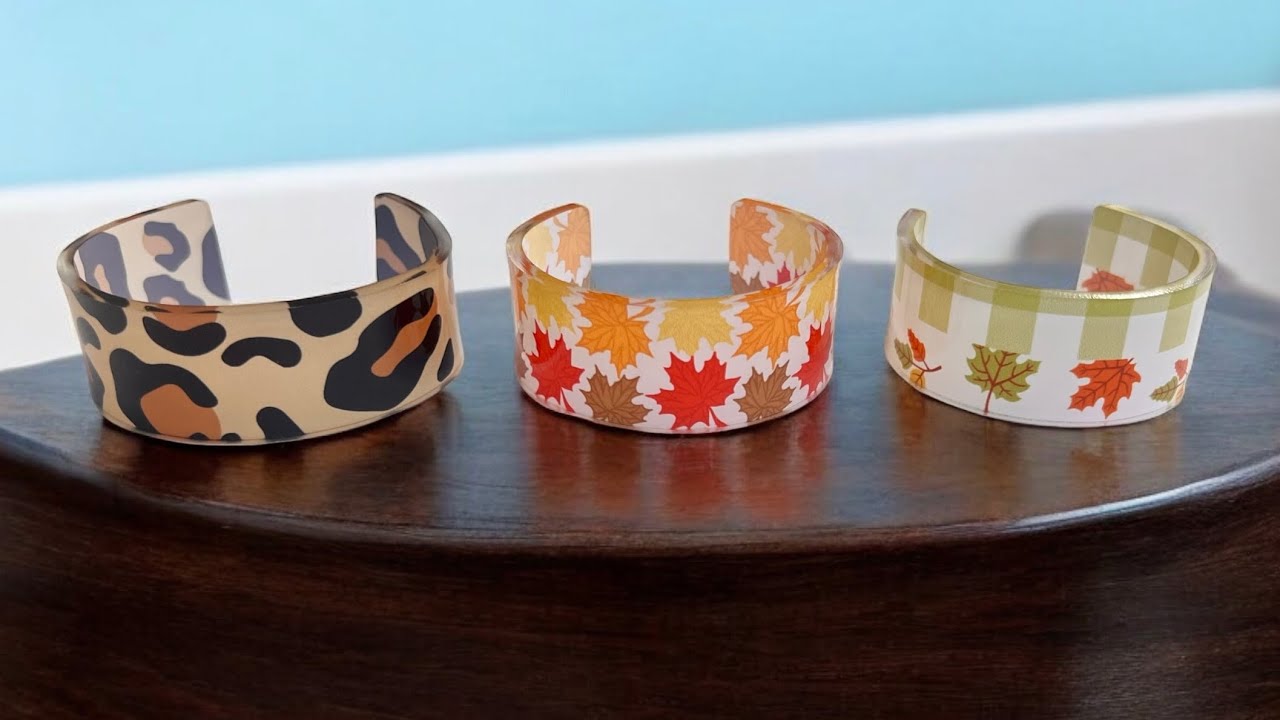
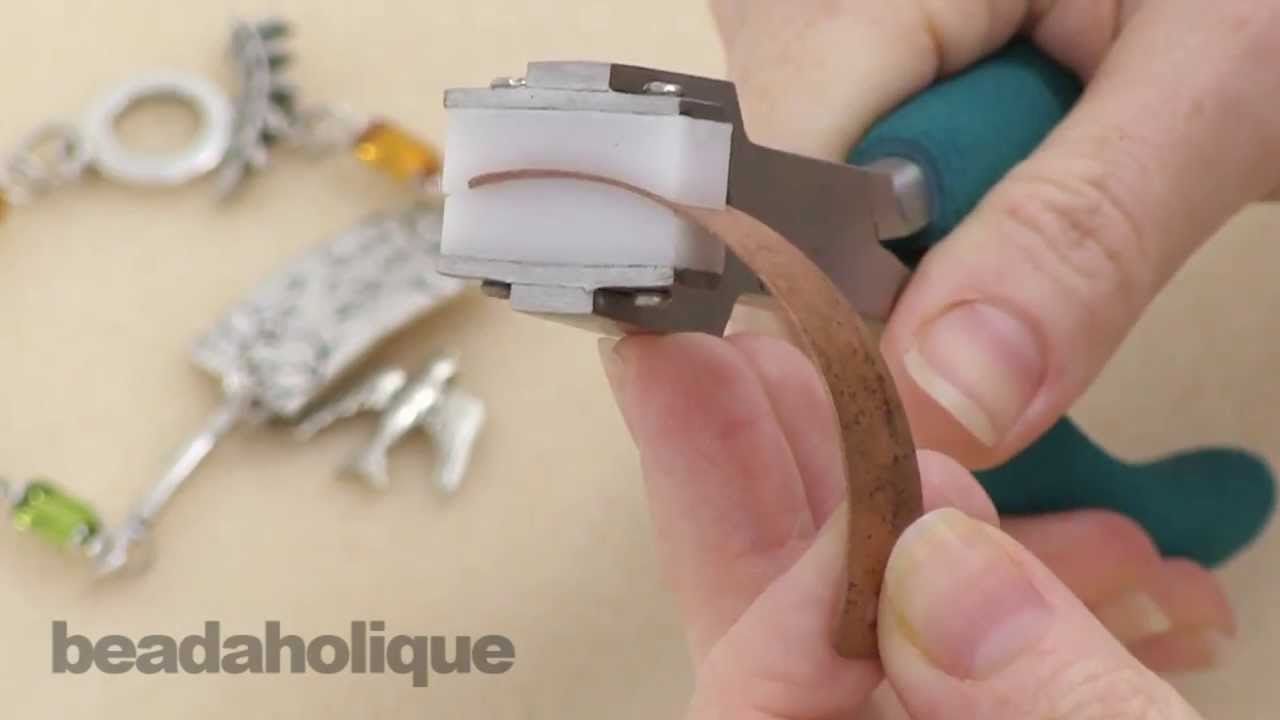
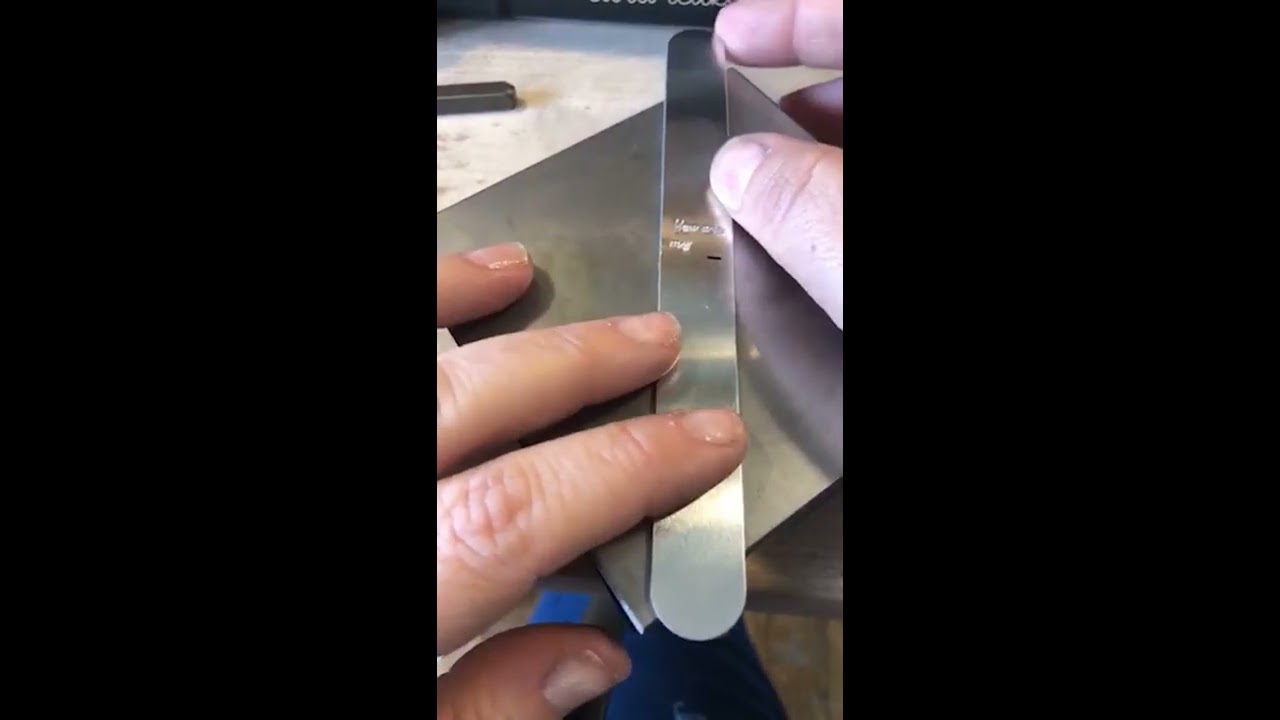
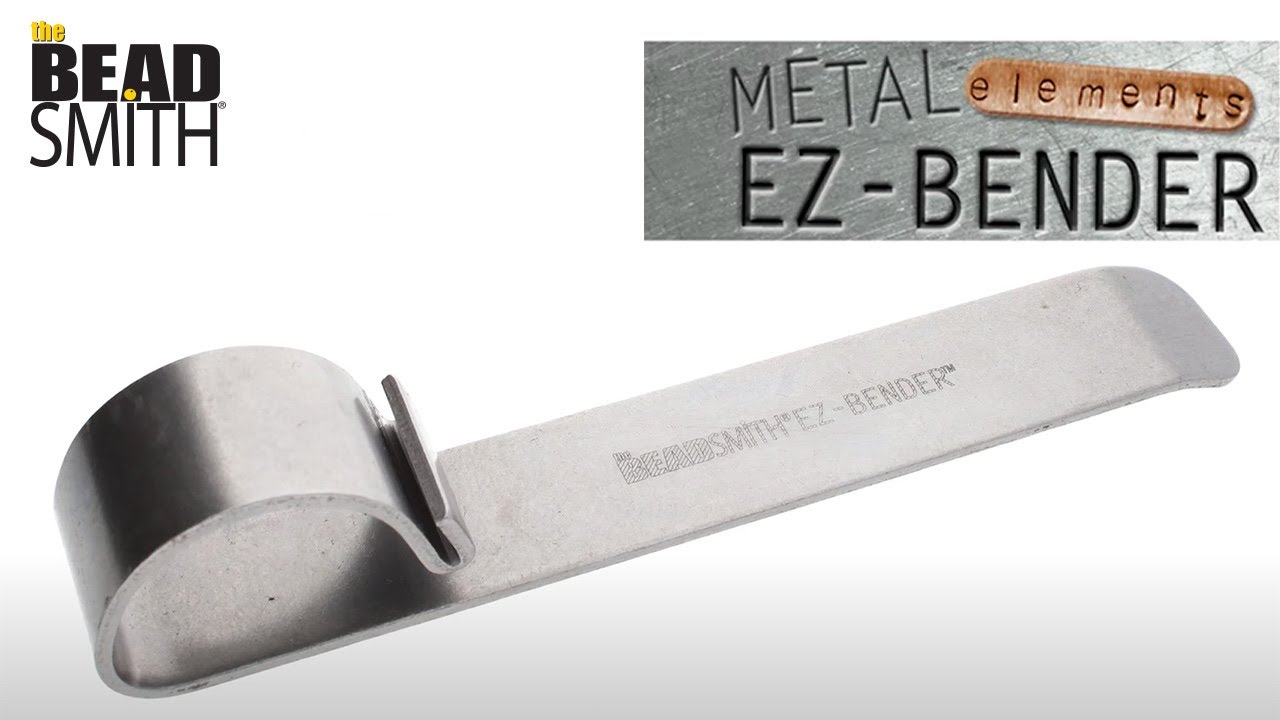
Here we have Brittany Anderson, Conde Systems' tech support, shows how to add images to ChromaLuxe® aluminum cuff bracelets. She is using sublimation transfers printed on TexPrint-R sublimation paper with a Ricoh e7700N printer using Sawgrass® SublJet-R™ sublimation inks and a George Knight® DC16 combo heat press. For bending the bracelets, she uses our Cuff Bracelet Bending Tool, it's easy to use and works nicely.
Contact conde.com or call 800.826.6332 for information about working with personalized and imaged products created by dye sublimation and heat transfer applications. Check out our videos that show how and showcase all the products you can make on condeTV.com.
This video applies to the following part numbers at conde.com:
UCM0022
UCM0023
67702
Доступные форматы для скачивания:
Скачать видео mp4
-
Информация по загрузке: