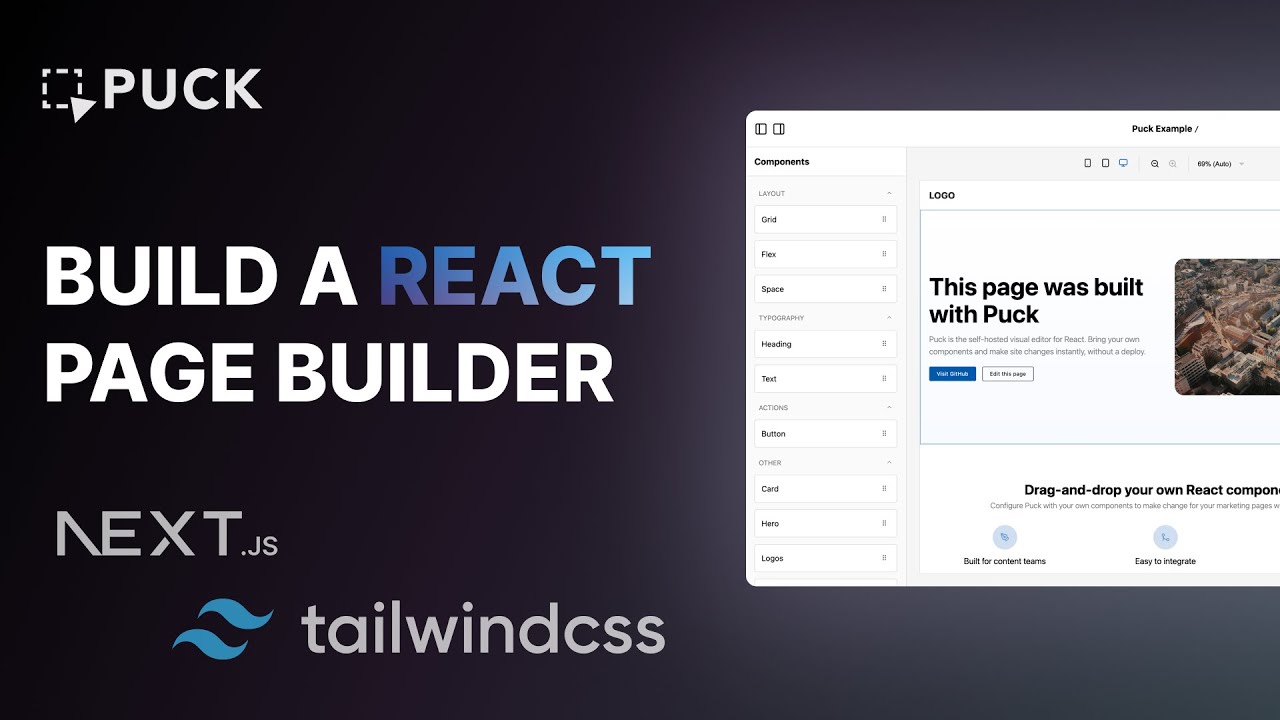
How to Build a React Page Builder: Puck and Tailwind v4.0
Автор: Puck
Загружено: 2025-04-09
Просмотров: 23923
In this beginner-friendly tutorial, you’ll learn how to build a page builder from scratch using Next.js, Tailwind v4.0, and Puck. By the end, you'll have a fully functional builder that you can integrate with any CMS, and you'll understand all the core Puck concepts needed to build any design-in-browser tool you’ve got in mind.
Puck is the open-source visual editor for React that you can embed in any application.
If you find this project useful, give it a star — it really helps! 👉 https://github.com/puckeditor/puck ⭐️
Learn more:
🔗 Read the docs: https://puckeditor.com?utm_source=you...
👾 Join our Discord: / discord
🐦 Follow on X: https://x.com/puckeditor
Article links:
🧑💻 Code from video: https://github.com/FedericoBonel/puck...
📰 Article for video: https://puckeditor.com/blog/how-to-bu...
🍱 Puck recipes: https://github.com/puckeditor/puck#re...
🧩 Tailwind installation guide: https://tailwindcss.com/docs/installa...
Contents:
00:00 - Introduction
00:38 - What is Puck?
03:05 - Application Overview
03:54 - Installing Puck
07:19 - Setting Up Puck
13:13 - Adding Components to Puck
19:39 - Integrating Tailwind v4.0
22:36 - Making Tailwind Styles Dynamic
34:03 - Wrapping Up
Доступные форматы для скачивания:
Скачать видео mp4
-
Информация по загрузке: