🚀 Set Up a Docker-Based Hadoop Ecosystem 🐳📊
Автор: Phayung Meesad
Загружено: 2024-12-07
Просмотров: 439
Download the pre-configured Hadoop ecosystem 👉 hadoop-eco.zip https://drive.google.com/file/d/1kTZa...
Extract and dive into a ready-to-deploy distributed data platform! Perfect for big data enthusiasts.
🔑 Key Files and Their Purposes
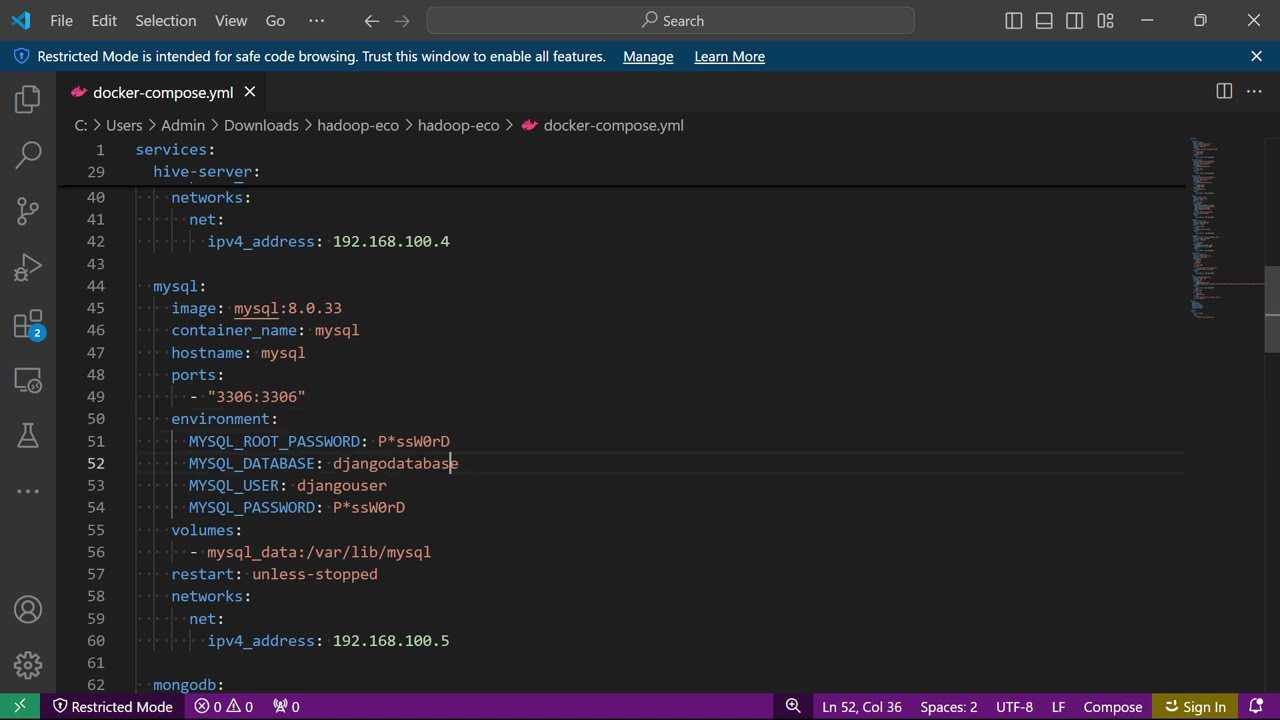
docker-compose.yml: Defines services, networks, and volumes.
Hadoop Configuration Files: core-site.xml, hdfs-site.xml, mapred-site.xml, yarn-site.xml, log4j.properties.
Dockerfile & Shell Scripts: Build images and automate initialization.
Environment Files (.env): Simplify configuration management.
Additional Services: JupyterLab for analytics, MongoDB/MySQL for databases, and Sqoop for data import/export.
📂 Implementation Steps
Verify Prerequisites
Confirm Docker and Docker Compose installations:
docker --version
docker-compose --version
Configure Environment Variables
Edit .env files to customize your ecosystem.
Build & Deploy
Navigate to the project root and launch the ecosystem:
docker-compose up --build
Access Services
Hadoop Web UIs: NameNode at http://localhost:9870, ResourceManager at http://localhost:8088.
JupyterLab: Open your browser at http://localhost:8888[token].
Databases: Use CLI tools or applications like DBeaver.
Test Integration
Monitor Logs
For troubleshooting, check logs:
docker-compose logs -f
Customization Options
Tailor your setup by modifying configuration files and Dockerfiles.
📈 Why This Ecosystem?
Achieve seamless big data workflows with integrated services, from storage and processing to analysis and visualization.
💡 Subscribe for more tech tutorials and setups!
👍 Like, 💬 Comment, and 🔔 Turn on notifications for updates!
#Docker #Hadoop #BigData #JupyterLab #Sqoop #MongoDB #MySQL #DataAnalytics
Доступные форматы для скачивания:
Скачать видео mp4
-
Информация по загрузке: