How To Fix Generals Please Make Sure You Have DirectX 8.1 Or Higher Installed
Автор: Speedy Tutorials
Загружено: 2026-01-09
Просмотров: 101
How To Fix Generals Please Make Sure You Have DirectX 8.1 Or Higher Installed
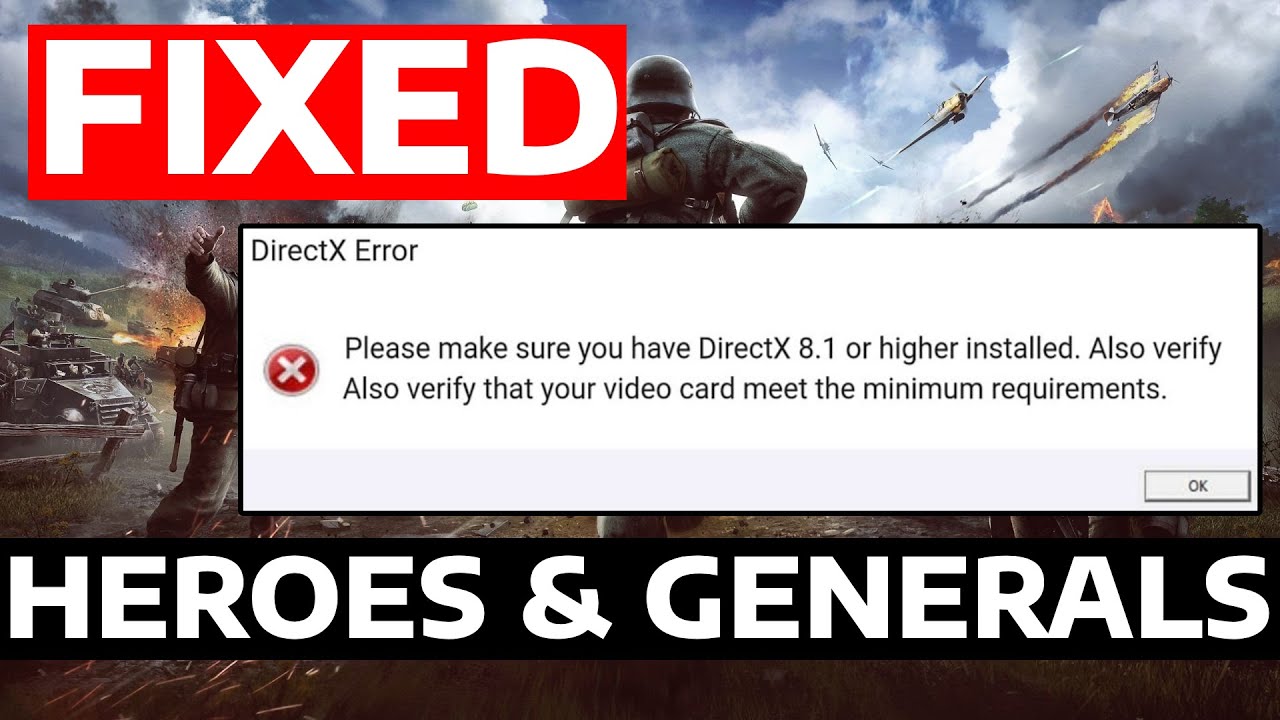
In this tutorial, I’ll show you how to fix the “Please make sure you have DirectX 8.1 or higher installed” error in Command and Conquer: Generals on PC. This error usually appears when the game cannot detect the required DirectX version or if DirectX is corrupted. I’ll guide you on updating or reinstalling DirectX so you can play the game without issues.
Issues addressed in this tutorial:
generals directx 8.1 or higher error fix
command and conquer generals directx missing fix
directx not detected generals windows fix
fix generals cannot start directx error
update directx for command and conquer generals
This works on Windows 11, Windows 10, Windows 8/8.1, Windows 7 and works on PC, Desktop & Laptop.
Доступные форматы для скачивания:
Скачать видео mp4
-
Информация по загрузке: