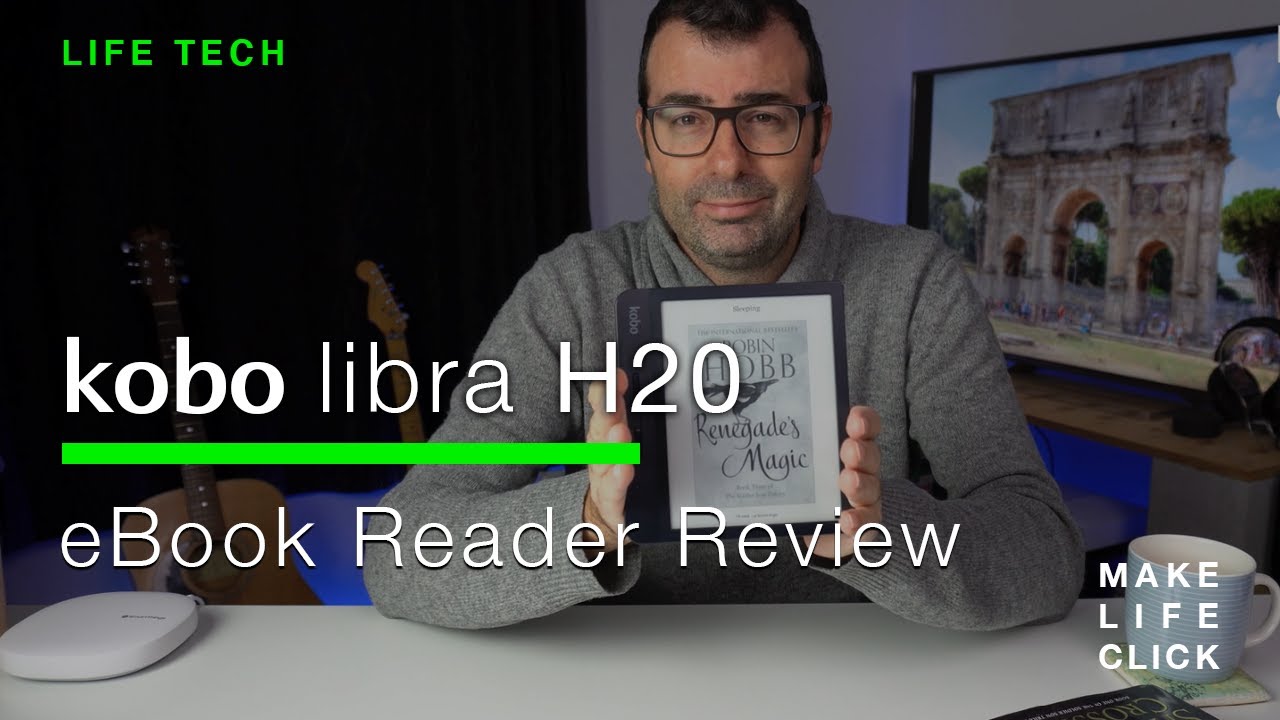
Kobo Libra H2O Honest Review | Better Than Kindle Paperwhite?
Автор: Make Life Click
Загружено: 2020-07-28
Просмотров: 75525
I wasn't a big reader — until I bought the Kobo Libra H2O. 📚 In this video, I share my full review of the Kobo Libra H2O, how it completely changed my reading habits, and why I chose it over the Kindle Paperwhite and Kindle Oasis.
👉 Covered in this review:
First impressions and design overview
ComfortLight PRO and waterproof features
Why I prefer Kobo over Kindle for library borrowing (OverDrive)
How the ergonomic design makes a real difference
Screen quality, page-turn buttons, and ease of use
Real-world experience after finishing multiple books
If you're thinking about buying an e-reader, or wondering if the Kobo Libra H2O is worth it, this honest review will help you decide!
Check out the Kobo h20 here: https://amzn.to/4cTP80O
or
Amazon Kindle Paperwhite: https://amzn.to/3EuVWFr
See on Make Life Click: https://makelifeclick.com/kobo-libra-...
This hands-on kobo libra h20 review walks through the reasons why this is an excellent choice for an eReader, even when put next to the Kindle Oasis ereader. This 7 inch, 300 PPI resolution ebook reader is a powerhouse of features packed into a nice to hold form factor.
The kobo libra h20 is cheaper and has all the features and specifications you need to ensure you love reading, whether it's ebooks (ePub files), borrowed from your library via Overdrive or kobo books purchased from the Kobo ebook store.
Transcription:
The Kobo Libra H2O comes in two colors, it comes in white, as you can see on there. And then it comes in black, which you can see there. It's a 7-inch 300 PPI, which basically means there's a hell of a lot more dots on this thing or a hell of a lot more resolution on this thing than some of the cheaper models that you can buy, making the text a lot clearer. Basically, think of it as going from a standard TV to a slightly more HDTV. It is also H2O waterproof, being able to be submerged up to 2 meters for I believe up to about two hours. But unless you're going to drop this in the swimming pool and forget that it's there, it's highly unlikely that it's gonna be submerged for that long. It has something called a comfort light probe just slightly making the E Ink paper on this a little bit yellower taking the edge of any blue light that might exist in the device. Obviously, it's very different to trying to read on a tablet or an iPhone, which I find horrible. On that note, why would you buy an ebook reader as opposed to not just reading on your tablet or your phone? If you read on your tablet or your phone, that's great, but the reason that I fail at that is every time I pick up my tablet or my phone, I've probably got 5 or 10 notifications that distract me. So by the time I remember why I picked up my phone, I've really run out of all my reading time. Also, I don't like the shine, obviously, on a tablet or a phone screen. The E Ink on these things, both the Kindle and the Kobos and any other ebook readers out there are really quite fantastic in terms of reading them in daylight, not having that reflectiveness of any other shiny surfaces around. So it does make a huge difference when you're doing your reading.
This device is $100, maybe $100-plus cheaper than the Kindle Oasis, but it has really quite similar specs. And is really nice to hold. Wonderful to read on. I think once you start reading really on any e-reader, the experience is quite similar. So once you get lost in the book, as long as you can control the brightness in the background, if you're reading in dim light or bright light, if the fonts are controllable, the size is controllable, it's easy to paginate through all of the pages. It's you know, you're lost in the book, and that's fantastic. So I didn't really understand why I should pay over $100 more for the Oasis when this was gonna do everything that I needed. The setup is very simple. There's three basic steps. When you get the box, you open it up. And inside, obviously, there's the reader and the quickstart guide, which is about three pages long, and then obviously, you've got lots of fine print. The other thing I like about the Kobo, which is quite book-like is when it is on standby or sleep, you still get the book cover, grayscale cover on the front. Even just leaving it lying around as it is now, it's sleeping and even when it's powered off, it still shows it. So it's like, "Oh, lok, there's a book," not like, "There's a tablet that's asleep." It's the little things, people, it's the little things.
Доступные форматы для скачивания:
Скачать видео mp4
-
Информация по загрузке: