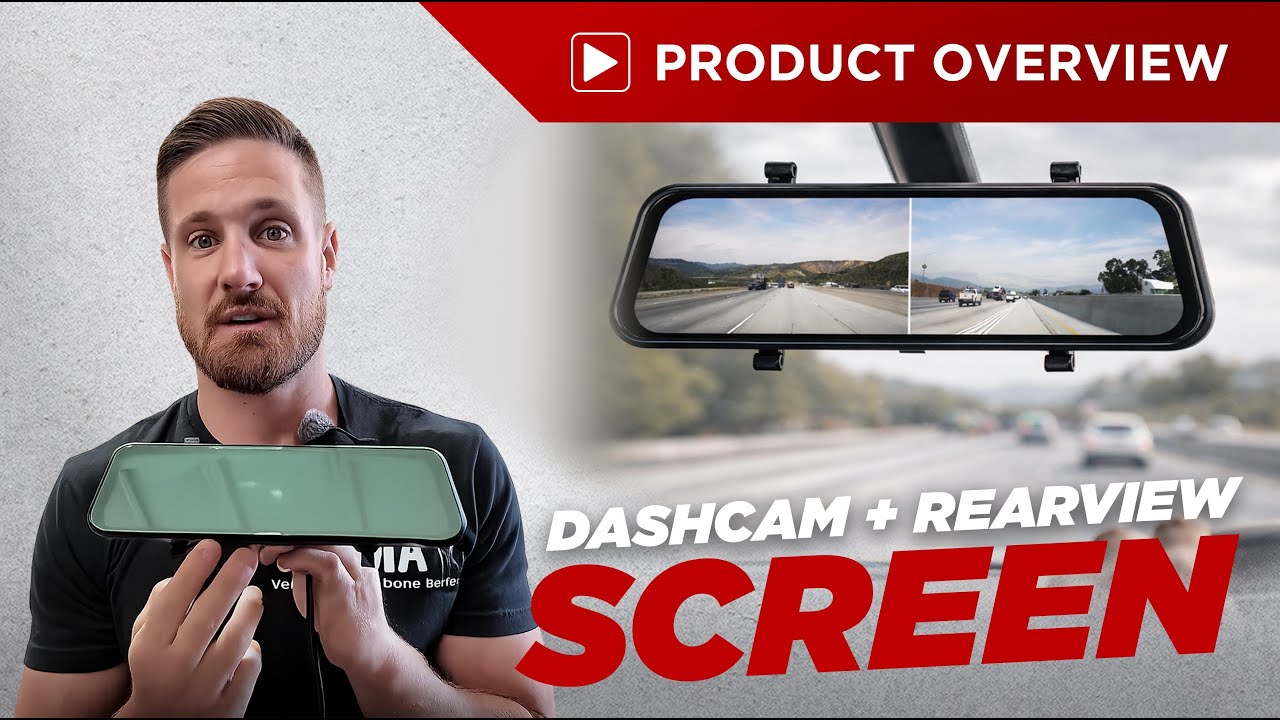
Dashcam + Rear View Mirror Screen | Product Overview
Автор: Vhedia
Загружено: 2026-01-20
Просмотров: 138
How you going there, guys — in this video we run through our Rear View Mirror Screen and why it’s such a handy upgrade when your factory mirror is basically useless (canopy, truck, van, towing a caravan… you get the idea).
It clips onto your existing mirror or can be mounted as a clean OEM-style replacement using the correct adapter bracket — so you can keep it tidy and factory-looking.
✅ Two versions (important)
Model A: Built-in forward-facing dash cam + 1x external 4-pin camera input
Model B: No built-in camera + 2x external 4-pin camera inputs
(That limitation is chipset-related — it’s just how these units are designed.)
🔧 Mounting options
Clip-on install: Elastic straps (great for temporary caravan trips)
Factory replacement style: Use the correct adapter bracket for your vehicle for a super tidy finish
🎥 What it does
Keeps mirror reflectiveness AND gives you a live camera screen
Records footage via SD card (front + rear / camera inputs depending on model)
Swipe between front / rear / split screen
Optional trigger wire (12V) to auto-switch camera views (perfect for reverse camera setups)
⚡ Wiring basics
B+ (constant power)
ACC (ignition power)
Ground
Trigger wire (12V = switch camera view automatically)
🧰 Install tips shown in this video
Removing the factory mirror (example shown on a Triton)
Routing cable neatly through the headliner (no ugly dangling wires)
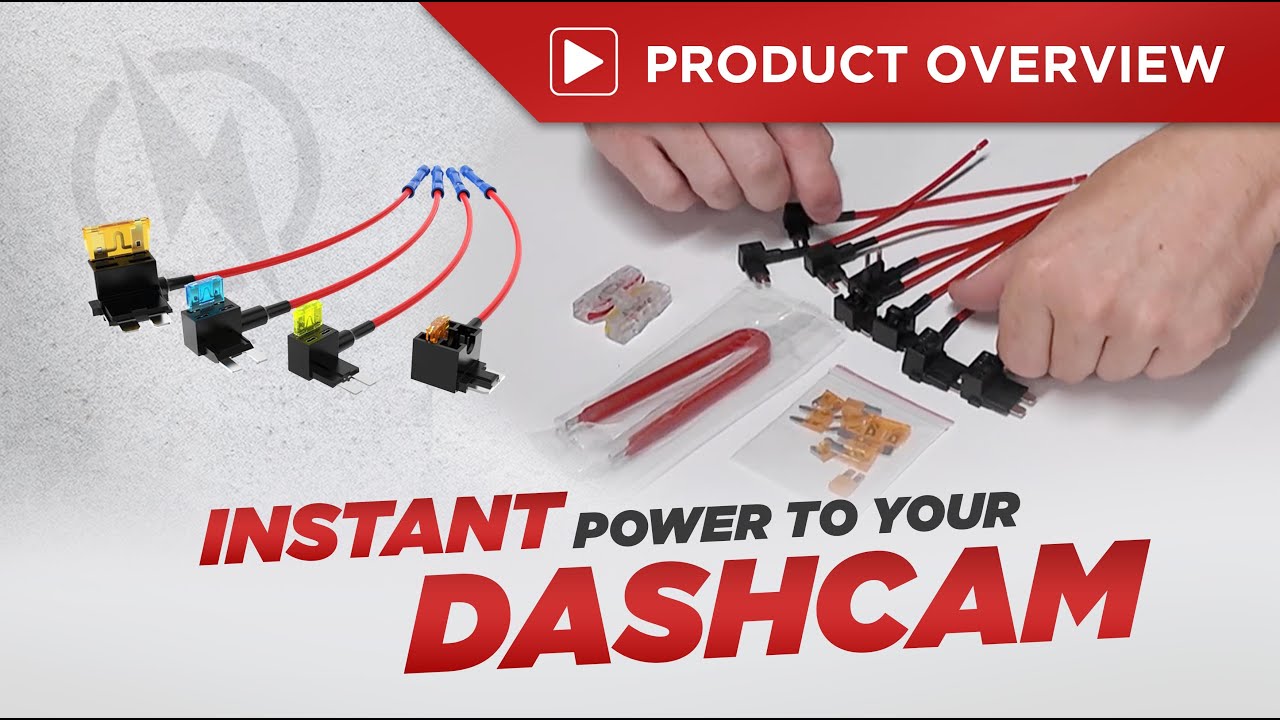
Using fuse taps to add ACC + constant power properly
Testing fuses with a multimeter / circuit tester before tapping in
If you’re unsure which adapter suits your vehicle, reach out — there are a few common bracket types and we’ll point you to the right one.
Доступные форматы для скачивания:
Скачать видео mp4
-
Информация по загрузке: