Adobe Acrobat: Read Aloud & AI Summaries Transform PDF Experience | Accessibility Symposium 2025
Автор: Max ability
Загружено: 2026-01-05
Просмотров: 17
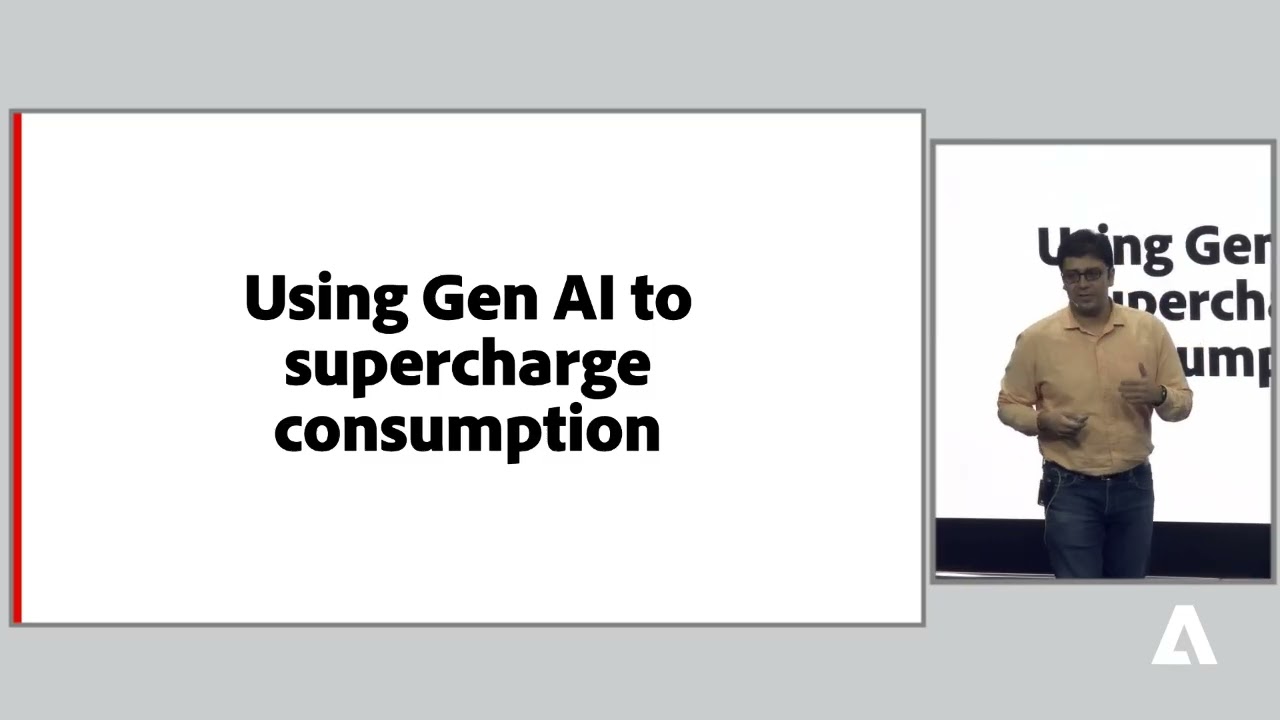
Explore how Adobe Acrobat is redefining accessibility and productivity for millions of users worldwide! In this session from Accessibility Symposium 2025, Sandeep Jain and the Acrobat team showcase the latest innovations making PDFs more accessible, intuitive, and efficient.
From enhanced Read Out Loud features that bring text-to-speech right to the top bar, to human-like online voices and keyboard navigation improvements, Acrobat ensures users with visual impairments or learning differences can consume documents with ease.
The session also highlights generative AI-powered summaries that instantly extract key points from lengthy PDFs, including scanned documents, enabling faster understanding and decision-making. Learn how AI assistants can answer queries directly from the document while keeping your data secure.
Whether you’re a student, professional, or someone who wants inclusive digital experiences, this session demonstrates how Acrobat is breaking barriers in accessibility and document management.
Key Highlights:
•
Read PDFs aloud with enhanced accessibility features
•
Human-like online voices for better comprehension
•
Keyboard-friendly controls for all users
•
Generative AI summaries and query-based document navigation
•
Secure handling of sensitive documents
•
Inclusive features for global accessibility
#AdobeAcrobat #AccessibilitySymposium2025 #PDFAccessibility #AssistiveTechnology #InclusiveDesign #ReadOutLoud #GenerativeAI #DigitalInclusion #AccessibleDocuments #TechForGood
Доступные форматы для скачивания:
Скачать видео mp4
-
Информация по загрузке:








![Как сжимаются изображения? [46 МБ ↘↘ 4,07 МБ] JPEG в деталях](https://image.4k-video.ru/id-video/Kv1Hiv3ox8I)

