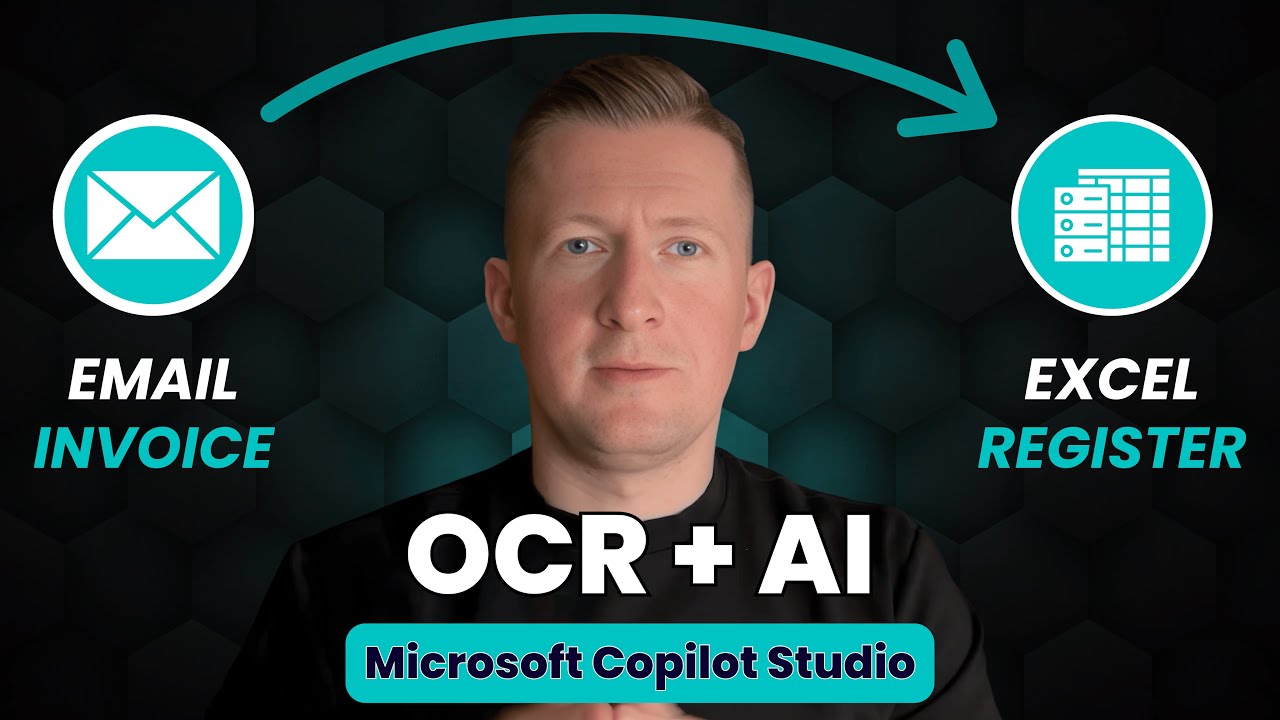
Build an AI Email Invoice Attachment Processor with OCR in Microsoft Copilot Studio (Step-by-Step)
Автор: oartconsult
Загружено: 2026-01-16
Просмотров: 84
Stop wasting hours manually processing invoice emails. I'm showing you how Microsoft Copilot Studio handles incoming invoice attachments completely automatically - from reading the email to extracting data to registering everything in Excel.
Most automation builders get stuck doing repetitive invoice processing work. This tutorial reveals the exact seven-step process that manages emails, reads attachments with OCR, extracts invoice data with AI, and feeds it into Excel tables without any manual work.
I've been working with business processes for over five years, and this is one of the most practical Microsoft Copilot Studio flows I've built. You'll see how Power Automate triggers combine with AI agents to create a system that processes invoices in seconds instead of hours.
Here's what you'll discover in this step-by-step guide:
1. Email Trigger Setup: Watch me configure the Power Automate trigger that monitors a specific folder and only processes emails with attachments, so you control exactly what gets processed.
2. OCR Text Extraction: See how the flow extracts text from PNG, JPEG, and multi-page PDF files, then stores the data with bounding box coordinates so the AI understands where information appears on the invoice.
3. AI Agent Integration: Follow along as I show you the exact prompt that instructs the AI to extract invoice number, vendor, customer, invoice date, due date, gross amount, and currency from the OCR text.
4. Conditional Logic: Discover how the flow decides whether an invoice has all required data and routes it to either the processed folder or error folder automatically.
5. Excel Integration: I'll demonstrate the formula that feeds extracted invoice data into specific columns of an online Excel table, creating a perfect registration system.
6. SharePoint File Management: See how attachments move through different folders based on processing results, keeping your system organized without manual sorting.
7. Real-Time Testing: Watch five different invoice attachments process live - including a two-page PDF and a five-page PDF - to see exactly how the system handles various formats.
The breakthrough comes from understanding that AI can read invoice layouts when you provide OCR data with coordinate information, not just plain text. This approach makes your invoice processing accurate across different vendor formats.
Your complete method: Email arrives with attachments, OCR extracts text with coordinates, AI agent reads the structured data, extracts required fields, validates completeness, then either registers the invoice in Excel and moves it to processed, or flags it for manual review in the error folder.
I'm showing you the exact Power Automate actions, Microsoft Copilot Studio agent configuration, prompt setup, and SharePoint folder structure that create this automatic invoice processing system.
The key consideration: This technique works with any invoice format because the AI learns from the visual layout, not rigid templates. You can process invoices from different vendors without rebuilding rules.
At the end, I demonstrate the AI-generated documentation feature in flospect that creates a complete process document with screenshots, steps, KPIs, and monitoring sections automatically.
Ready to stop manually processing invoices? Watch me build this complete automation step-by-step.
If you want early access to flospect when it launches, join the waitlist at https://flospect.io
If you want access to this complete email invoice processing flow inside flospect, comment below the video and I will contact you directly.
Have other Microsoft Copilot Studio automation ideas you'd like me to tackle? Drop them in the comments below.
Subscribe for more advanced Microsoft Copilot Studio tutorials and automation solutions.
#MicrosoftCopilotStudio, #InvoiceProcessing, #PowerAutomate, #AIAutomation, #OCRExtraction, #BusinessAutomation, #CopilotStudioTutorial, #EmailAutomation, #InvoiceManagement, #ProcessAutomation
Доступные форматы для скачивания:
Скачать видео mp4
-
Информация по загрузке:











