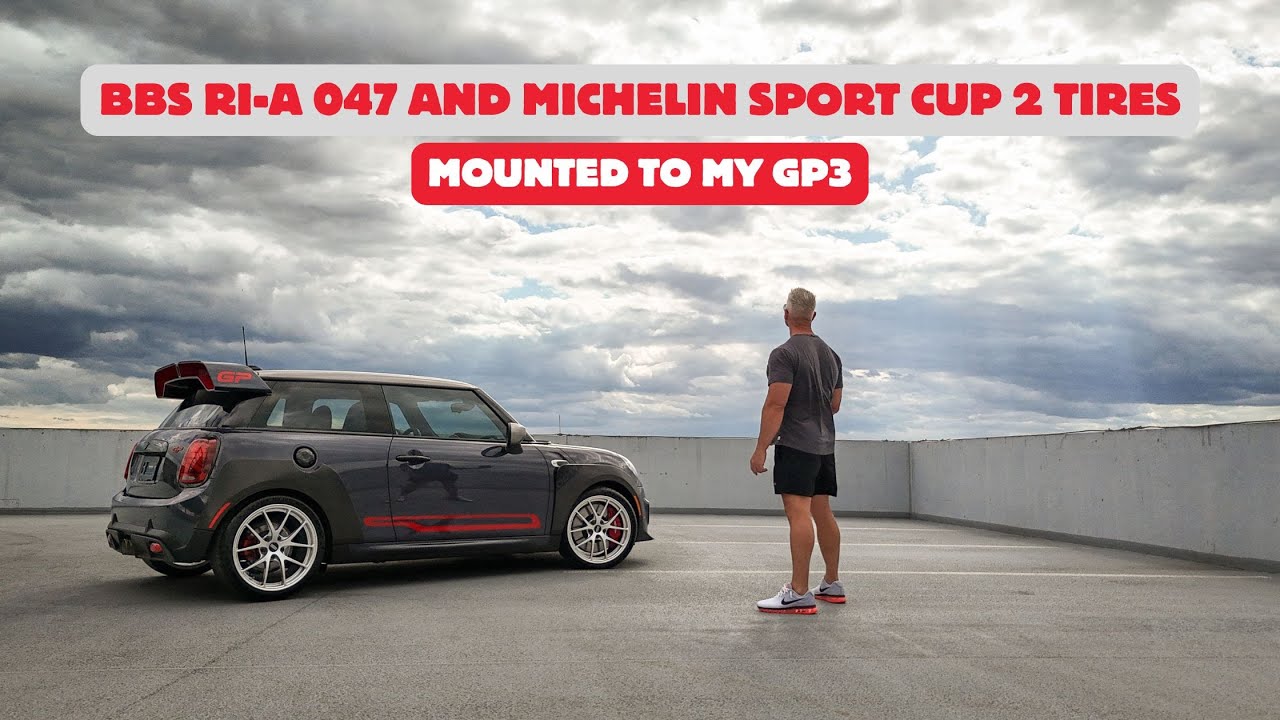
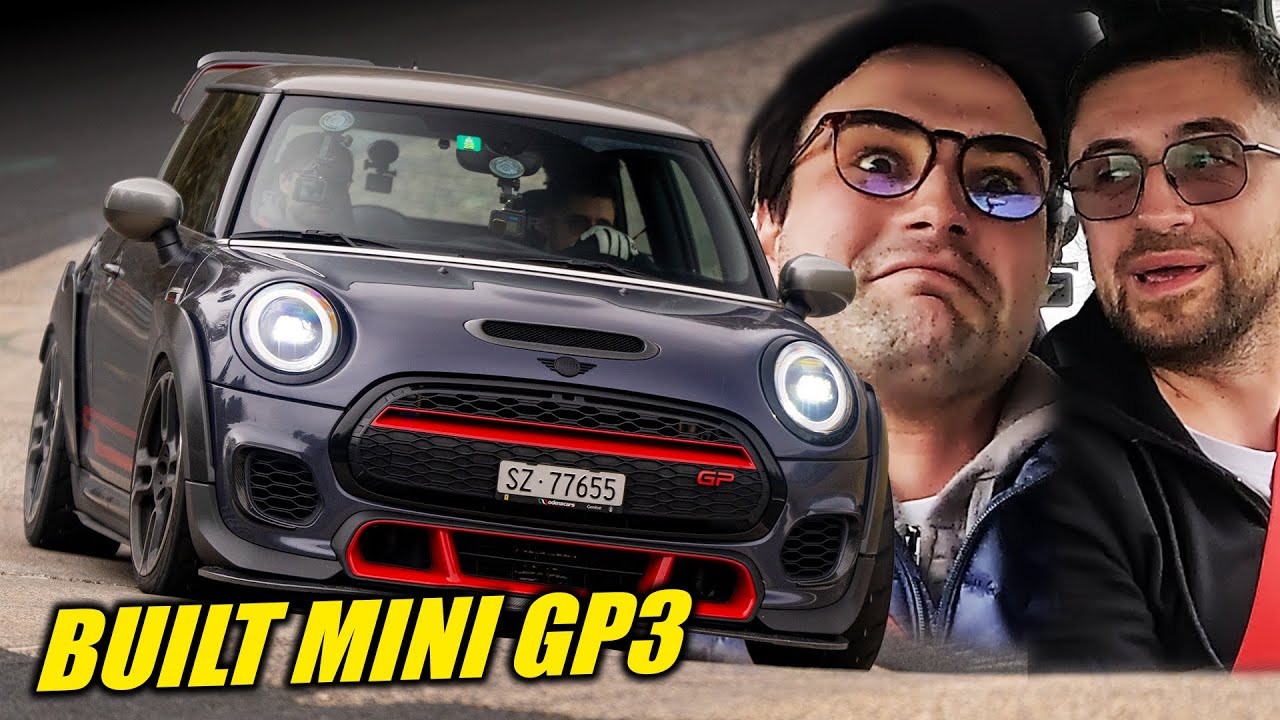
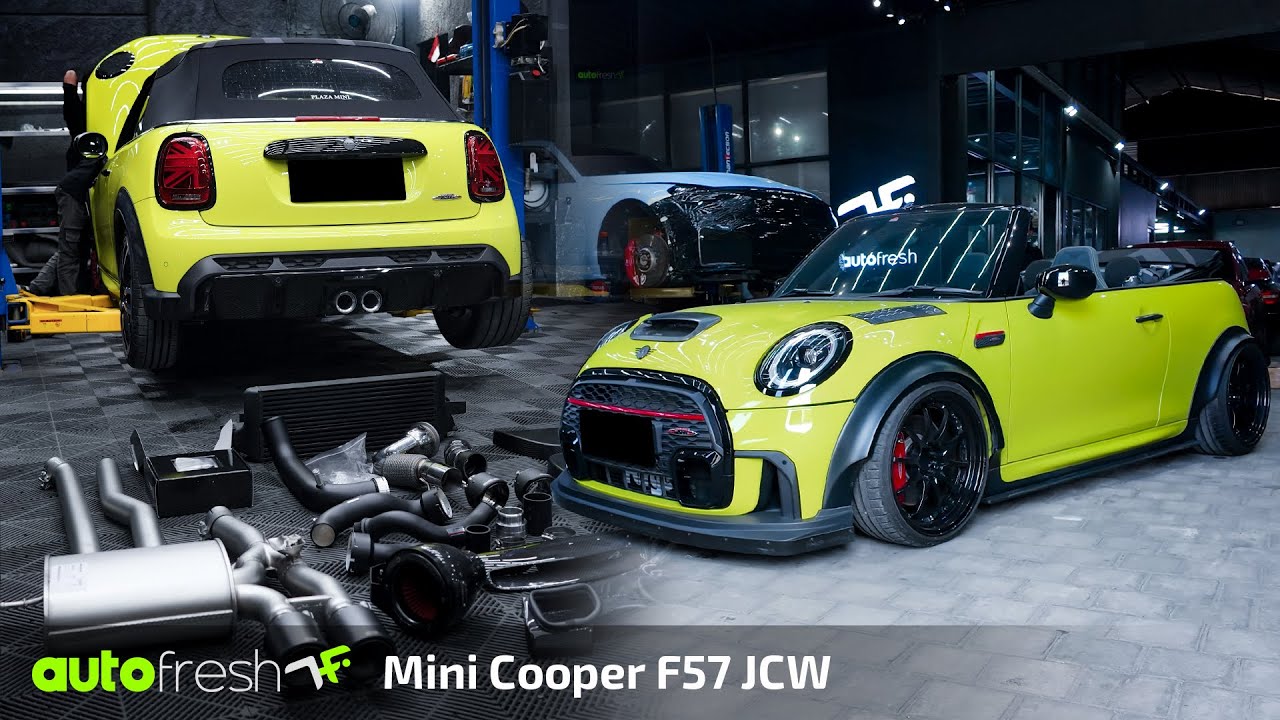
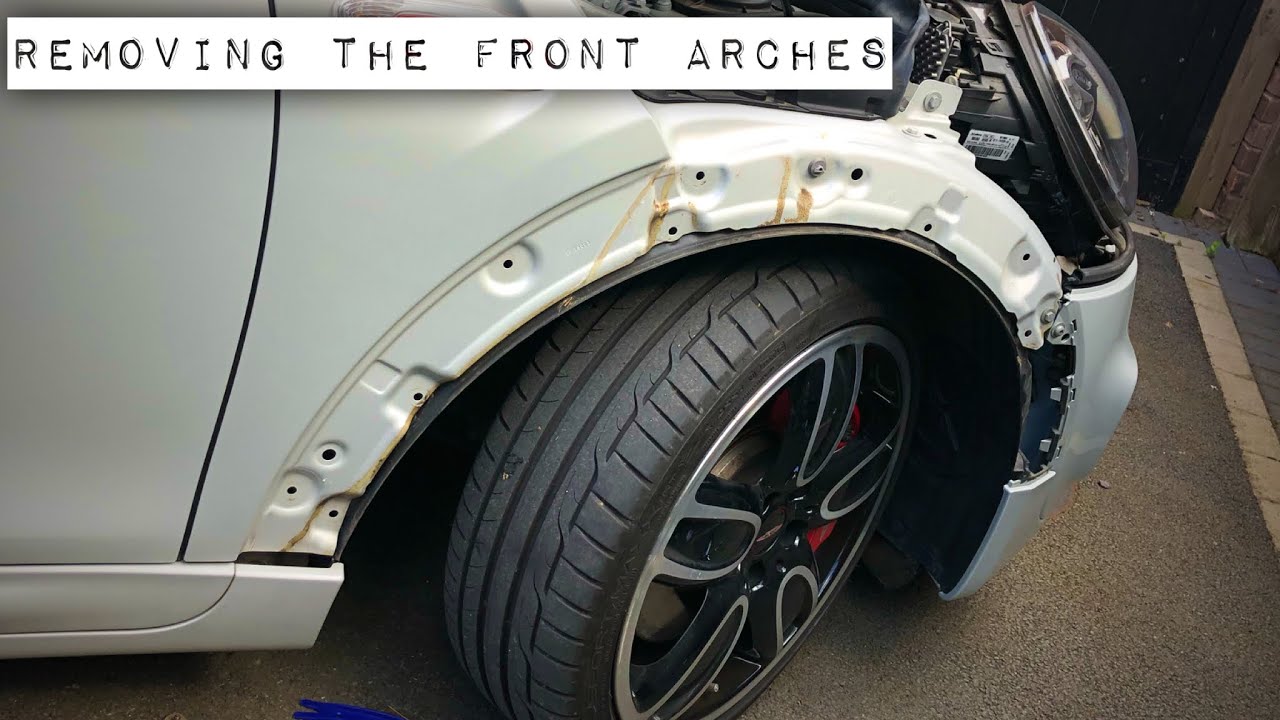
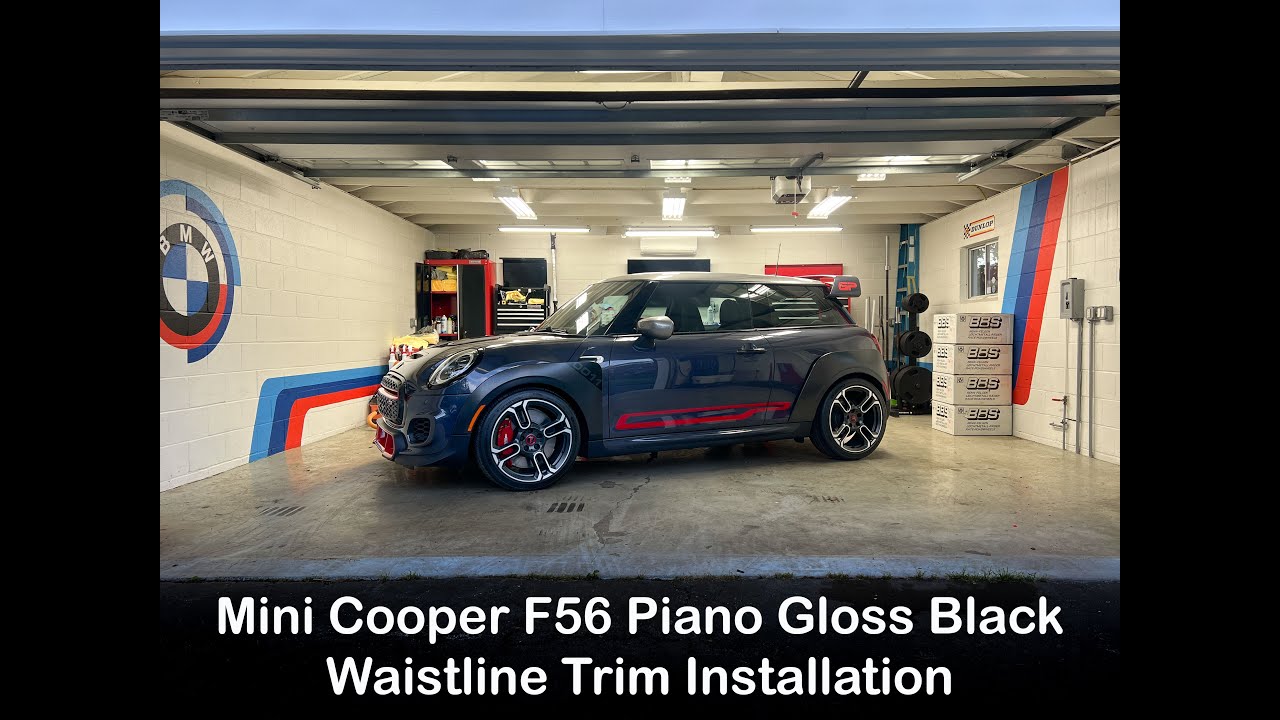
Mini GP3 F56 Gloss Black Waistline Trim Kit Install
Автор: MikeyTCollective
Загружено: 2025-05-16
Просмотров: 3537
How To Install Gloss Black Waistline Trim – MINI Cooper GP3 (F56)
In this video, I walk you through the step-by-step installation of the factory Piano Gloss Black Waistline Trim Kit on my 2021 MINI Cooper GP3. This simple yet impactful upgrade replaces the standard chrome trim with a sleek black finish, giving your MINI a cleaner, more aggressive look.
This DIY guide applies to all F56 body style MINIs (2014–2023), including the Cooper, Cooper S, JCW, and GP models. Whether you're looking to de-chrome your MINI or just want that factory gloss black style, this video has you covered with clear instructions, tools needed, and tips to get the job done right.
✅ Fits all F56 MINIs
🔧 OEM factory part installation
🎥 @mikeytcollective
Products used:
Piano Gloss Black Waistline Trim Kit Part Number:
51135A0B944
Link to ECS Tuning:
https://www.ecstuning.com/b-genuine-m...
Drop a comment if you have questions or want to share your results!
Доступные форматы для скачивания:
Скачать видео mp4
-
Информация по загрузке: