Скачать
How to Use the Animation Tools in PhotoMirage
Автор: PhotoMirage
Загружено: 2018-07-10
Просмотров: 52991
Описание:
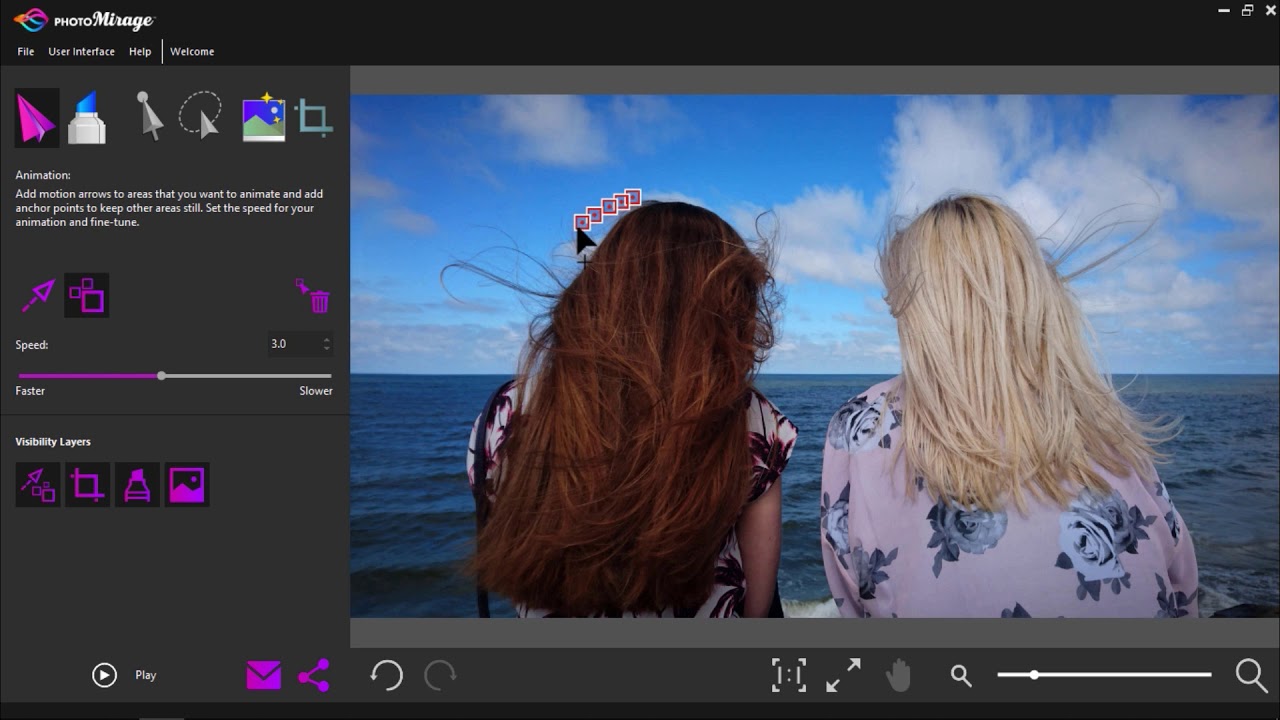
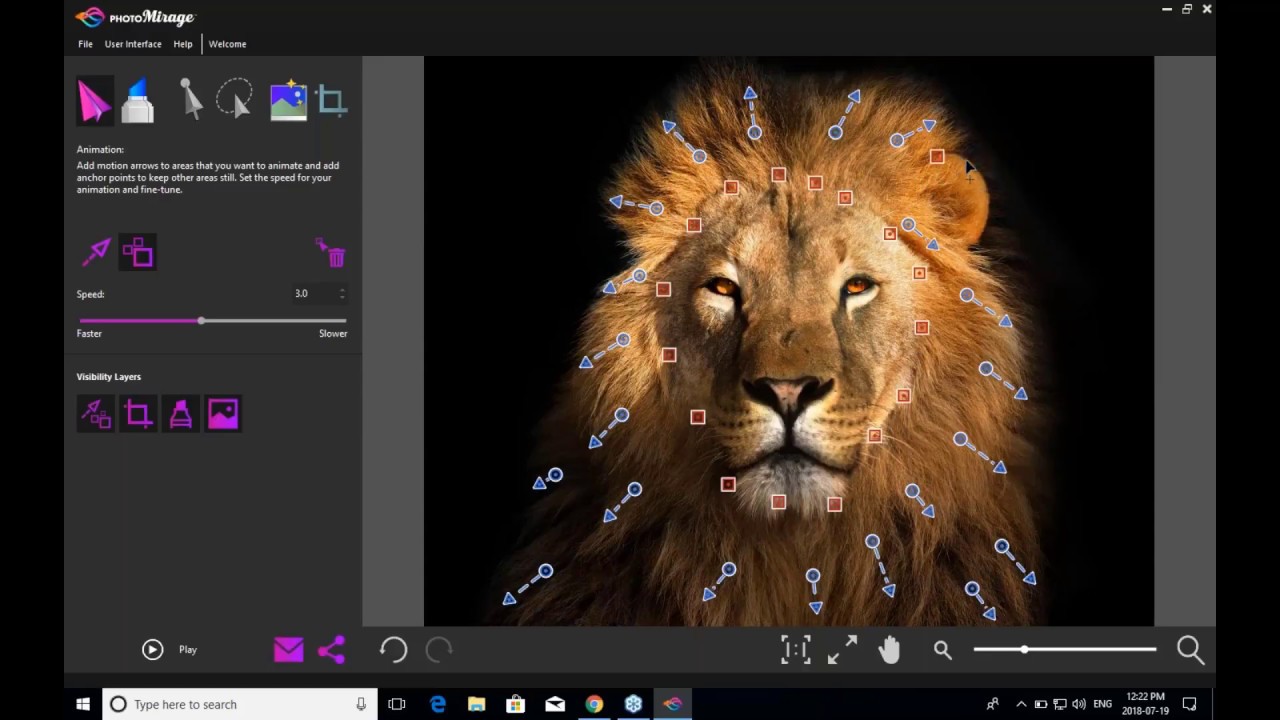
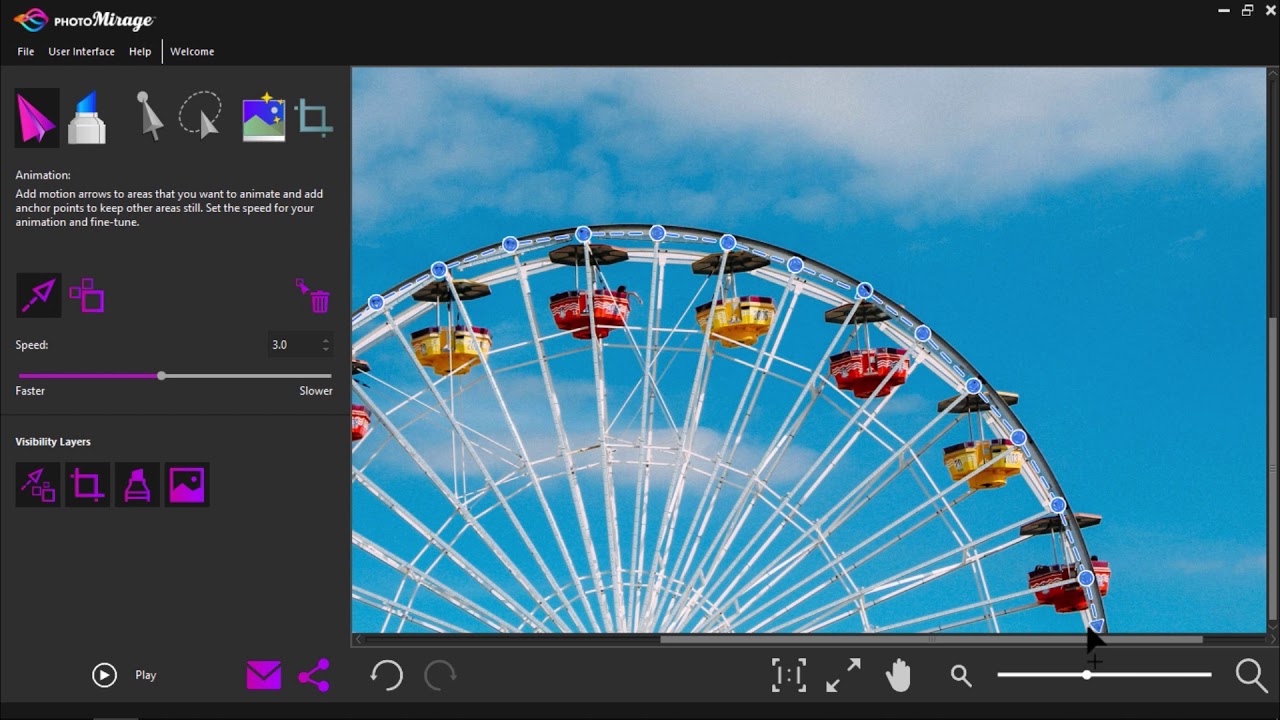
The key tools used to create animations in PhotoMirage are Motion Arrows and Anchor Points. In this tutorial we’ll show you how to place Motion Arrows over the areas of the image that you want to animate, and how to use Anchor Points to plot around areas that you want to remain still. You will also learn how to reposition, rotate and delete these initial animation markers to refine your results, and how to adjust the speed of your animation. Try out these simple click-and-drag tools to create your first animation in just a few minutes!
Get your FREE 15 day trial at photomirage.io

Доступные форматы для скачивания:
Скачать видео mp4
-
Информация по загрузке: