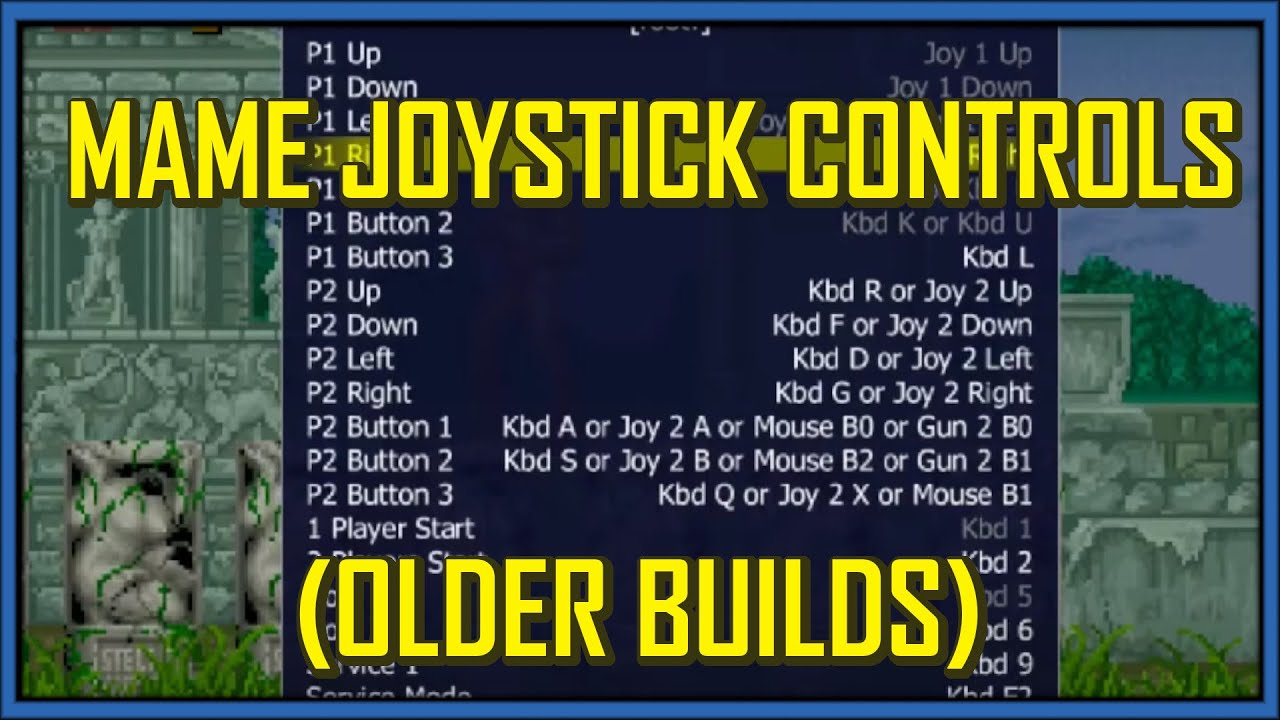
How to Set 8-Way Joystick Controls on MAME (older builds)
Автор: Anthro Arcade
Загружено: 2020-07-17
Просмотров: 41050
Ah, MAME, there's no end to the complex fun one can have with this emulator. That goes double for the controls -there's so many nuts and bolts when it comes to knowing how to set controls on MAME that there's going to be multiple MAME Tutorials on this subject, beginning with Joystick Controls. Or, specifically what I call "Joystick and Buttons".
"Joystick and Buttons" (JaB) games are your usually common arcade game - just a good ol' joystick and some buttons to tap away on. No odd controls like pressure sensitivity, a twisting joystick, or dual joysticks. Or ligtguns - but I'll cover all of that in other videos.
I did honestly want to cover more than just JaB games buuuut either this would've been a 20+ minute video or I wouldn't have been able to go as indepth as I liked.
Fortunately, JaB games are relatively simple to set up, and you don't have to worry about any special settings or anything like that. Just plug up, launch MAME, and set those controls! It sems to work with most peripherals too - I've personally used an Xbox 360, Xbox One, PS3, Keyboards, X-Arcade, and my handy dandy Mayflash fight stick that has Direct Input and Direct Modes. All work fine! So let's get down to business to defeat confusing controls!
****Help Support the Channel!****
TikTok || tiktok.com/@razzlejoestar
Patreon || patreon.com/c/RazzleJoestar/membership
Twitter/X || https://x.com/RazzleJoestar
Channel Merch || https://www.etsy.com/shop/AnthroGaming
Newsletter || https://razzlejoestar.substack.com
Доступные форматы для скачивания:
Скачать видео mp4
-
Информация по загрузке: