Adding SATA Ports to a PC
Автор: PE4Doers with David Rivera
Загружено: 2025-06-22
Просмотров: 5312
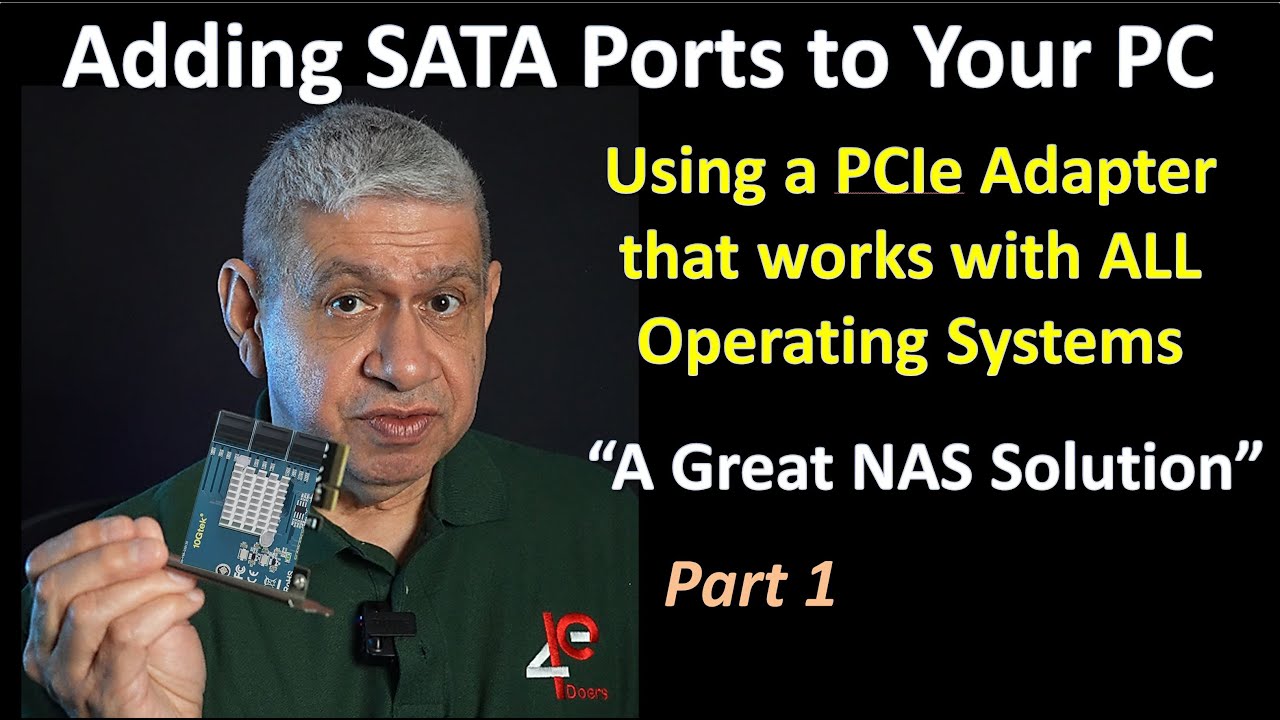
This video illustrates how SATA Drive Ports can be added to a standard PC, and work with ANY Personal Computer. This would allow any PC to work as a Network Attached Storage (NAS) system. Thanks for watching.
Video Time Codes (click to skip directly to a desired section of the Video)
0:00 Introduction to Adding SATA Ports to a PC
0:57 Using a PCIe Adapter to Add SATA Ports
3:04 SATA Cables, the Good, the Bad and the Ugly
5:46 PCIe Throughput for SATA Ports
10:37 Installing and Testing a SATA PCIe Adapter
Note: I have NOT received any sponsorship for using the products shown in this video.
As an Amazon Associate I earn from qualifying purchases, when these links are used:
10Gtek 6-Port PCIe Expansion Card, PCIe x4 to 6X SATA 3.0 (6Gbps) Controller with 6 Cables & Low Profile Bracket, Supports HDD/SSD Storage for Desktop PC
https://amzn.to/409UHTy
10Gtek M.2 to SATA Adapter, M Key to SATA3.0 Card, ASMedia ASM1166 Chip, Support SSD and HDD for Desktop PC with LED Indicator, Tools Included
https://amzn.to/43Vs52N
Please subscribe to my Channel, and click ‘Like’, if you find this video useful. I will endeavor to answer any and all questions posted for any of my videos as quickly as I possibly can.
If you have any questions or suggestions, I can be reached on Email at: PE4Doers@gmail.com , or on Twitter (X) @PE4Doers, or Instagram @PE4Doers. Or on a more professional basis, through LinkedIn at: / davidrrivera
#AddingSATAports #Using PCasNAS #pe4doers
Доступные форматы для скачивания:
Скачать видео mp4
-
Информация по загрузке: