Mac Time Machine Restore: How to Recover Deleted Files (Folder & File Tutorial)
Автор: Business Law & Tech with Matt
Загружено: 2026-01-05
Просмотров: 65
📌 *MY TOOLS & RESOURCES* 📌
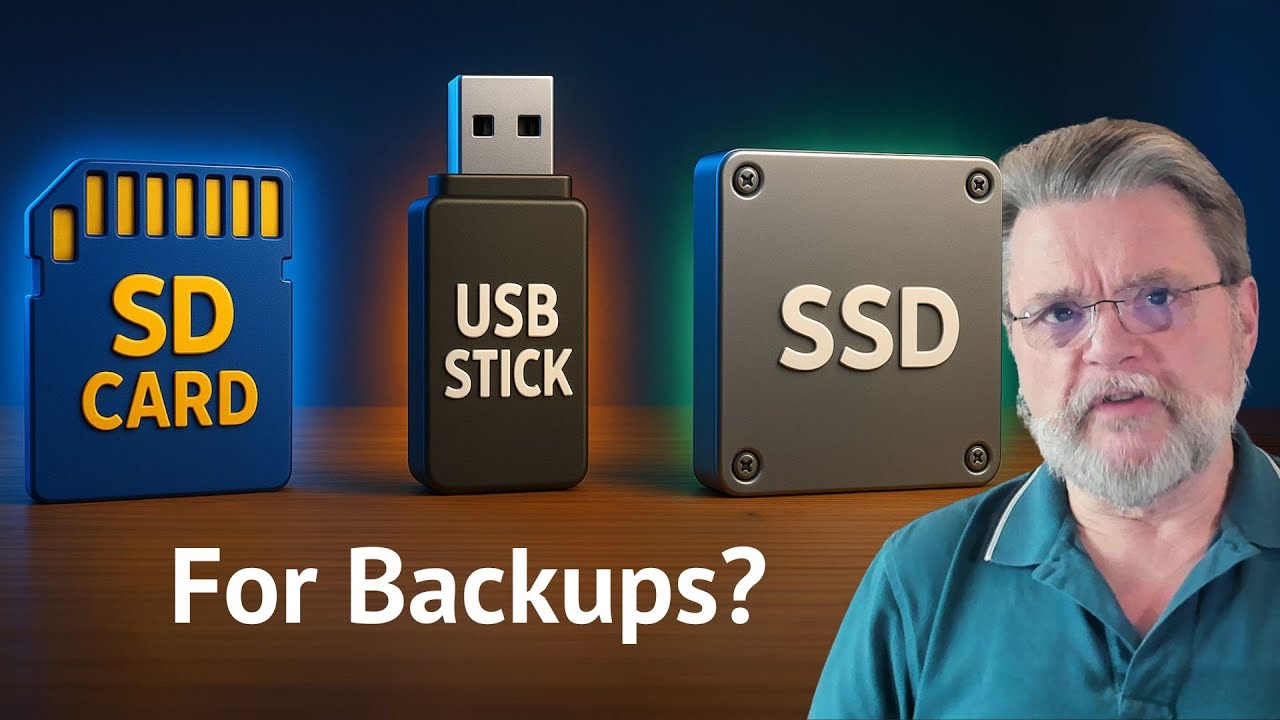
*SSD BACKUP STORAGE DEVICES*
1. 🏆🥇✅🏅🚀 THE 8TB Extreme Solid State External Drive used in this Video & my Top Choice (for extreme speed + tons of storage). Ideal for entrepreneurs, business owners, content creators, and serious individuals needing performance: https://amzn.to/4sqIHtn
2. 🥈💵💪 The Budget friendly 2TB Solid State External Drive (affordability + speed + storage): https://amzn.to/4qqH11r
3. 🥉💵💰 1TB Solid State External Drive (super affordable starter drive but much less storage): https://amzn.to/4jS20bk
________________________
*MAC COMPUTERS* (with Time Machine):
1. 🏆🥇✅🏅🚀 MacBook PRO Laptop | 16.2-inch Liquid Retina XDR Display, 36GB RAM, 1TB SSD Storage (Various colors): https://amzn.to/3ZpiXA9
2. 🥈💪 iMac All-in-One Desktop Computer | 24-inch Retina Display, 24GB RAM, 512GB SSD Storage (Various colors): https://amzn.to/4sN1OOv
3. 🥉💵 Budget friendly MacBook Air Laptop | 15.3-inch Liquid Retina Display, 24GB RAM, 512GB SSD Storage (Various colors & super affordable): https://amzn.to/4b04XUK
(As an Amazon Associate, I may earn from qualifying purchases.)
________________________
📌 *ABOUT MY VIDEO* 📌
Lost files on your Mac? 😬 In this video, I’ll show you how to use Apple’s built-in (FREE) Time Machine to “travel back in time” and restore deleted or missing files — including entire folders.
This video is perfect for:
✅ Individuals wanting to protect family photos & videos (irreplaceable memories) + docs & files
✅ Authors protecting manuscripts + drafts + research
✅ Business owners (critical files + revenue-driving systems + apps + docs + folders)
✅ Content Creators (Videos, b-roll, photos, audio tracks, local apps, folders, spreadsheets, docs, etc.)
In this tutorial, you’ll learn how to:
• Restore a deleted folder/file using “Browse Time Machine Backups”
• Pick the RIGHT snapshot (not too far back, not too recent)
• Restore one file vs. restore the entire folder
• Safely eject an external drive (and what to do if it won’t eject)
• Run a Time Machine backup (and set a smart daily backup habit)
• Exclude certain folders from backup + configure options
📌 If you want, I can do a follow-up video showing EXACTLY how to set up drive encryption from scratch. Comment “ENCRYPT” below.
👍 If this saved you from a panic attack, please Like + Subscribe — more practical business + tech tutorials coming.
00:00 The “lost file” nightmare (and the Time Machine solution)
01:20 Why I don’t rely on cloud-only backup
02:55 Demo setup: the “Important File” folder
05:12 Deleting the folder (what “permanently gone” looks like)
05:55 Plug in encrypted external drive (unlocking it)
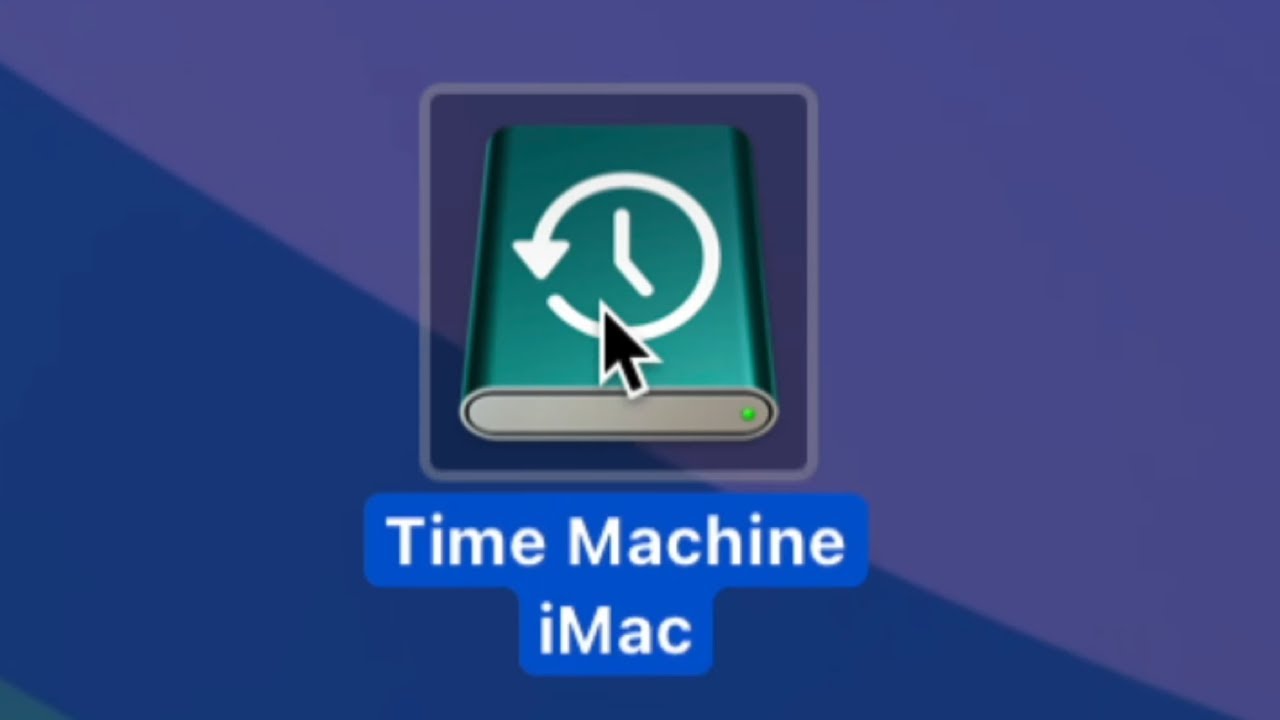
07:33 Add/show Time Machine icon + “Browse Time Machine Backups”
08:45 How the timeline works (how far back should you go?)
09:53 Restore the RIGHT version (too far back = older/missing files)
11:07 Snapshots apply to Desktop AND other folders (Docs/Downloads/etc.)
12:15 The missing manuscript lesson (no backup = no recovery)
13:20 Restore the entire folder (folder-level restore)
14:20 Backing up Dropbox + building the daily-backup habit
15:29 Safely eject the drive (and “force quit” if it won’t eject)
16:40 How to run a backup from Time Machine settings
17:59 Options: exclude folders + set backup frequency
19:09 “Backup Now” + progress tracking
20:10 Wrap-up + subscribe
👍 Liked this tutorial? Drop a comment below & subscribe for more business, law, + tech tips!
#Mac #TimeMachine #AppleTips #databackup
Keywords: Time Machine Mac restore, recover deleted files Mac, Mac backup tutorial

Доступные форматы для скачивания:
Скачать видео mp4
-
Информация по загрузке: