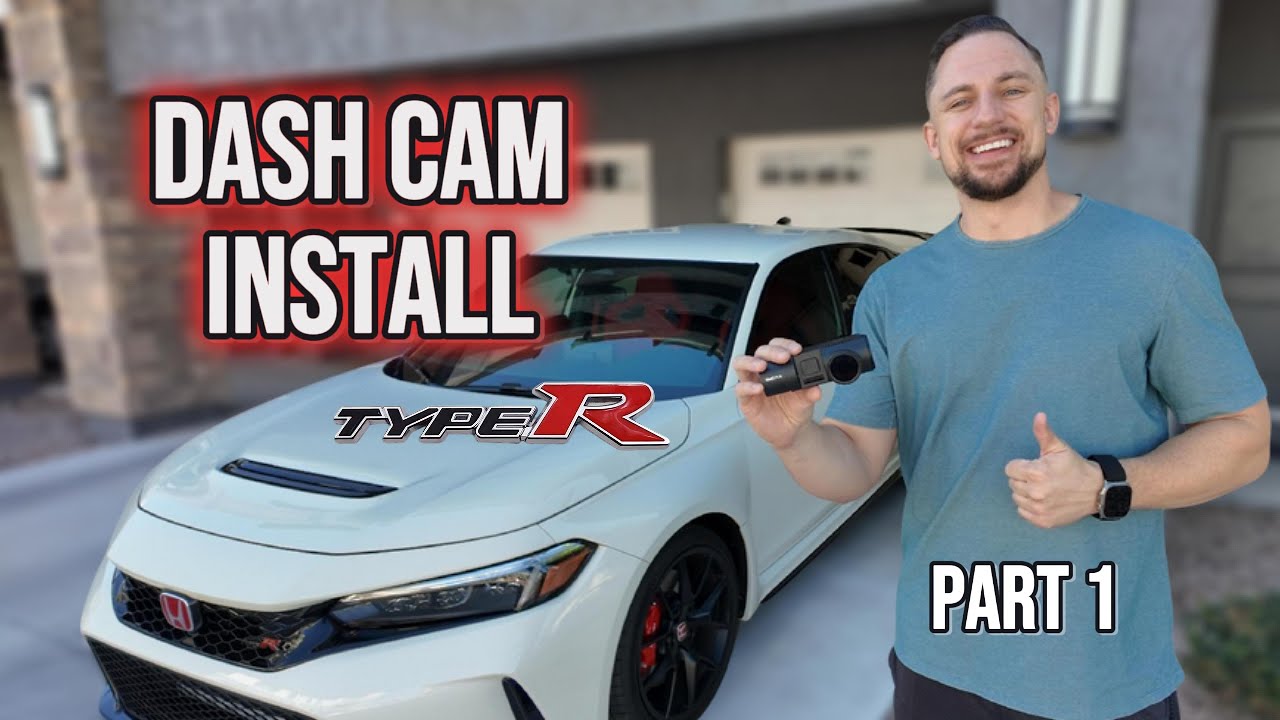
Front Dash Camera Install | Part 1 (Full Step-by-Step Guide)
Автор: FL5 Motors
Загружено: 2025-10-18
Просмотров: 1446
Part 1 – Front & Interior Dash Cam Install
In this video, I’ll show you step-by-step how to install the Vantrue N4 Pro S Dash Cam on my 2025 Honda Civic Type R (FL5). This covers the front and interior cameras—the rear camera install will be in Part 2 (coming soon).
Whether you drive a Civic Type R or Integra Type S, this video will walk you through the wiring, mounting, and power setup so you can get clean results without damaging any trim panels.
Affiliate Product Links
Vantrue N4 Pro S Dash Cam: https://amzn.to/4qdsyXf
256 GB microSD Card: https://amzn.to/4n8kp3p
CPL Lens Filter: https://amzn.to/3LiHXVZ
Hardwire Kit: https://amzn.to/4hBQyiZ
Vantrue 29.5 ft Rear Camera Cable: https://amzn.to/47atyTa
Multimeter: https://amzn.to/4ne46Ca
Electrical Fish Tape: https://amzn.to/3KWOsOj
WD-40 Specialist Silicone Lubricant: https://amzn.to/47gSys2
180 Grit Sanding Sheets: https://amzn.to/471FqIw
Oil-Based Sharpie Marker: https://amzn.to/48Cu5zD
Disclosure
As an Amazon Associate, I earn from qualifying purchases.
This means if you use the links above, I may earn a small commission at no extra cost to you.
Related Videos on FL5 Motors
• • Protect Your Car from Thieves – OBD Lock I...
• • Steering Wheel Lock | Worth It for Car The...
• • DIY Civic Type R Rock Guard Install | $65 ...
Disclaimer
This video is for educational purposes only. If you’re not comfortable performing this installation, please seek help from a professional installer. I assume no responsibility for any damage or injury that may result from following these steps.
#CivicTypeR #IntegraTypeS #DashCamInstall #Vantrue #CarDIY #TypeR #CarAccessories #DashCam #fl5
Доступные форматы для скачивания:
Скачать видео mp4
-
Информация по загрузке:


