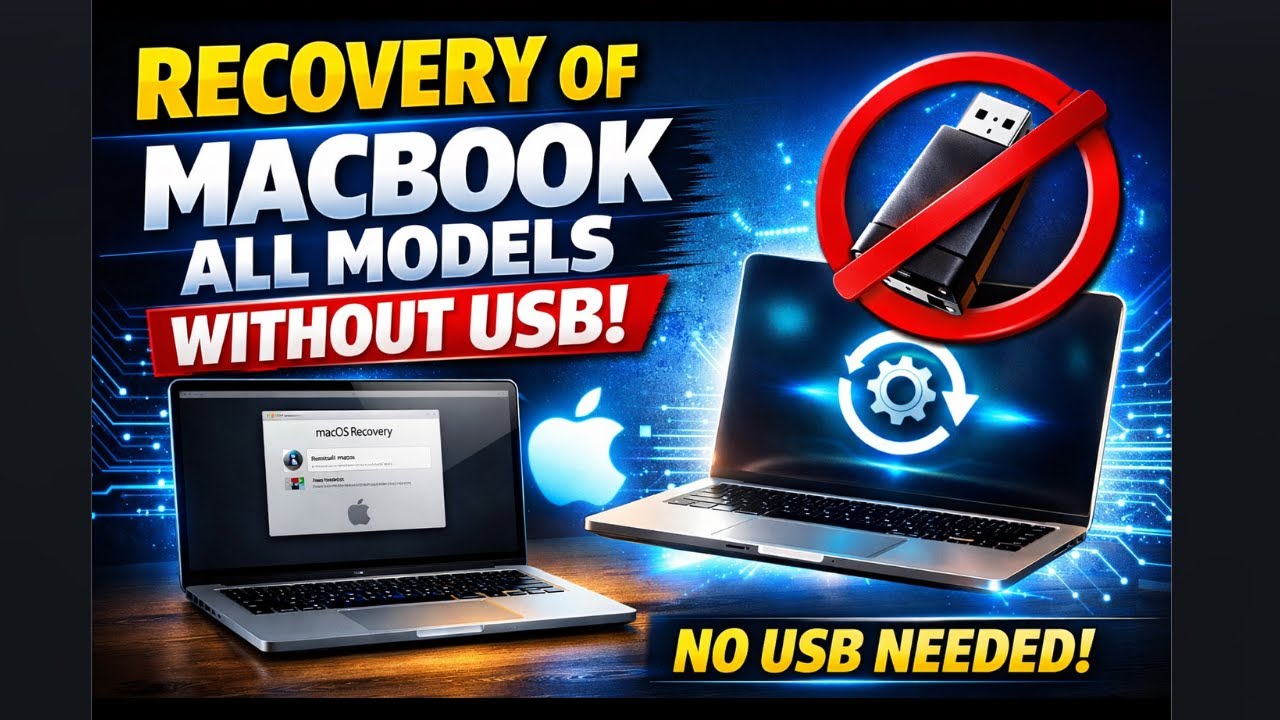
MacBook Recovery Without USB 🔥 All Models (Intel) | 100% Working Method
Автор: Ahsan Sajid
Загружено: 2026-01-09
Просмотров: 13
If your MacBook is not starting, stuck on Apple logo, showing folder with question mark, or you want to reinstall macOS without USB, this video is for you.
In this complete guide, I show you how to recover ANY MacBook model WITHOUT using a USB – using macOS Internet Recovery.
🔥 This method works on ALL MacBooks
✔ MacBook Air
✔ MacBook Pro
✔ Intel MacBooks
✔ Apple Silicon (M1, M2, M3)
✅ What You’ll Learn in This Video:
✔ How to enter MacBook Recovery Mode without USB
✔ How to reinstall macOS using Internet Recovery
✔ Fix MacBook stuck on Apple logo
✔ Fix No Bootable Device / Folder with Question Mark
✔ Recover macOS on old & new MacBooks
✔ 100% safe & official Apple method
⚠️ No USB Required
⚠️ No Software Needed
⚠️ Beginner Friendly
⚠️ Step-by-Step Explained
This method is perfect if:
✔ You don’t have a bootable USB
✔ Your MacBook SSD is erased
✔ macOS is corrupted
✔ You bought a used MacBook
🌐 Requirements:
✔ Stable Internet connection
✔ Apple ID (optional)
✔ Charger connected
👍 If this video helps you, LIKE, SHARE, and SUBSCRIBE for more MacBook tips, Windows on Mac, repair guides, and online earning content.
💬 Comment below if you face any problem – I reply to everyone!
#MacBookRecovery
#MacBookWithoutUSB
#MacOSRecovery
#MacBookPro
#MacBookAir
#MacBookTips
#AppleMac
#MacBookFix
#MacOS
#MacBookGuide
#RecoverMacBook
#MacBookInternetRecovery
#MacOSReinstall
#FixMacBook
#MacBookBootProblem
#MacBookStuck
#MacBookRepair
#AppleSupport
#MacBook2025
#MacBookM1
#MacBookM2
#MacBookM3
#IntelMac
#MacOSVentura
#MacOSSonoma
#MacBookTutorial
#TechTutorial
#LaptopRepair
#NoUSB
#MacBookHelp
#HowToRecoverMacBook
#ReinstallMacOSWithoutUSB
#MacBookRecoveryMode
#MacBookNoBoot
#MacBookInternetInstall
#MacOSWithoutUSB
Доступные форматы для скачивания:
Скачать видео mp4
-
Информация по загрузке: