Популярное

Музыка Кино и Анимация Автомобили Животные Спорт Путешествия Игры Юмор

Интересные видео

2025 Сериалы Трейлеры Новости Как сделать Видеоуроки Diy своими руками

Топ запросов

смотреть а4 schoolboy runaway турецкий сериал смотреть мультфильмы эдисон
dTub
Скачать

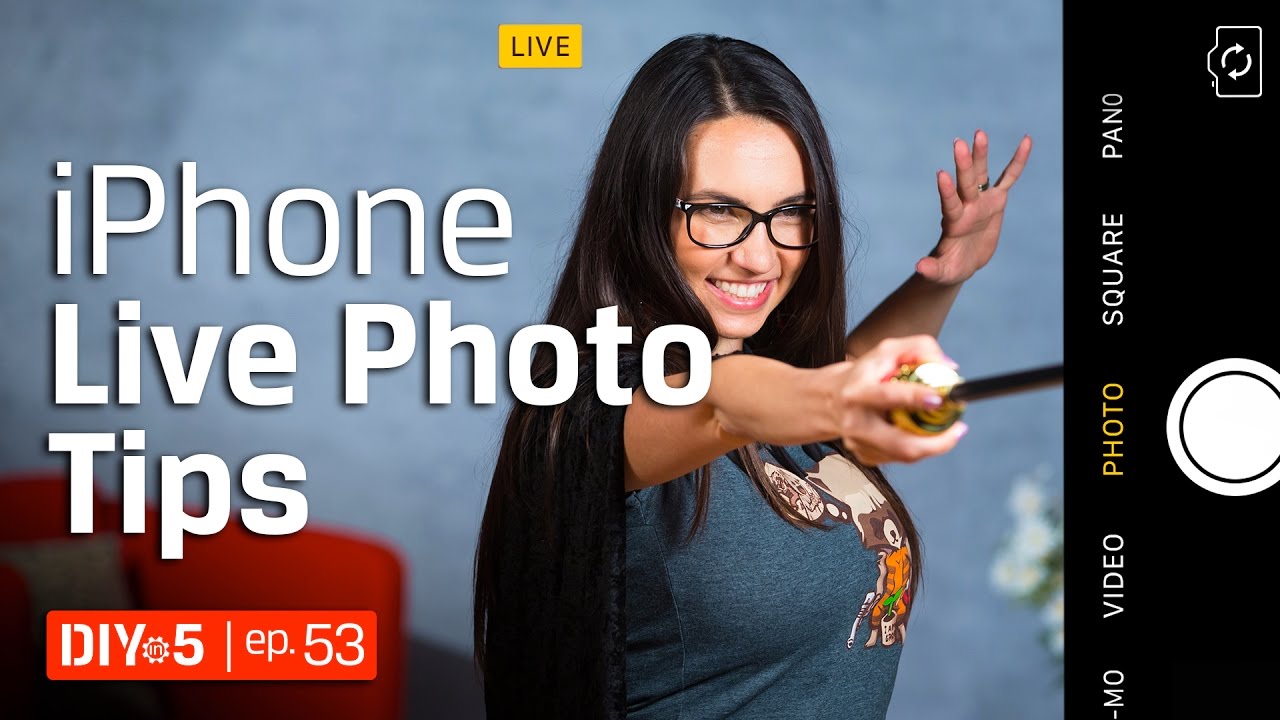
iPhone Tips - How to Shoot Live Photos – DIY in 5 Ep 53

Автор: Kingston Technology

Загружено: 2017-05-19

Просмотров: 67114

Описание:

iPhone live photos allow you to capture the moments just before and after you take the picture... with sound! The live photo feature is available on all iPhone models 6s and newer. A live photo captures 1.5 seconds of video & audio both before and after you press the shutter button to take a photo. So basically with one shot you have 1 still photo & 3 seconds of live photo. When you view a live photo instead of seeing a still image, you see a 3 second moving image.

Open up the camera app and make sure the shooting mode is set to Photo. You won’t be able to shoot it in other shooting modes. The live photo option is the round bullseye icon in the middle. If the icon is yellow, the live photo feature is turned on. If the icon is white, tap it once and the live photo feature will turn on. When you switch on live photos, the word “LIVE”appears on the screen. Make sure you compose your shot and hold it there for a couple of seconds before and after you take the shot. When you don’t want to use this feature, just switch off the live photo feature and the icon will turn white. Remember live photos take up a lot of storage space. If you don’t think it is necessary for that specific shot, just turn it off.

Once taken, the live photo will show in your main photo album. When you go into the album, you may be surprised that there is no obvious way to determine if an image is live or not, until you view the image in fullscreen. To play the live photo you will need to press down on the image and it will be begin to play with sound. You can only take a live photo with the iPhone 6s and newer models but you can share them with Apple devices such as an iPad or older iPhones as long as it is running iOS 9 or later.

You can share your live photos using iMessage, AirDrop, or by sharing a photo album via iCloud. Note that you won’t be able to e-mail live photos as it only recognizes them as jpegs. Facebook and Tumblr already allow you to share live photos. For Facebook, you can’t use the sharing option directly from the Photos app. You will need to upload the photo from within your Facebook app and from there you can choose if you want to share it as a live photo or as a still image. Instagram natively doesn’t support live photos yet. You will need to download a third-party app like Lively or Alive which essentially turns your live photo into a GIF or a short little video.

Subscribe to Kingston: https://www.youtube.com/subscription_...
iPhone Tips - How to Shoot Live Photos – DIY in 5 Ep 53

Поделиться в:

Доступные форматы для скачивания:

Скачать видео mp4

  • Информация по загрузке:

Скачать аудио mp3

Похожие видео

Ryzen 7 or i7? DDR4 or DDR3? - Build a Video Editing PC – DIY in 5 Ep 54

Ryzen 7 or i7? DDR4 or DDR3? - Build a Video Editing PC – DIY in 5 Ep 54

Стрельба в центре города / Созвано срочное заседание

Стрельба в центре города / Созвано срочное заседание

Cricket now has the new Samsung Galaxy A17 $29.99 with porting on the supreme plan 

Cricket now has the new Samsung Galaxy A17 $29.99 with porting on the supreme plan 

Как делать КРУТЫЕ фотографии на iPhone

Как делать КРУТЫЕ фотографии на iPhone

Morning Coffee ☕❄️ Happy Music for Perfect Day ☀️ Relaxing Chillout House 2025 - 2026

Morning Coffee ☕❄️ Happy Music for Perfect Day ☀️ Relaxing Chillout House 2025 - 2026

Smartphone Photography - Google Pixel Photography 📱 DIY in 5 Ep 52

Smartphone Photography - Google Pixel Photography 📱 DIY in 5 Ep 52

DSLR Photography Lessons - How to Take AWESOME long exposures 📷 DIY in 5 EP 32

DSLR Photography Lessons - How to Take AWESOME long exposures 📷 DIY in 5 EP 32

Smartphone Photography - How to Take Sharp Photos - DIY in 5 EP 15

Smartphone Photography - How to Take Sharp Photos - DIY in 5 EP 15

Делайте красивые портретные фотографии с помощью портретного режима iPhone

Делайте красивые портретные фотографии с помощью портретного режима iPhone

ОТКЛЮЧИЛ ЭТО в Play МАРКЕТ и ОФИГЕЛ!! Мой ANDROID ЛЕТАЕТ!!

ОТКЛЮЧИЛ ЭТО в Play МАРКЕТ и ОФИГЕЛ!! Мой ANDROID ЛЕТАЕТ!!

Ваш iPhone УМЕЕТ ДЕЛАТЬ ЭТО, а вы этого не знали! Используйте скрытые функции iOS 26

Ваш iPhone УМЕЕТ ДЕЛАТЬ ЭТО, а вы этого не знали! Используйте скрытые функции iOS 26

Арестович: Грозит ли Украине эскалация войны? Дневник войны.

Арестович: Грозит ли Украине эскалация войны? Дневник войны.

Учебное пособие для Mac для начинающих/пользователей Windows

Учебное пособие для Mac для начинающих/пользователей Windows

Советы по использованию камеры iPad: как пользоваться камерой iPad

Советы по использованию камеры iPad: как пользоваться камерой iPad

Android Tips - Shooting Video on Android - DIY in 5 Ep 65

Android Tips - Shooting Video on Android - DIY in 5 Ep 65

Take BETTER SHOTS with your iPhone

Take BETTER SHOTS with your iPhone

Moment pro camera app vs Slow shutter app for light painting.

Moment pro camera app vs Slow shutter app for light painting.

Новая Siri — это... Google (Объяснение)

Новая Siri — это... Google (Объяснение)

How To Preserve Your Memories With iPhone Live Photos

How To Preserve Your Memories With iPhone Live Photos

Ваш iPhone УМЕЕТ ДЕЛАТЬ ЭТО, а вы этого не знали! Топ фишки iPhone на iOS 17

Ваш iPhone УМЕЕТ ДЕЛАТЬ ЭТО, а вы этого не знали! Топ фишки iPhone на iOS 17

© 2025 dtub. Все права защищены.


  • Контакты
  • О нас
  • Политика конфиденциальности


Контакты для правообладателей: infodtube@gmail.com