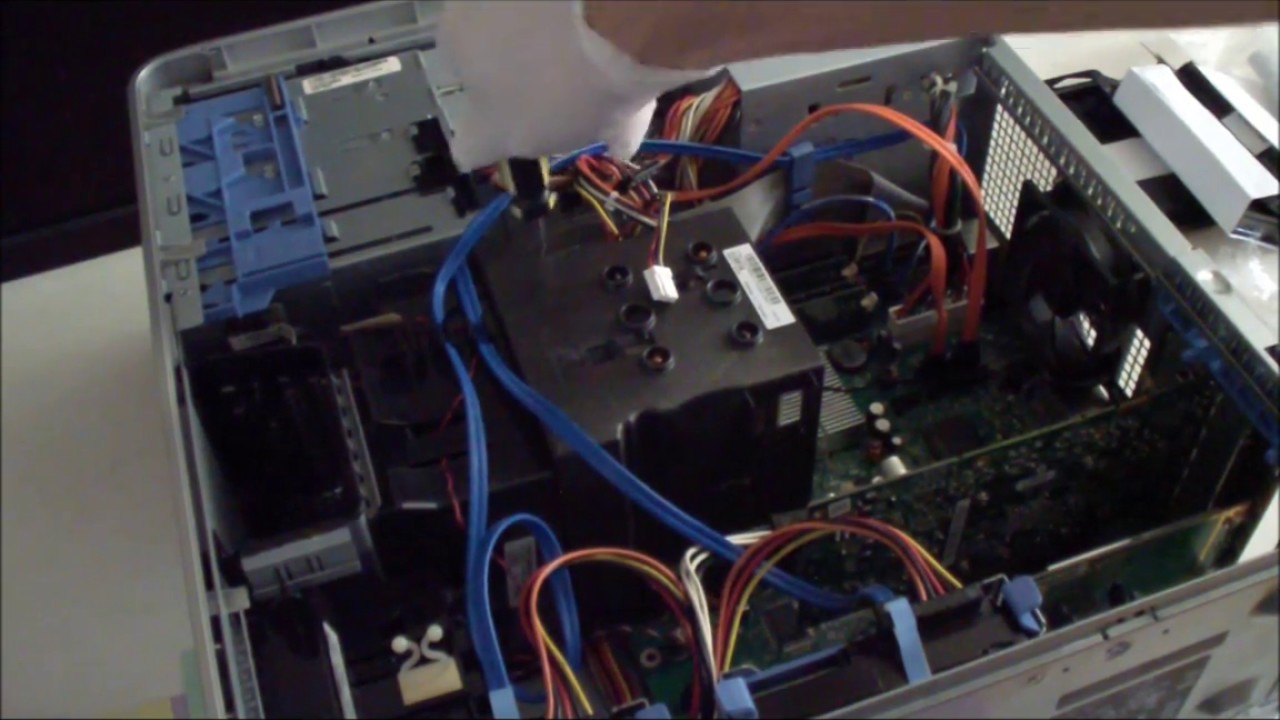
Dell Dimension 9200 CPU and RAM Upgrade
Автор: Ace1000ks1975
Загружено: 2016-05-07
Просмотров: 11937
█▀█▀█▀█▀█▀█▀█▀█▀█▀█▀█▀█▀█▀█▀█▀█▀█▀█▀█▀█▀█▀█▀█▀█▀█▀█▀█▀█
[Tools and Parts]
1. 2 Q-tips
2. Rubbing alcohol
3. Phillips screw driver
4. Tissue paper
5. 4 stocks a of Hynix DDR2 PC6400 2 gbs 1.8 volts Note: 2.1 volt DDR2 ram sticks will not detect or work in this motherboard.
6. Intel Core2Duo Quad Core Q6600
7. Dell Dimension 9200 BIOS
[All the parts you will need will be in the links at the very bottom of this page]
▄▄▄▄▄▄▄▄▄▄▄▄▄▄▄▄▄▄▄▄▄▄▄▄▄▄▄▄▄▄▄▄▄▄▄▄▄▄▄▄▄▄▄▄▄▄▄▄▄▄▄▄▄▄▄
Procedure
1. Download the latest BIOS from Dell for the Dell Dimension 9200 and flash the BIOS, so your motherboard supports the latest CPU.
2. Run the BIOS, and let the program flash the BIOS. Then, turn off the computer.
3. Unplug the computer of all of its cables and open the side panel.
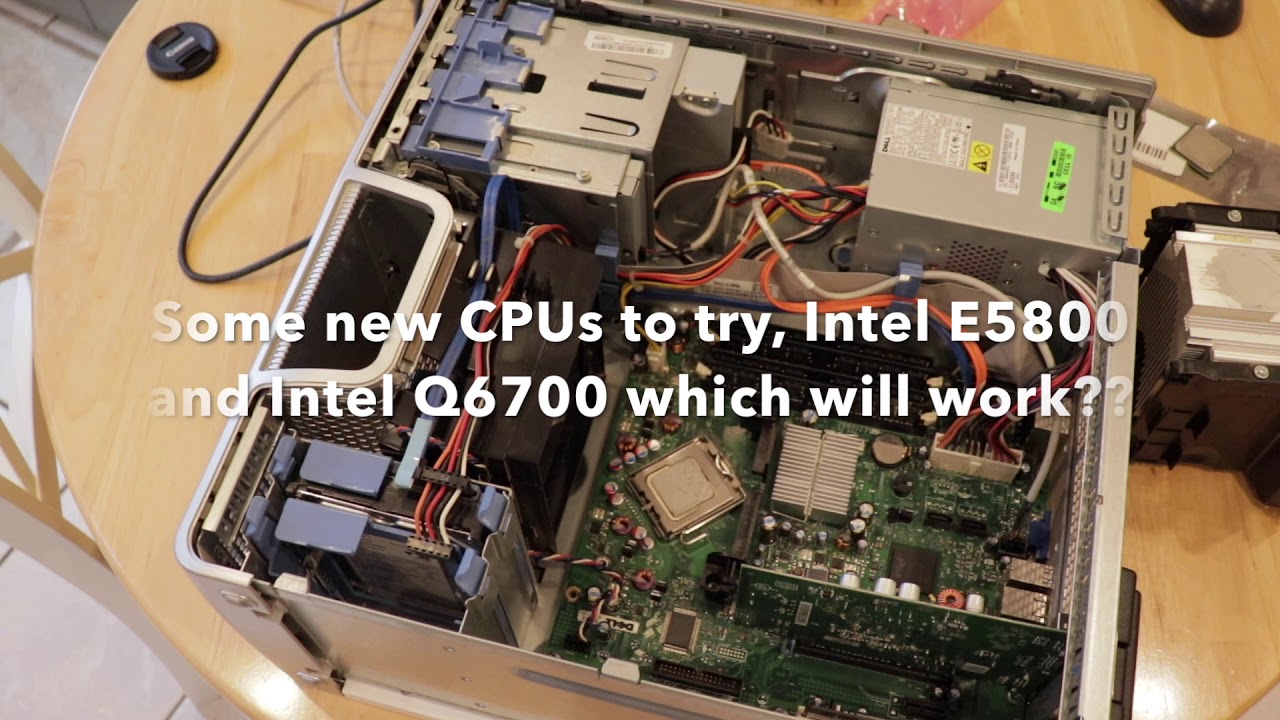
4. Remove the Heatsink shroud by unscrewing the two screws.
5. Remove the thermal paste by soaking a q-tip with rubbing alcohol, and gently swabbing the heatsink. Repeat again.
6. Take a piece of tissue paper and remove the thermal paste on the heatsink.
7. Move the socket latch up to remove the old CPU.
8. Put in the new CPU by putting the triangle part on the bottom right side of the socket. Make sure the CPU is in the socket, and close the latch to secure the CPU in place.
9. Put some thermal paste on the middle of the CPU. Don't use too much.
10. Put the heatsink shroud on the motherboard and put the two screws in. Don't over tighten the screws.
11. Take the old ram out by pushing the latch outward one at a time. Then, pull the rams out.
12. Put the new ram in, the longer side on the right side, and the shorter side on the left side.
13. Push the ram in from one side to another until you hear a snapping sound. This will push the latch inward to lock it in place.
14. Arrange the cables.
15. Close the side cover.
16. Connect all the cables and turn the computer on to test it.
17. Go into the BIOS by pressing the "F2" key.
18. Exit the BIOS and go to Windows.
The purpose of upgrading the CPU and RAM on this computer was to make it more usable. What it came with was totally inadequate. This computer came with a Core2Duo E6300 1.85 ghzs processor, and 2 gbs of ram. It will run basic applications, but I wanted to upgrade. I bought the computer for only $30, so putting in $80 was well worth it. If you find one of these computers for a good price, you can turn it into a decent system. It will cost a lot less than buying whole new computer. Especially in times like these when the economy isn't that great, you can save a little bit of money.
The operating system this computer came with was Windows XP SP3 32 bits, and the 8 gbs of ram wouldn't benefit from it. However, I plan to upgrade the operating system to Windows 7 Professional, so the upgrade would turn a 9 year old computer into something more modern. It isn't going to replace my I7-4790, I7-960, Phenom II 945, or I5-3570k. I just did for fun. After I install Windows 7 Profession SP1, I will make more videos about this system. See how it performs, and see it is still viable. All of this is interesting, so stay tuned.
▄▄▄▄▄▄▄▄▄▄▄▄▄▄▄▄▄▄▄▄▄▄▄▄▄▄▄▄▄▄▄▄▄▄▄▄▄▄▄▄▄▄▄▄▄▄▄▄▄▄▄▄▄▄▄
[Links to Parts]
◙ Intel Q6600 Core 2 Quad CPU 775 pin
• https://ebay.to/3jSwUkZ ( or )
• https://amzn.to/3g0nmU6
◙ 2 2 GB PC2-6400 DIMM 800 MHz PC2-6400 DDR2 Memory
• https://ebay.to/3jOKaal ( or )
• https://ebay.to/3fVLDKU
♦ WD 2 TB blue hdd sata @ Amazon
• https://amzn.to/2WCfvT0
◙ Artic Silver Thermal Paste @ Amazon
• https://amzn.to/2Cs9l0P
♦ Gigabyte Geforce 1030 GT 2 GB graphics card @ Amazon
• https://amzn.to/39dWwTD
▄▄▄▄▄▄▄▄▄▄▄▄▄▄▄▄▄▄▄▄▄▄▄▄▄▄▄▄▄▄▄▄▄▄▄▄▄▄▄▄▄▄▄▄▄▄▄▄▄▄▄▄▄▄▄
█▄█▄█▄█▄█▄█▄█▄█▄█▄█▄█▄█▄█▄█▄█▄█▄█▄█▄█▄█▄█▄█▄█▄█▄█▄█▄█▄█
Доступные форматы для скачивания:
Скачать видео mp4
-
Информация по загрузке: