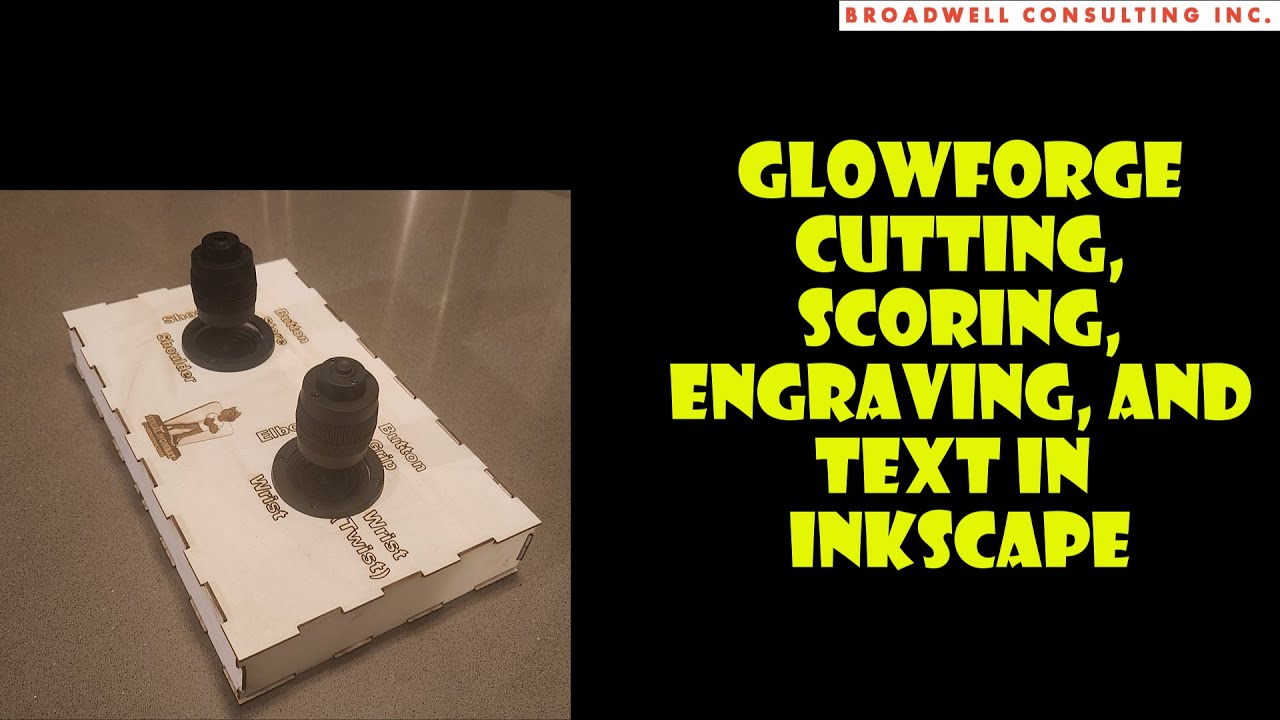
Glowforge and InkScape - Cutting, Scoring, Engraving and Text - Creating Robot 6-dof Controller Box
Автор: Broadwell Consulting
Загружено: 2024-03-05
Просмотров: 250
0:00 Intro
1:42 Joystick Dimensioning
4:26 Setting Up InkScape Document
5:54 Adding Shapes to Cut
7:00 Placing shapes at specific locations
10:35 Setting Cut Order in Glowforge
11:40 First cut test
12:35 Fit Test
13:13 Changing Dimensions in InkScape
15:18 Second Cut Test (Wrong Order)
16:00 Fixing Cut order with Colors
17:30 2nd Try Fit
18:30 3rd Adjustment
20:49 3rd test cut
21:48 3rd test fit
22:21 3rd adjustment
24:26 Using a Box Generator
26:30 Importing Box File to InkScape
27:40 Adding Joystick Holes to Box
30:12 Adding Scored Text to Box
38:25 Fixing "This Design Has Text" Glowforge Message
39:15 InkScape Text Object to Path for Scoring
41:20 Final Project Cutting
Доступные форматы для скачивания:
Скачать видео mp4
-
Информация по загрузке: