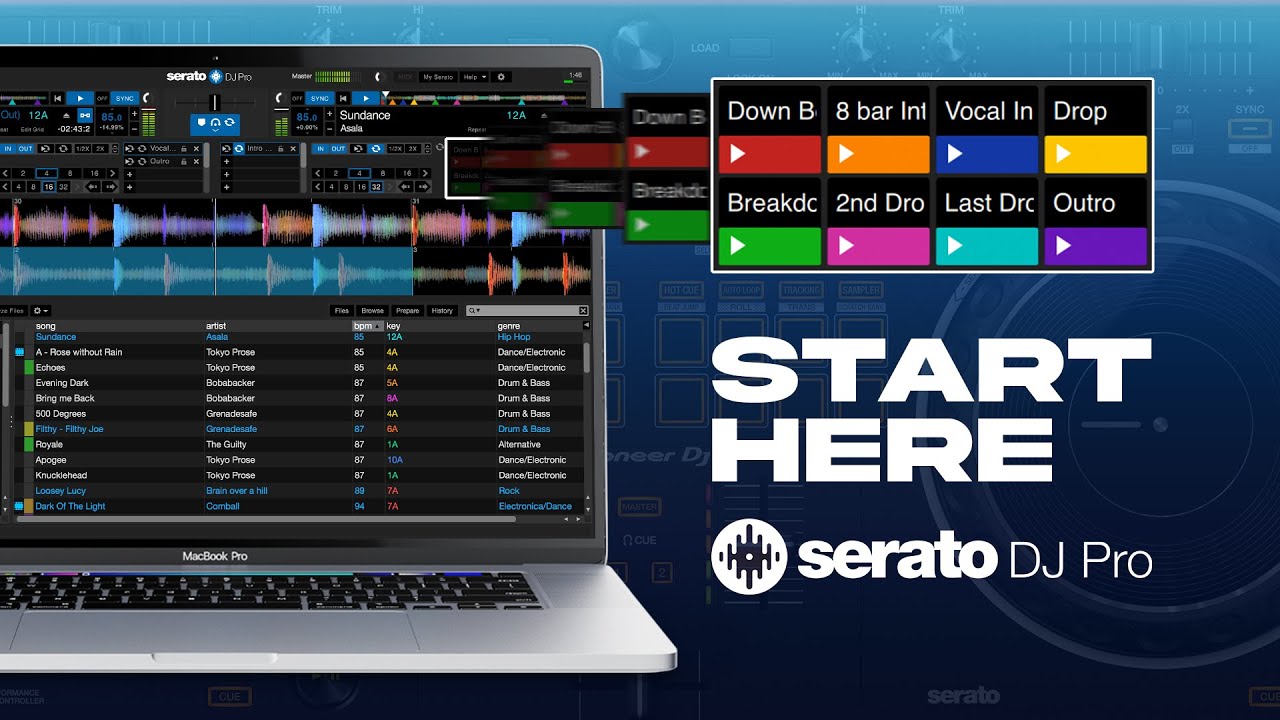
How To DJ For Beginners ( How to Use Serato DJ Pro Without a Controller)
Автор: DJFAB1739
Загружено: 2025-09-27
Просмотров: 505
The Proper Way to Use Serato DJ Software
Don't forget to Subscribe and turn on notifications Bell 🔔 on to stay updated with all new and Future uploads
Using DJ software isn’t just about pressing play – it’s about understanding the tools, respecting the craft, and creating smooth mixes that keep the crowd moving. Here’s a step-by-step breakdown of the proper way to use DJ software:
Learn the Layout
Get familiar with the interface (decks, mixer, browser, effects).
Know where your play, cue, tempo, and sync controls are.
Organize Your Music Library
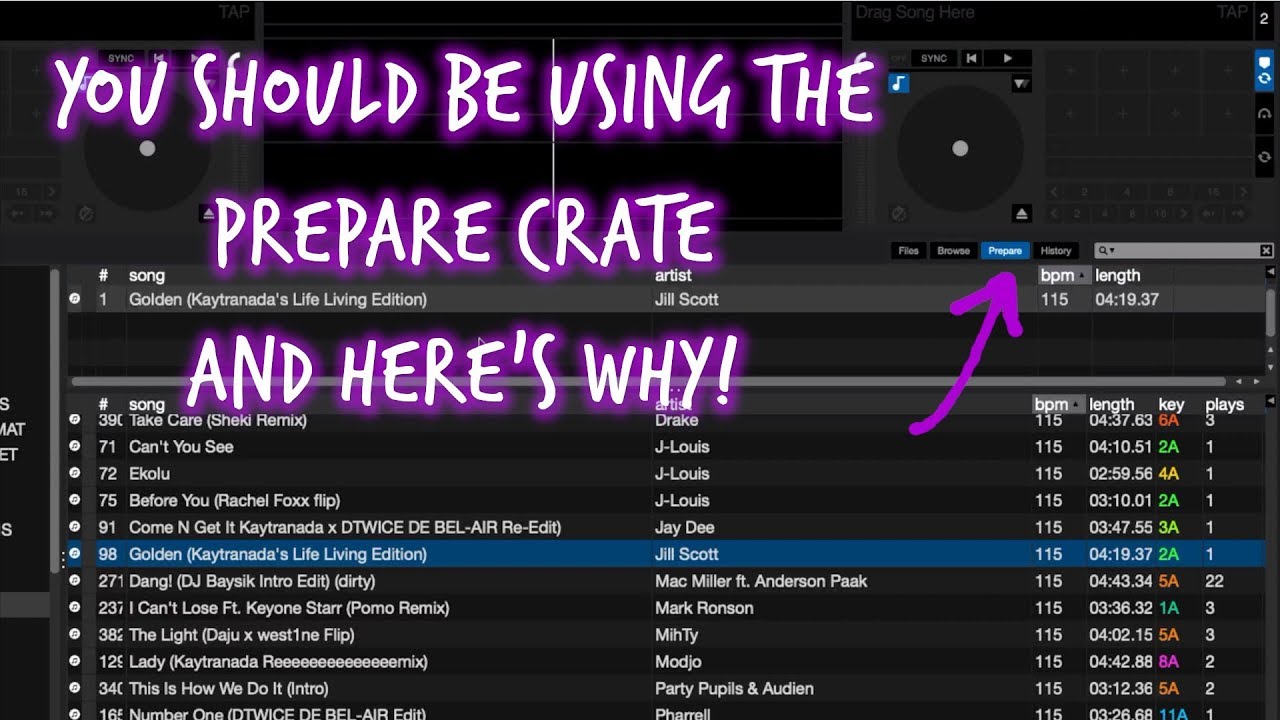
Import songs and create playlists/crates.
Analyze your tracks so the software can read BPM (tempo) and key.
Tag tracks by genre, energy, or vibe for quick access.
Set Cue Points
Drop cue points at the intro, chorus, drop, or transition spots.
This makes mixing faster and cleaner.
Beatmatching & Syncing
Use your ears first to match beats, then let sync assist if needed.
Keep an eye on BPM and phrasing (mix in on the right beat/bar).
EQ & Volume Control
Balance highs, mids, and lows to avoid clashes.
Fade tracks in and out smoothly instead of slamming volumes.
Use Effects Wisely
Add reverb, echo, or filters to spice up transitions.
Less is more – don’t overdo effects, keep it clean.
Record & Review
Use the record function to capture your mixes.
Listen back to spot mistakes and improve your flow.
Practice, Don’t Just Play
The software makes things easier, but practice helps you develop real DJ skills.
Focus on timing, track selection, and crowd control.
👉 Remember: DJ software is a tool. The DJ is the artist who makes the vibe come alive.

Доступные форматы для скачивания:
Скачать видео mp4
-
Информация по загрузке:









![Gentleman - Deep House Mix [Touch & Feel Vol.1]](https://imager.clipsaver.ru/AtlvOHRWdVc/max.jpg)