2013 NISSAN Pathfinder - Bluetooth® Hands-free Phone System (if so equipped) Operating Tips
Автор: Nissan Owner Channel
Загружено: 2015-04-18
Просмотров: 37528
The Bluetooth® Hands-free System enables you to make and receive wireless calls with hands-free convenience.
It's important to note that NISSAN has a website dedicated to simplifying the Bluetooth® phone setup process. If you go to www.NissanUSA.com/bluetooth, you'll find a Compatibility Guide that identifies all brands and models of phones that can be set up to use Bluetooth® wireless technology in your vehicle. When you choose a compatible brand and model, the website leads you to its unique Bluetooth® Setup Guide.
It tells you how to PREPARE YOUR PHONE, PREPARE YOUR VEHICLE and PAIR YOUR PHONE. Up to five compatible phones can be added and each can have its own phonebook created using your Setup Guide's instructions.
It will also tell you how to set up voice activated dialing, using your vehicle's Voice Recognition System, in order to create a voice model of your own voice for accurate command recognition.
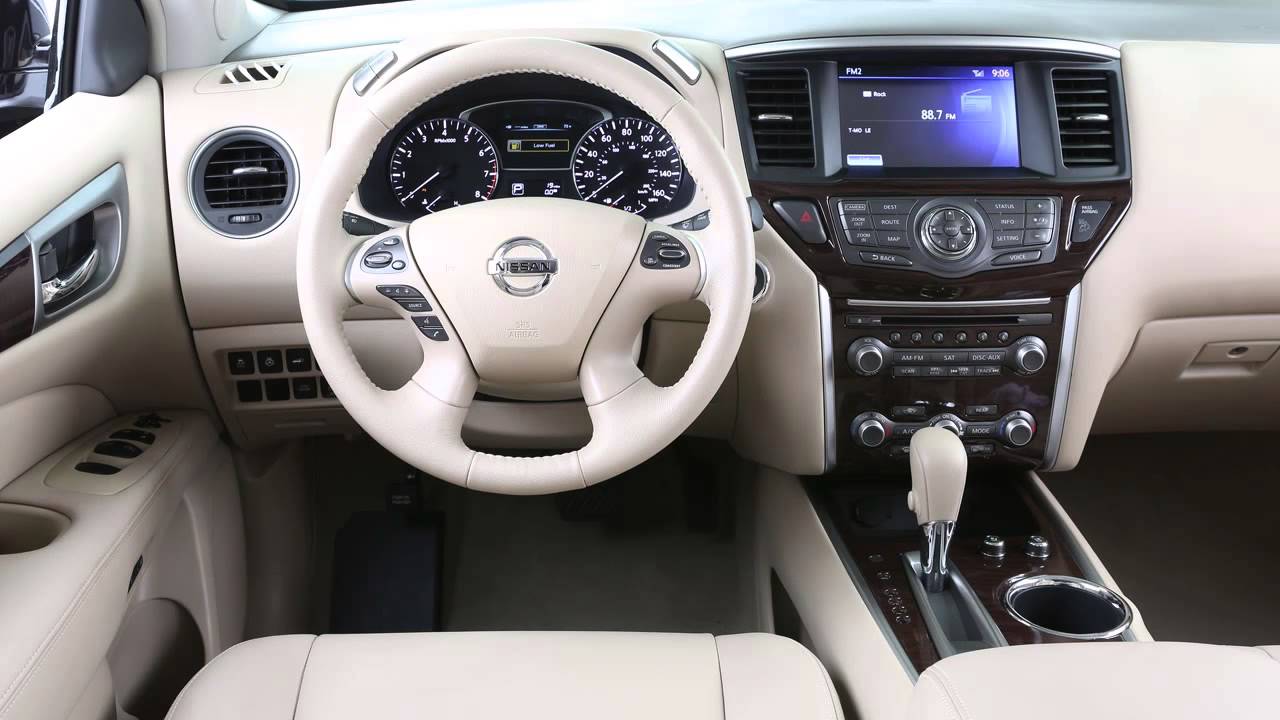
These controls allow you to operate the Bluetooth system from your steering wheel.
Press the PHONE/SEND button to set up the voice recognition system or to answer an incoming call.
Here are some helpful tips to get the most out of your Bluetooth system.
• Download and follow your phone model's online User's Setup Guide to initiate the system's convenient features, step by step.
• When using the Bluetooth® system, keep the interior of your vehicle as quiet as possible. Close windows, and direct air vents away from the roof and your face.
• Start speaking within five seconds after the tone.
• Speak in a natural voice without pausing between words.
• Wait until the system tone sounds and the face icon on the display changes before speaking a command.
• You can push the TALK switch to skip prompts at any time.
• To cancel a voice recognition session, press and hold the PHONE END button.
• To increase or decrease the volume of the phone prompts, push the volume control switches, plus or minus, on the steering wheel or turn the control dial on the audio system if in operation.
• The HELP command can be used to hear a list of available commands at any time.
• Depending on your phone, you may have to say names in a last name, first name format.
• Press the PHONE END button to exit the voice recognition system or to end a call.
For more information on your Bluetooth system, refer to your manufacturer's Owner's Manual or visit www.nissanusa.com/bluetooth.
Доступные форматы для скачивания:
Скачать видео mp4
-
Информация по загрузке: