How to Disable React Native's White Screen During Crashes?
Автор: vlogize
Загружено: 2025-10-04
Просмотров: 1
Learn how to effectively handle errors in your React Native app and minimize disruptions by disabling the white screen upon crashes, using an `Error Boundary`.
---
This video is based on the question https://stackoverflow.com/q/63286016/ asked by the user 'user246100' ( https://stackoverflow.com/u/246100/ ) and on the answer https://stackoverflow.com/a/63484523/ provided by the user 'Muhammad Junaid' ( https://stackoverflow.com/u/13781137/ ) at 'Stack Overflow' website. Thanks to these great users and Stackexchange community for their contributions.
Visit these links for original content and any more details, such as alternate solutions, latest updates/developments on topic, comments, revision history etc. For example, the original title of the Question was: Disable react native white screen
Also, Content (except music) licensed under CC BY-SA https://meta.stackexchange.com/help/l...
The original Question post is licensed under the 'CC BY-SA 4.0' ( https://creativecommons.org/licenses/... ) license, and the original Answer post is licensed under the 'CC BY-SA 4.0' ( https://creativecommons.org/licenses/... ) license.
If anything seems off to you, please feel free to write me at vlogize [AT] gmail [DOT] com.
---
How to Disable React Native's White Screen During Crashes?
If you've ever developed an application with React Native, you're likely familiar with the dreaded white screen that appears when your app crashes unexpectedly. This can occur due to various reasons, especially when your application encounters data from the server that it doesn't expect. As developers, it is essential to manage these situations better and provide users with a friendlier experience rather than a random white screen. In this guide, we will explore how to effectively disable the white screen in your React Native application using the Error Boundary approach.
The Problem: The Dreaded White Screen
When an application crashes, users are often left looking at a plain white screen, which can create confusion and frustration. While using libraries like react-native-exception-handler can help catch some errors, not all issues are covered. It's crucial to handle these situations more gracefully rather than letting the app simply fail.
Key Considerations
Use of Notifications: It's helpful to keep users informed about what needs to be done when an error occurs.
Want Better Control: Instead of letting the app crash abruptly, providing a frozen state or a clear error message can improve user experience.
The Solution: Using Error Boundaries
What is an Error Boundary?
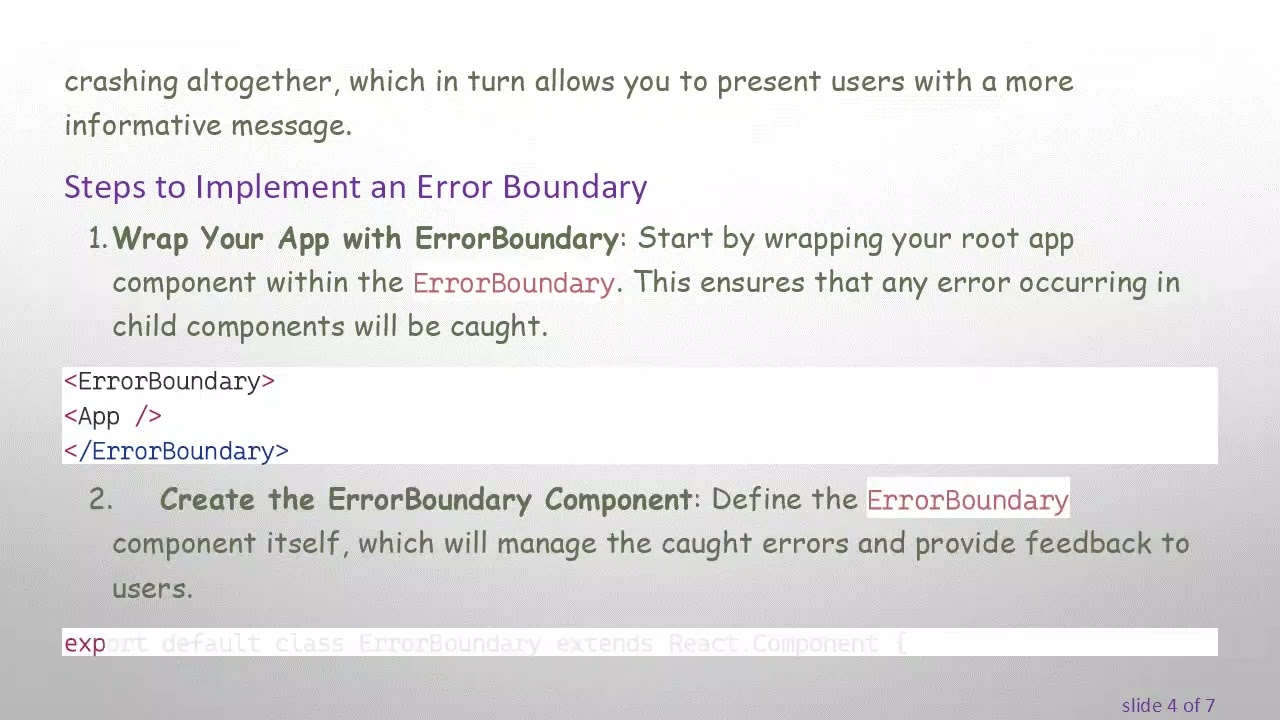
Error Boundaries are a React component that can catch JavaScript errors in their child component tree, log those errors, and display a fallback UI. By wrapping your application in an ErrorBoundary, you can catch errors and prevent the app from crashing altogether, which in turn allows you to present users with a more informative message.
Steps to Implement an Error Boundary
Wrap Your App with ErrorBoundary: Start by wrapping your root app component within the ErrorBoundary. This ensures that any error occurring in child components will be caught.
[[See Video to Reveal this Text or Code Snippet]]
Create the ErrorBoundary Component: Define the ErrorBoundary component itself, which will manage the caught errors and provide feedback to users.
[[See Video to Reveal this Text or Code Snippet]]
What Happens Next?
User Notification: When an error occurs, the user will see a friendly message instead of a white screen, guiding them to restart the application.
Error Handling: Developers can also catch and log errors for debugging or even alert the development team through notifications.
Conclusion
Using the Error Boundary approach in React Native applications is a robust way to manage unexpected errors and improve user experience. Instead of allowing users to face a blank white screen when issues arise, you can gracefully inform them of the problem and suggest a course of action. By following the steps outlined above, you can ensure that your React Native application remains as user-friendly as possible, even in the face of unexpected errors.
Implementing an Error Boundary not only enhances the user interface but also provides developers with more control over error management. Embrace this practice to create a more resilient and user-friendly React Native application!
Доступные форматы для скачивания:
Скачать видео mp4
-
Информация по загрузке: