COOL IDEA! How to Create GLOWING Smooth Map Animation in PowerPoint
Автор: ALAM PowerPoint
Загружено: 2025-02-22
Просмотров: 1990
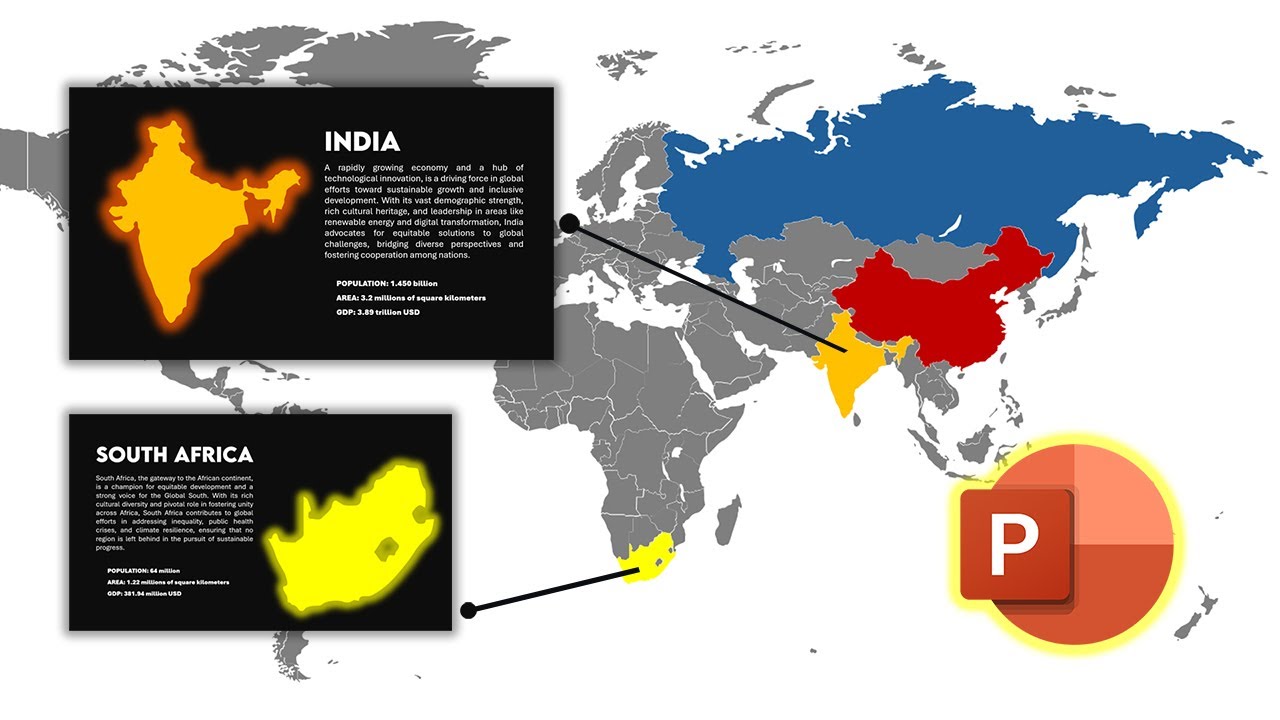
How to create a glowing animated world map effect in PowerPoint. This effect is perfect for infographic presentations, data visualization, and dynamic slides that grab attention! This work still maintain professional looks while being stand out.
With the Morph transition and glow effects, you can add a professional touch to your maps without any additional software. Whether you're presenting global statistics, travel routes, or interactive visuals, this technique will make your slides more engaging.
Free map link: https://slidebazaar.com/items/world-m...
Map edited version: https://shorturl.at/vT6Q5
We give you this presentation template as a gift if you finished this tutorial video:
https://shorturl.at/SDrUD
NOTE: Make sure you have newer version of PowerPoint to open the file.
⏱️TIMESTAMP⏱️
00:00 - INTRO
00:23 - main world map
01:06 - choosen map editing
02:48 - glow effect and infograhic text
05:17 - how to make the map loop?
05:46 - OUTRO
ALAM PowerPoint is an online YouTube channel that provide you with a huge amount of slides idea, tricks and tutorial which help you to improve your PowerPoint skill significantly. We show you lots of tutorial design for your PowerPoint slides presentation. It can be for business presentation slides, school project, college research, personal branding, and many more. Hope it can help you!
If you have question FEEL FREE to hit me on Instagram @alamppt
For more inquiries email me at [email protected]
#PowerPoint #AnimatedMap #InfographicDesign
Доступные форматы для скачивания:
Скачать видео mp4
-
Информация по загрузке:


