ZWCAD MFG Tutorial | Part 2: How to add your own parts to Advanced Part Library
Автор: ZWSOFT
Загружено: 2023-11-09
Просмотров: 977
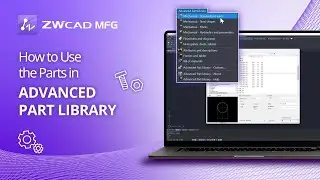
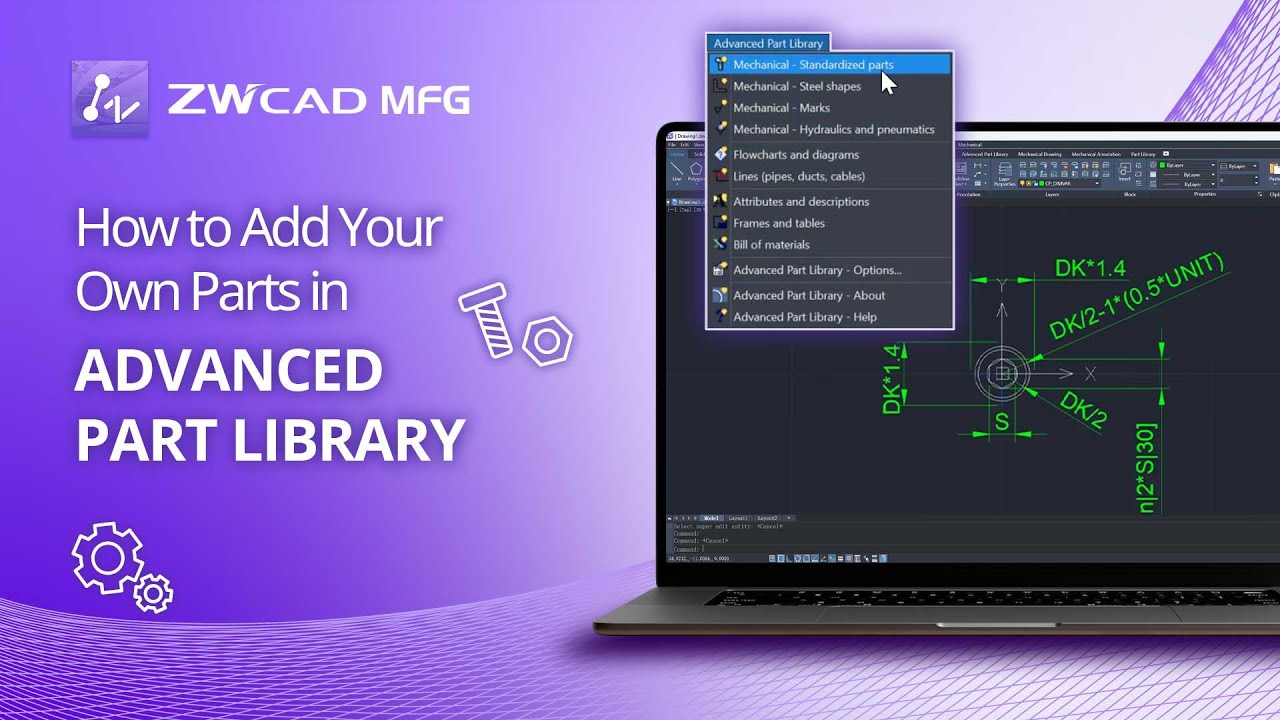
Advanced Part Library in ZWCAD MFG provides a comprehensive library of symbols and standardized elements that are used in mechanical projects.
This tutorial will be divided into two parts, including how to use the parts in the library, and how to add the parts you created to it.
In this video, you will learn how to add your own parts to the library by converting them to parametric objects and how to add new sizes to a part using two methods.
Chapters:
00:00 Introduction
00:28 How to add your own parts to the library
05:33 How to add new sizes to a part individually
06:05 How to add new sizes to a part simultaneously
Learn More: https://www.zwsoft.com/product/zwcad/mfg
Free Trial: https://www.zwsoft.com/product/zwcad/...
Follow us on social
Facebook: / zwsoft
LinkedIn: / zwsoft
Twitter: / zwsoft
About ZWSOFT
ZWSOFT aims to provide reliable all-in-one CAx (CAD/CAE/CAM) solutions for designers and engineers worldwide, and enables them to streamline the complex design workflows at a fair and reasonable price.
Since ZWSOFT’s inception in 1998, over 1.4 million customers from more than 90 countries have chosen our products and solutions to solve their design challenges. Among the list are the world’s most innovative companies across various industries, including Saint-Gobain, LG, and Ericsson.
Learn more about ZWSOFT: www.zwsoft.com
Доступные форматы для скачивания:
Скачать видео mp4
-
Информация по загрузке: