The ULTIMATE how to use document tabs in Google Docs Tutorial For Beginners
Автор: How 2 Guide Tech
Загружено: 2025-10-22
Просмотров: 552
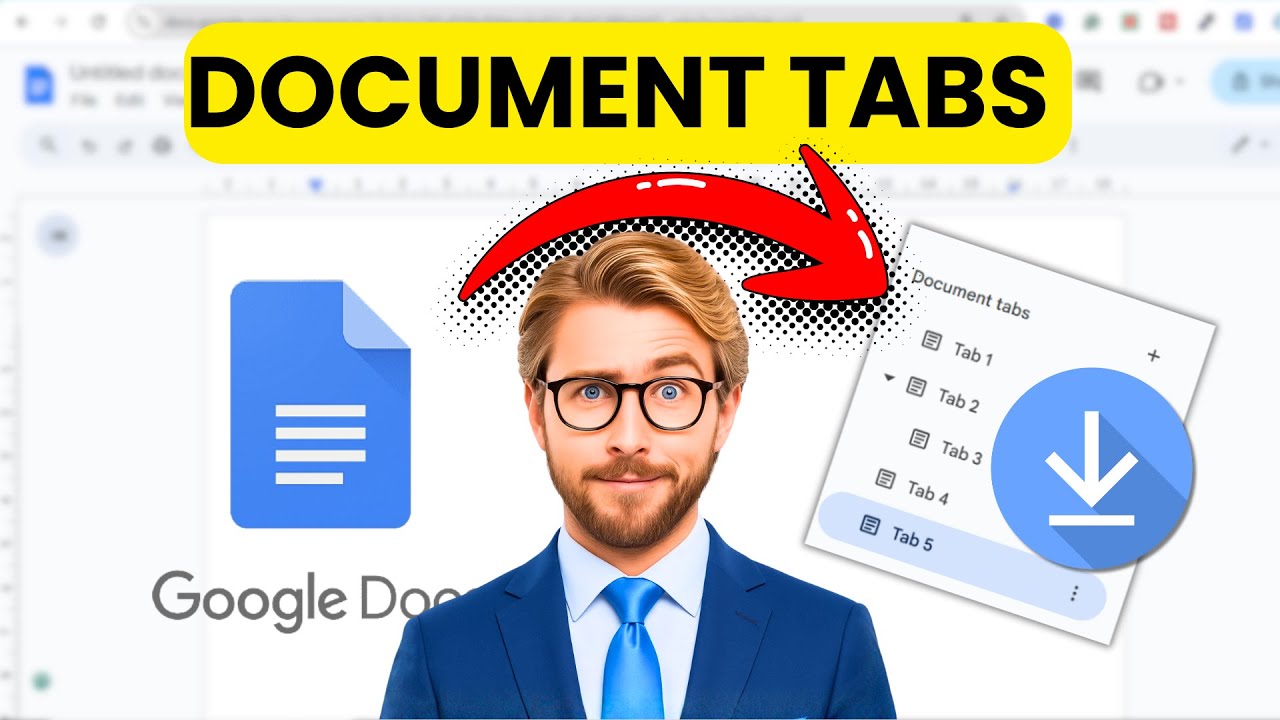
Learn how to use document tabs in Google Docs with this quick beginner-friendly tutorial! In this step-by-step guide, I'll show you everything you need to know about working with document tabs in Google Docs, including how to create them, organize your content, and, most importantly, how to download all tabs properly.
Whether you're new to Google Docs or just discovering the tabs feature, this tutorial will help you master Google Docs tabs in minutes. You'll learn how to add document tabs to organize your documents better, navigate between multiple tabs efficiently, and avoid common mistakes when saving or downloading documents with tabs.
What You'll Learn: ✅ How to create document tabs in Google Docs from scratch ✅ Best practices for organizing content using tabs in Google Docs ✅ The correct way to download all tabs in Google Docs (avoid losing your work!) ✅ Tips for managing Google Docs multiple tabs effectively
This Google Docs tutorial is perfect for beginners, students, professionals, or anyone looking to improve their document organization skills. The document tabs feature is a game-changer for managing long documents, project files, or any content that needs clear sections.
Why Use Document Tabs? Google document tabs help you keep related content in one file while maintaining clear organization. Instead of creating multiple separate documents, you can use tabs to structure everything in one place—making collaboration and file management much easier.
By the end of this video, you'll know exactly how to add document tab features to your workflow and save Google Docs with tabs correctly every time.
Доступные форматы для скачивания:
Скачать видео mp4
-
Информация по загрузке: