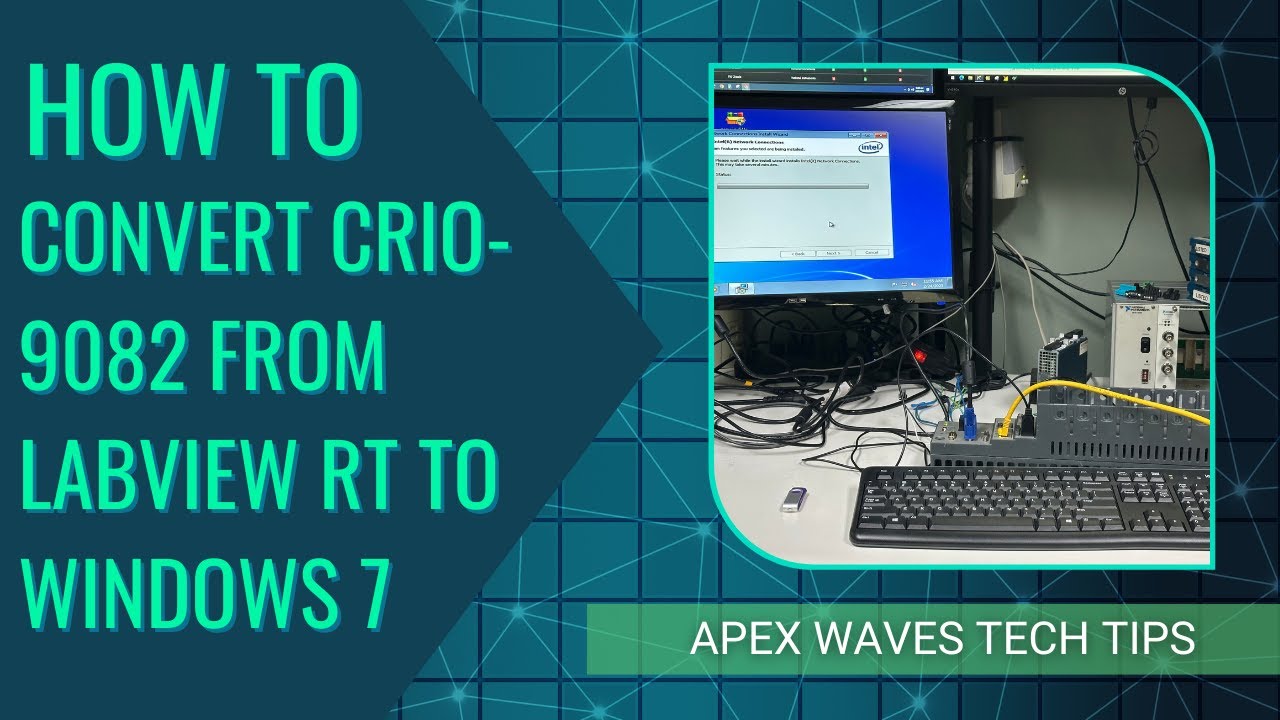
Convert Your cRIO-9082: From LabVIEW Real-Time to Windows 7
Автор: Apex Waves
Загружено: 2025-05-02
Просмотров: 187
In this step-by-step tutorial, we walk you through how to remove LabVIEW Real-Time from the National Instruments cRIO-9082 and install Windows 7 on the system. Whether you're repurposing your hardware or troubleshooting a real-time environment, this guide will help you get your CompactRIO up and running with a fresh Windows OS.
⏱️ What we cover:
– Backing up and preparing your system
– Entering BIOS and changing boot priority
– Formatting the hard drive
– Installing Windows 7
– Enabling Ethernet with Intel Network Connections drivers
– Post-installation tips for a smooth setup
🖥️ Note: This process will remove all existing data on the cRIO-9082. Be sure to back up any files before you begin.
🔗 Need NI drivers? Visit: https://www.apexwaves.com/drivers.php
👍 Like this video if it helped
📌 Subscribe for more legacy NI hardware guides
🔔 Don't forget to hit the bell icon to get notified whenever we upload new content!
💬 Questions? Drop them in the comments!
-----------------------------------------------------
Legacy NI modules are in stock at Apex Waves, call or email for a quote sales@apexwaves.com | 1-800-915-6216
-----------------------------------------------------
Follow or Like us on Social Media
/ apexwavesllc
/ apexwaves
/ apexwavesllc
/ apex-waves
/ apexwaves
/ apexwavesllc
------------------------------------------------------
#technology #nationalinstruments #engineering #howto #tutorial #crio #chassis #labview #cRIO9082 #LabVIEW #Windows7 #NIHardware #CompactRIO #TestEquipment #ApexWaves
Доступные форматы для скачивания:
Скачать видео mp4
-
Информация по загрузке:








