Devy’s “skyboxes” tutorial on MacBook!
Автор: diamond
Загружено: 2024-01-14
Просмотров: 7865
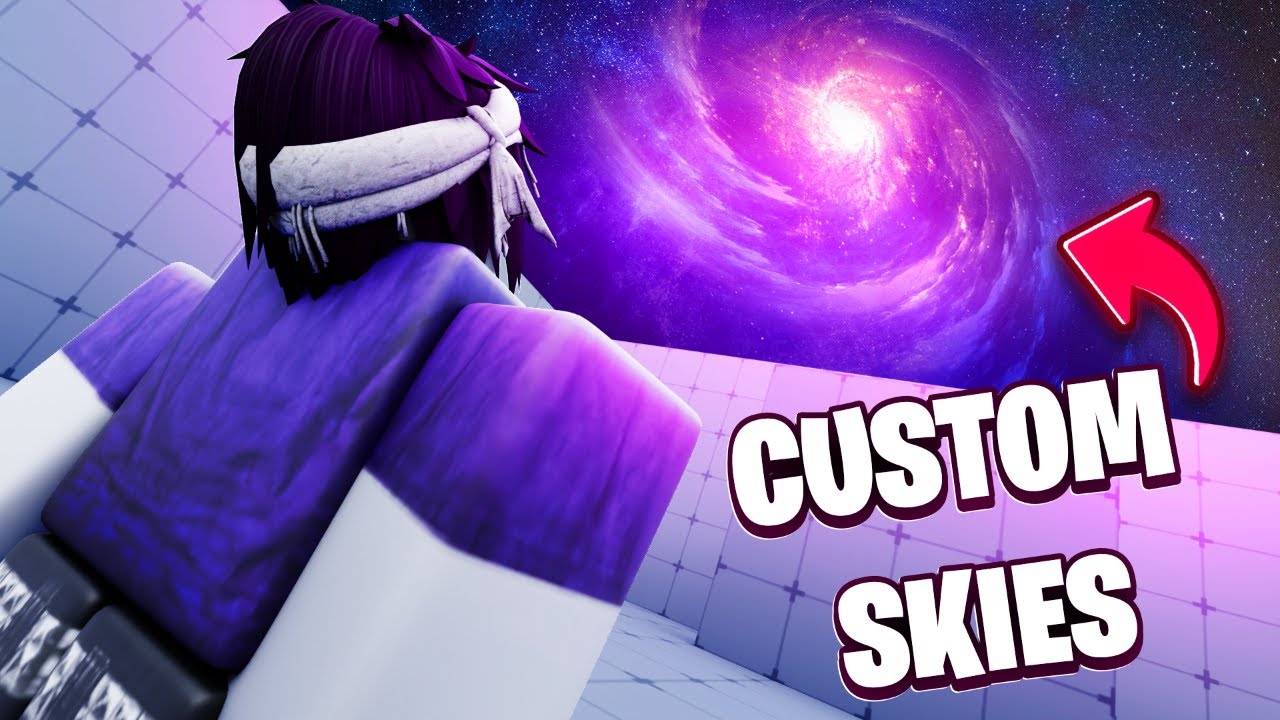
Hey! Today I share how to do the skyboxes Devy has made for us!
@Korblox go sub to him btw!
Here’s it in writing:
Go to devy’s channel and find the custom sky video and click the first link for free skyboxes (don’t click the second you don’t need it!)
Then click on the top “open with” and click CloudConvert
The file should already be there!
Click the dropdown where is says “convert “RAR” to ..” and click ZIP
Once done, click the convert button
Once finished converting, click download it should open to a new tab
Click the arrow icon on the top right hand corner and download it (should look like a folder)
Go ahead and open that folder (double click) and find the skybox you would like!
Hold and drag all 6 pages (they should say sky512_…)
Copy them
Go to applications and right click on Roblox
Show package contents
Then go to contents then resources
Find platform content and click on it
Click pc (only folder)
Then click textures and scroll until you find the folder named sky
Delete the first 6 at the bottom and paste to replace the first 6 you deleted
Next open Roblox and you’re done!
Make sure to sub for more Mac tutorials!
#roblox #popular #tutorial #devyoutuber #mm2

Доступные форматы для скачивания:
Скачать видео mp4
-
Информация по загрузке: