What do the Windows folder icons look like at different sizes?
Автор: World of OSes
Загружено: 2025-03-04
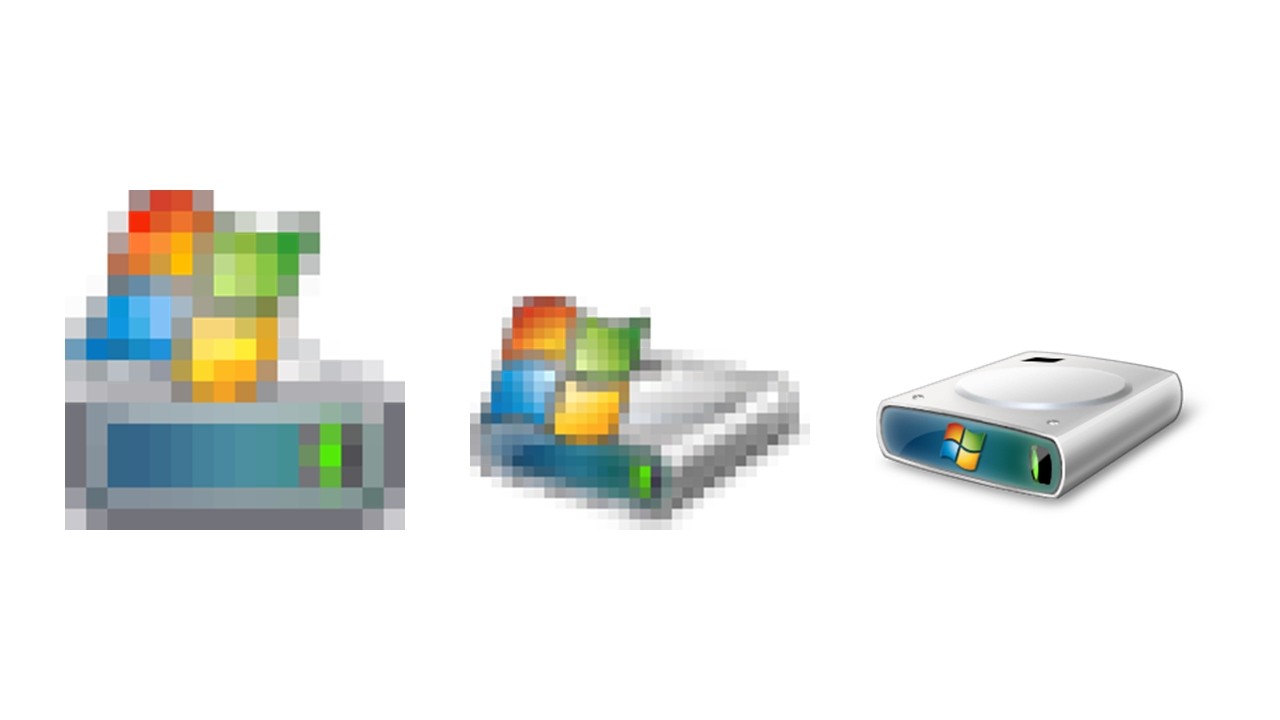
Просмотров: 27425
In this video I show what the Windows folder icons look like a different sizes in different versions of Windows.
Chapters:
0:00 - Generic folders
0:36 - Personal folders
2:31 - Libraries
3:32 - Drives
4:08 - Computer
4:28 - Recycle Bin
4:56 - Key takeaways
5:20 - All folders
6:03 - Tables
6:45 - End screen
Downloads:
Icon DLLs: https://drive.google.com/file/d/1coSq...
Icon ICOs: https://drive.google.com/file/d/16H3B...
Icon PNGs: https://drive.google.com/file/d/1_-Yp...
Slides PPTX: https://drive.google.com/file/d/1Ik8x...
Slide PNGs: https://drive.google.com/drive/folder...
Key takeaways:
The smaller icons are not always just a pixelated version of the larger icons, they often have a different design, especially the 16×16 icons.
The 16×16 Windows Vista/7/8/8.1 and Windows 10 icons for folders containing only folders look the same as the empty folders, but the higher resolutions look different.
In Windows 8.1 and earlier the personal folder icons still show the symbol inside a folder even in the 16×16 icons, but Windows 10 and later show the symbol without a folder at 16×16, and Windows 10 1809 and later also show the symbol without a folder at 32×32. But when it comes the Libraries, Windows 8.1 and earlier show the symbol without the tray at 16×16, but Windows 10 and later still show the tray at 16×16.
In Windows Vista/7/8/8.1 and Windows 10 the Computer, Drive and Recycle Bin icons are viewed from a front perspective in the 16×16 icons, but a top corner perspective in the larger icons. In Windows 11 they are viewed from a front perspective at all sizes.
In Windows Vista/7 the C: drive shows the Windows logo on the front of the drive at 256×256, but above the drive at smaller sizes. Windows 8 and later show the Windows logo above the drive at all sizes.
Some versions of Windows also have multiple versions of each size icon at different color depths, in this video I only showed the highest available color depth version for each size.
Folder icon DLL file(s) location:
Windows 95
C:\WINDOWS\SYSTEM\SHELL32.DLL
Windows NT 4.0
C:\WINNT\system32\SHELL32.DLL
Windows 98 and Me
C:\WINDOWS\SYSTEM\SHELL32.DLL
C:\WINDOWS\SYSTEM\MYDOCS.DLL
Windows 2000
C:WINNT\system32\SHELL32.DLL
C:WINNT\system32\mydocs.dll
Windows Whistler and XP
C:\WINDOWS\system32\shell32.dll
Windows Longhorn Build 5219
C:\Windows\System32\shell32.dll
C:\Windows\System32\imageres.dll
Windows Vista - Windows 10 1809
C:\Windows\System32\imageres.dll
Windows 10 1903 - Windows 11
C:\Windows\SystemResources\imageres.dll.mun
♪ Music ♫
Market Day by Random Mind
https://randommind.bandcamp.com
Promoted by @RoyaltyFreePlanet
https://royaltyfreeplanet.com
Creative Commons Attribution 3.0
http://bit.ly/RFP_CClicense
"Rising Tide" Kevin MacLeod (incompetech.com)
Licensed under Creative Commons: By Attribution 4.0 License
http://creativecommons.org/licenses/b...
Доступные форматы для скачивания:
Скачать видео mp4
-
Информация по загрузке: