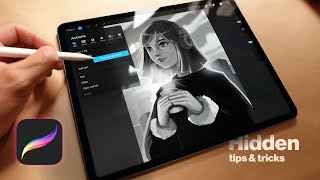
Procreate Tutorial: Design Your Own iPhone Wallpaper| Step-by-Step Full Process for Beginners
Автор: Nanna's Art Therapy
Загружено: 2025-10-17
Просмотров: 230
In this detailed Procreate tutorial, I’ll guide you through the entire process of designing a beautiful, personalized iPhone wallpaper using just four colors and their various shades. This is perfect for beginners who want to explore Procreate’s powerful tools while creating something practical and aesthetic!
🔹What You'll Learn in This Video:
1) How to set up your canvas for iPhone wallpaper dimensions
2) Choosing a color palette with 4 main colors and complementary shades
3) Using Procreate layers effectively — creating, organizing, and moving them
4) Selecting and applying colors
5) Working with Procreate brushes
6) Using Gaussian Blur for smooth transitions and a soft, dreamy look
7) Filling areas with solid color quickly and efficiently
8) Adding and customizing text to personalize your wallpaper
9) How to merge layers for a clean final design
10) Changing the background color and finalizing your artwork
This tutorial is designed to be easy to follow, even if you’re completely new to Procreate. By the end, you’ll have a unique iPhone wallpaper that reflects your personal style — and the skills to create many more!
🚀 Try it yourself! I’d love to see what you create.
🎉 When you finish your wallpaper, share it on Instagram (or your favorite platform) and tag me @NannaArtTherapy so I can check out your amazing work — I might even feature a few of my favorites!
✨ Grab your iPad, open up Procreate, and let’s get creative!

Доступные форматы для скачивания:
Скачать видео mp4
-
Информация по загрузке: