Популярное

Музыка Кино и Анимация Автомобили Животные Спорт Путешествия Игры Юмор

Интересные видео

2025 Сериалы Трейлеры Новости Как сделать Видеоуроки Diy своими руками

Топ запросов

смотреть а4 schoolboy runaway турецкий сериал смотреть мультфильмы эдисон
dTub
Скачать

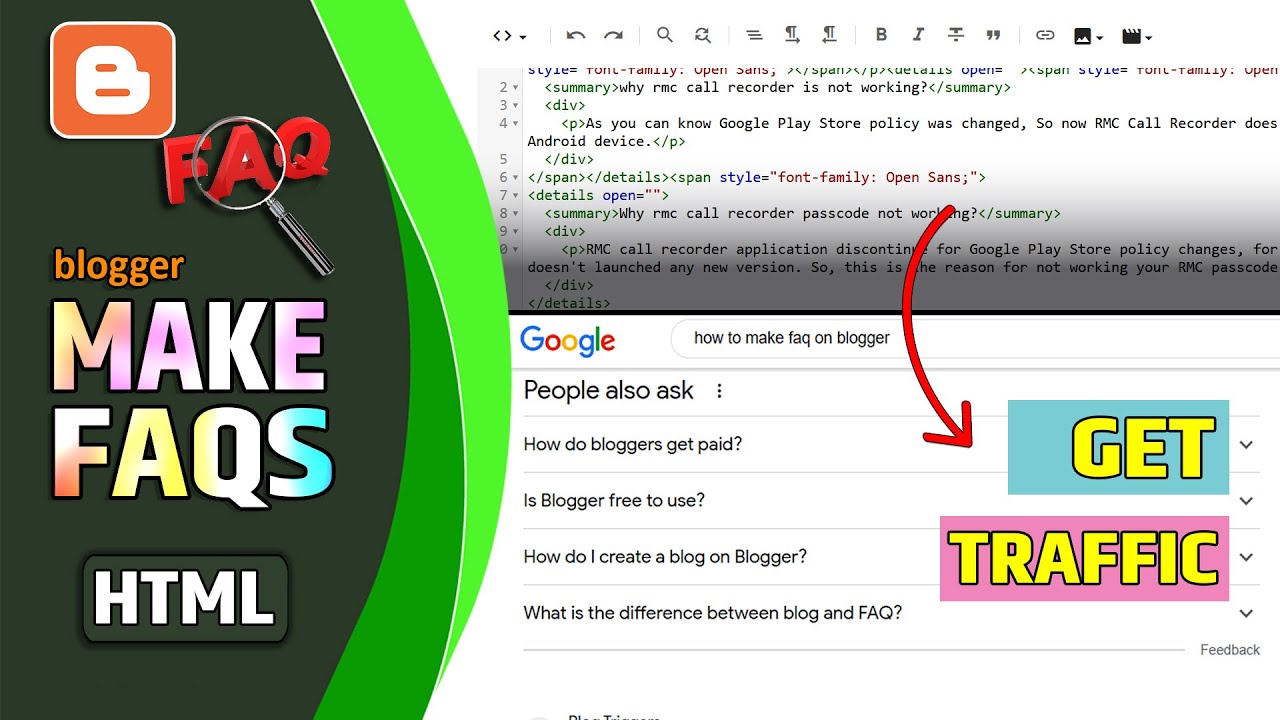
How to Add FAQs on Blogger Website Post | FAQs Make on Blogger Post

Автор: PC Grabber

Загружено: 2023-08-21

Просмотров: 13210

Описание:

♻️Code - https://drive.google.com/file/d/1Xa1H...

To add an FAQ section to a Blogger post in a simplified manner (without directly editing HTML code), follow these steps:

1. Log in and Access Blogger:
Log in to your Blogger account and go to the Blogger Dashboard.

2. Create or Edit a Post:
Choose the post where you want to add the FAQ section. You can either create a new post or edit an existing one.

3. Add Text Blocks:
In the post editor, write out your FAQ questions and answers using text blocks. Format them as you would any other content in your post.

4. Format Questions and Answers:
To distinguish between questions and answers, you can use bold or italic text for questions and regular text for answers. For example:

Question 1: What is the sky color?
Answer: The sky is typically blue.

Question 2: How old is the Earth?
Answer: The Earth is estimated to be around 4.5 billion years old.

5. Highlight with Styling:
To make the FAQ section visually appealing, you can use different font styles, colors, or background colors to differentiate between questions and answers.

6. Preview and Publish:
Click the "Preview" button to see how your FAQ section will appear in the post. If you're satisfied, click the "Publish" button to make your changes live.

While this method doesn't involve directly adding schema markup to your post, it still allows you to create an organized and visually appealing FAQ section within your Blogger post. Keep in mind that this approach may not provide the structured data benefits that schema markup does, but it's a simple way to present FAQs to your readers.

what is faq in blogger website post
FAQ stands for "Frequently Asked Questions." In the context of a Blogger website post, an FAQ section is a part of the content that addresses common questions readers might have about the topic being discussed in the post. It's a way to provide quick answers to queries that your readers are likely to ask.

An FAQ section typically includes a list of questions along with their corresponding answers. This section aims to offer concise and clear information to visitors, saving them time and helping them find the information they need without having to search extensively through the post or the website.

FAQ sections are commonly found at the end of blog posts or articles, as a way to provide closure to the topic and ensure that readers leave with their most pressing questions answered. These sections can help improve the user experience, provide valuable information, and even contribute to better search engine visibility when properly structured using schema markup.

In a Blogger website post, you can create an FAQ section by listing questions and answers either in a text format or by using HTML to structure the content. This section can address common concerns, clarify concepts, or provide additional context related to the main content of the post.
How to Add FAQs on Blogger Website Post | FAQs Make on Blogger Post

Поделиться в:

Доступные форматы для скачивания:

Скачать видео mp4

  • Информация по загрузке:

Скачать аудио mp3

Похожие видео

How to get Unlimited Real Traffic on your Blogger from Google search | Get Traffic on blogger.com

How to get Unlimited Real Traffic on your Blogger from Google search | Get Traffic on blogger.com

How To Create A Static Homepage For Your Blogger Website - Live Blogger

How To Create A Static Homepage For Your Blogger Website - Live Blogger

НАЧАЛО ГОДА СУЛИТ НОВЫЕ ПРОБЛЕМЫ YOUTUBE, GOOGLE и отключения ИНТЕРНЕТА. Разбираем важное

НАЧАЛО ГОДА СУЛИТ НОВЫЕ ПРОБЛЕМЫ YOUTUBE, GOOGLE и отключения ИНТЕРНЕТА. Разбираем важное

Быстрый способ узнать ответы на часто задаваемые вопросы по схеме увеличения трафика — SEO с испо...

Быстрый способ узнать ответы на часто задаваемые вопросы по схеме увеличения трафика — SEO с испо...

Как создавать веб-истории на сайте Blogger.com | Создание веб-историй на сайте Blogger

Как создавать веб-истории на сайте Blogger.com | Создание веб-историй на сайте Blogger

Новое расширение Claude для Chrome: секретное оружие, которое должен использовать каждый

Новое расширение Claude для Chrome: секретное оружие, которое должен использовать каждый

Playlist,,Deep House,Music Played in Louis Vuitton Stores

Playlist,,Deep House,Music Played in Louis Vuitton Stores

Как создать сайт на Wix — руководство для начинающих

Как создать сайт на Wix — руководство для начинающих

Как управлять движением в видео с помощью нейросетей? (лучший способ)

Как управлять движением в видео с помощью нейросетей? (лучший способ)

Как добавить собственную домашнюю страницу на свой сайт Blogger — Live Blogger

Как добавить собственную домашнюю страницу на свой сайт Blogger — Live Blogger

Создаю AI-бизнес на инструментах Google: 6 сервисов, которые работают как фабрика!

Создаю AI-бизнес на инструментах Google: 6 сервисов, которые работают как фабрика!

blogger.com AdSense Approval 2023 | Blogger AdSense  Criteria + Requirements ✅ AdSense Approval 2023

blogger.com AdSense Approval 2023 | Blogger AdSense Criteria + Requirements ✅ AdSense Approval 2023

Рабочая музыка для глубокой концентрации и сверхэффективности

Рабочая музыка для глубокой концентрации и сверхэффективности

Почему мои сайты всегда выглядят премиально и дорого (создано в Elementor)

Почему мои сайты всегда выглядят премиально и дорого (создано в Elementor)

Создай своего ИИ агента за 20 минут (сможет каждый)

Создай своего ИИ агента за 20 минут (сможет каждый)

Создаем собственный курс с помощью Gemini и Nano Banana Pro автоматически и бесплатно

Создаем собственный курс с помощью Gemini и Nano Banana Pro автоматически и бесплатно

ЛУЧШИЙ КОНСТРУКТОР САЙТОВ ГОДА (мой ТОП рекомендаций)

ЛУЧШИЙ КОНСТРУКТОР САЙТОВ ГОДА (мой ТОП рекомендаций)

How to rank blog post in google first page 🔍 Rank Blogger Post on Google Search

How to rank blog post in google first page 🔍 Rank Blogger Post on Google Search

Разблокировка нейросетей (AI) без VPN

Разблокировка нейросетей (AI) без VPN

NotebookLM + Gemini: 3 бизнес-кейса, которые взрывают мозг

NotebookLM + Gemini: 3 бизнес-кейса, которые взрывают мозг

© 2025 dtub. Все права защищены.


  • Контакты
  • О нас
  • Политика конфиденциальности


Контакты для правообладателей: infodtube@gmail.com