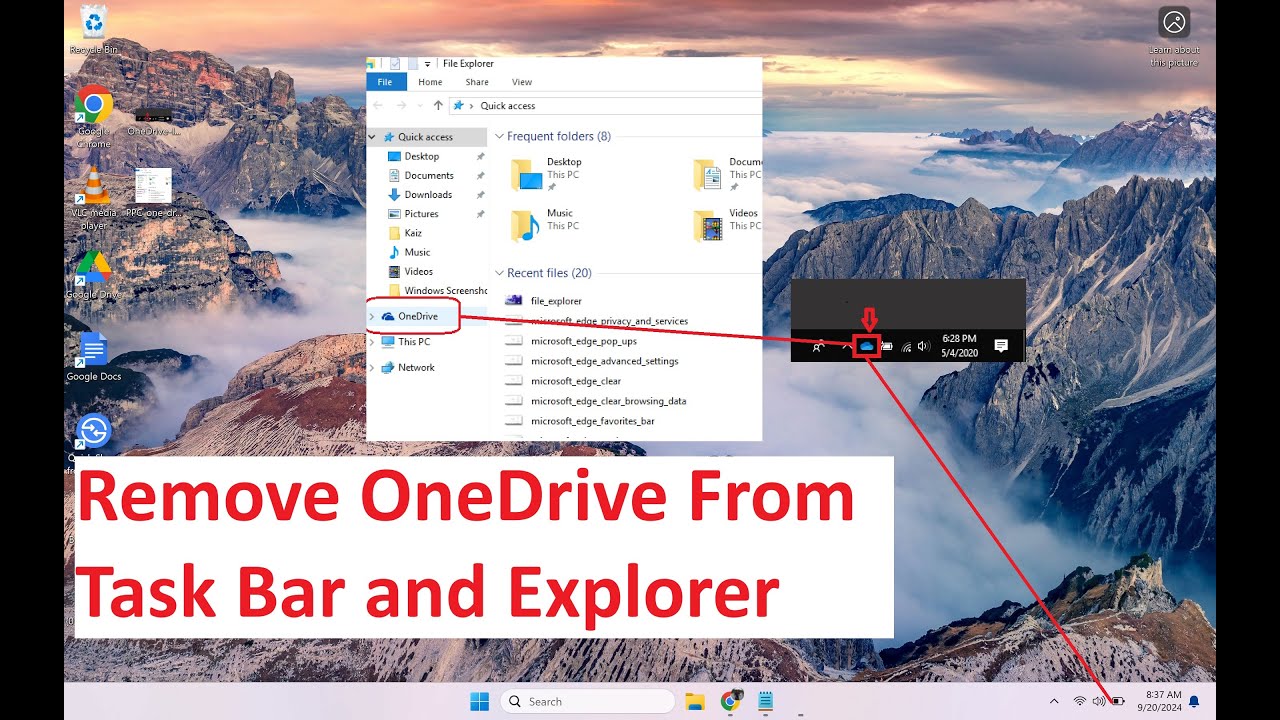
How To Remove MS OneDrive From File Explorer + Taskbar (Working 2024)
Автор: Alex Larsen
Загружено: 2024-09-20
Просмотров: 95
In this video I show how to remove the one drive icon from file explorer on a laptop running windows 11. This only takes a few seconds and is easily reversible.
The regedit key you are looking for is
018D5C66-4533-4307-9B53-224DE2ED1FE6
Sign out of OneDrive first.
1) Click windows key + r
2) type in regedit
3) Open HKEY_Classes_Root
4) use Ctrl+f to open find function
5) input the registry you are looking for:
018D5C66-4533-4307-9B53-224DE2ED1FE6
Click find next
6) one the right side of screen double click "System.IsPinned" and chance the value from 1 to 0. Click ok and close out of Regedit.
To remove one drive from auto start apps
1) Click Windows key and type Startup Apps and open that setting
2) Deselect One drive from list
3) Close settings and restart pc
Доступные форматы для скачивания:
Скачать видео mp4
-
Информация по загрузке: