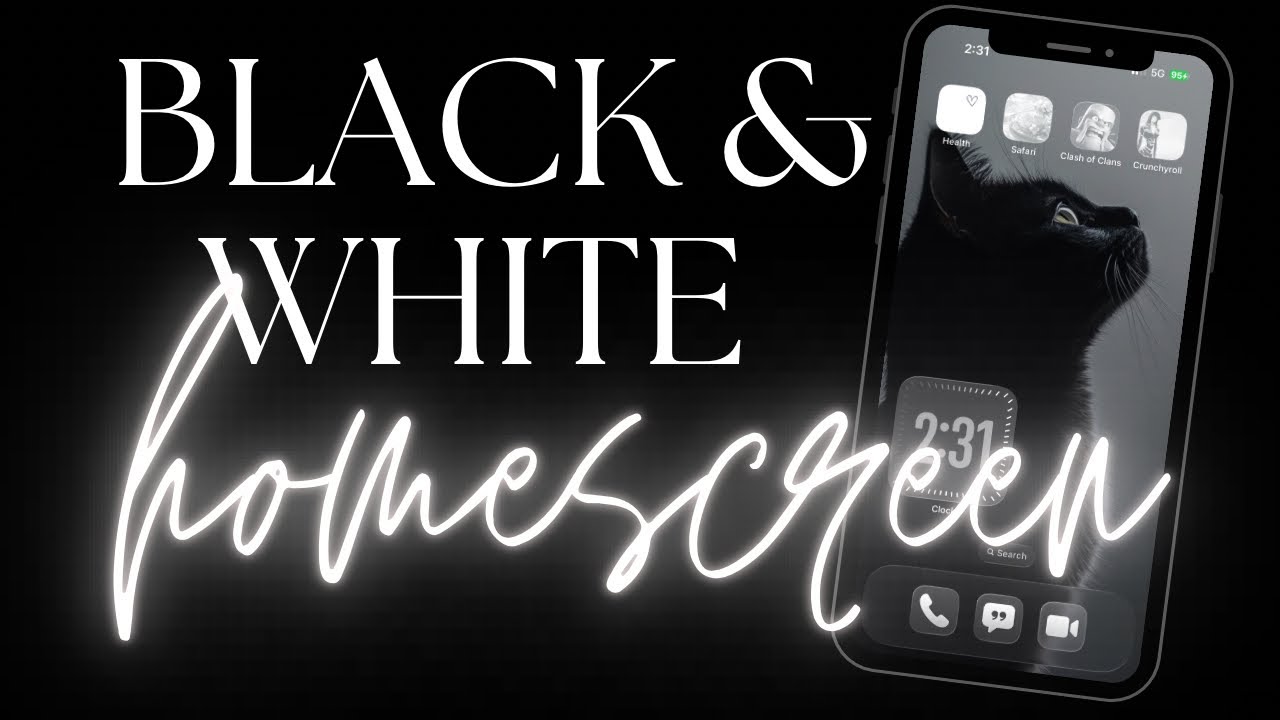
Aesthetic Black & White Homescreen - customizing my iPhone 🖤🤍🖤
Автор: Ame Otaku
Загружено: 2025-12-30
Просмотров: 63
Let’s customize our phones again!! This time I got a request and loved the vibe, it’s a black and white wallpaper and app combo lol. Bonus: even the shortcuts we made last time will match the vibe 🙌🏼 as always thanks for your support, see you next time!
Time Stamps:
00:00 intro
00:10 changing the wallpaper
00:40 changing the apps and widgets to clear
00:55 adding widgets
1. To change the wallpaper, you can google some nice images or download some on Pinterest. You could even use a photo you already have in your camera roll. Just follow the guide to make it black and white without altering the actual photo or to add a photo that's already black and white as your wallpaper.
2. To make the apps (and any bookmarks and widgets) on your home screen look black and white, simply long press and edit, then choose customize and select the clear option. You can play around with the tints to explore other options too :)
3. Finally if you don't already have widgets on your iPhone and want to add some, just long press, choose edit and then choose add widget. These will have the same color options applied to them of you followed step two.
And that's it! Have fun customizing your iPhone and iPad (I think it works on the iPad but honestly haven't checked lol)
Доступные форматы для скачивания:
Скачать видео mp4
-
Информация по загрузке: