How to use SIGNALS in Godot 4?
Автор: Rafa Fiedo
Загружено: 2026-01-09
Просмотров: 310
🎮PLAY: https://rafafiedo.itch.io/game-of-tut...
💻SOURCE CODE: https://github.com/rafa-fiedo/Godot4-...
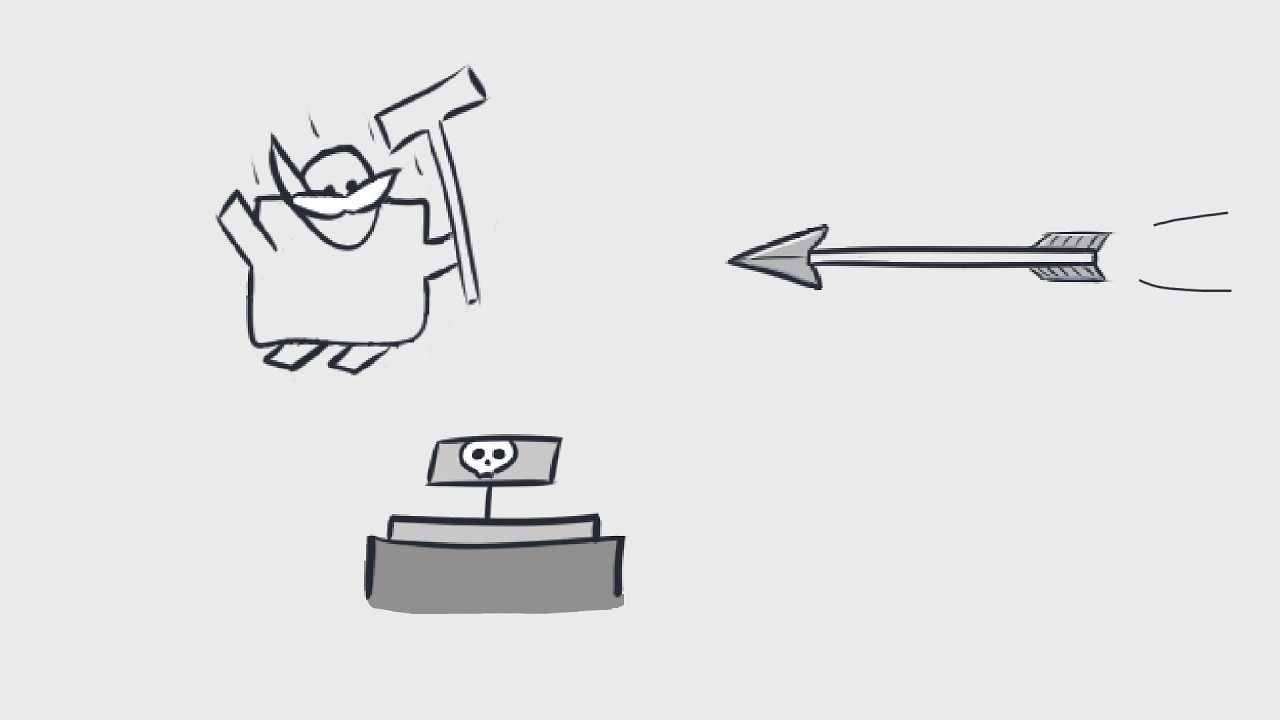
Learn how to to use signals in Godot 4 to make a trap that activates when the player steps on a button.
------------ Socials:
💬 Discord: / discord
📬 Mail: rafa.fiedo@gmail.com
------------ My games
🕹️ https://rafafiedo.itch.io/
------------ Timestamps:
0:00 Intro
0:21 Preparations
0:35 Great Plan
0:45 Add Collision
1:37 Add Script
3:00 Emit Custom Signal
3:25 Shoot Method
------------ Summary
The tutorial shows how to set up a button in Godot 4 that triggers a trap using signals. When the player enters the button’s Area2D, a custom signal is emitted that tells the crossbow trap to shoot an arrow. The lesson covers collision layers, adding scripts, preventing repeated triggers, and using set_deferred for safe property changes. It also explains how the crossbow and arrow work, including collision and damage detection. The tutorial ends with a short challenge for the viewer and links to sample code and an online demo.
Доступные форматы для скачивания:
Скачать видео mp4
-
Информация по загрузке:


