Pair with your Raspberry Pi. APRSDroid over Bluetooth!
Автор: KM6LYW Radio
Загружено: 2022-03-18
Просмотров: 3010
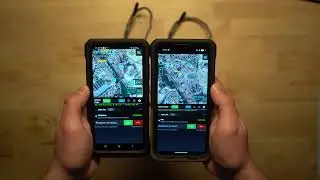
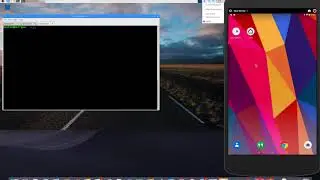
Let's take a look at a reliable way to pair your phone with your Raspberry Pi. Once paired, we can use cool Ham Radio apps like APRSDroid and WOAD over bluetooth.
Commands I completely covered with the overlay videos:
direwolf -d t -p -q d -t 0 -c /run/direwolf.tnc.conf
sudo rfcomm --raw watch /dev/rfcomm0 1 socat -d -d tcp4:127.0.0.1:8001 /dev/rfcomm0
...and just to be clear you DO NOT RUN THESE COMMANDS if you already have a DigiPi. Just fire up the "APRS Igate / TNC" service after you do the bluetoothctl pairing procedure. If you have a non-DigiPi, you'll need to create your own direwolf.conf file, and use that, along with the rfcomm command. DigiPi users can stop after running the "bluetoothctl" command, and DigiPi will take care of the direwolf/rfcomm commands.

Доступные форматы для скачивания:
Скачать видео mp4
-
Информация по загрузке: