Making a custom jig for the Omni 1 laser
Автор: Vintauri
Загружено: 2025-06-17
Просмотров: 1649
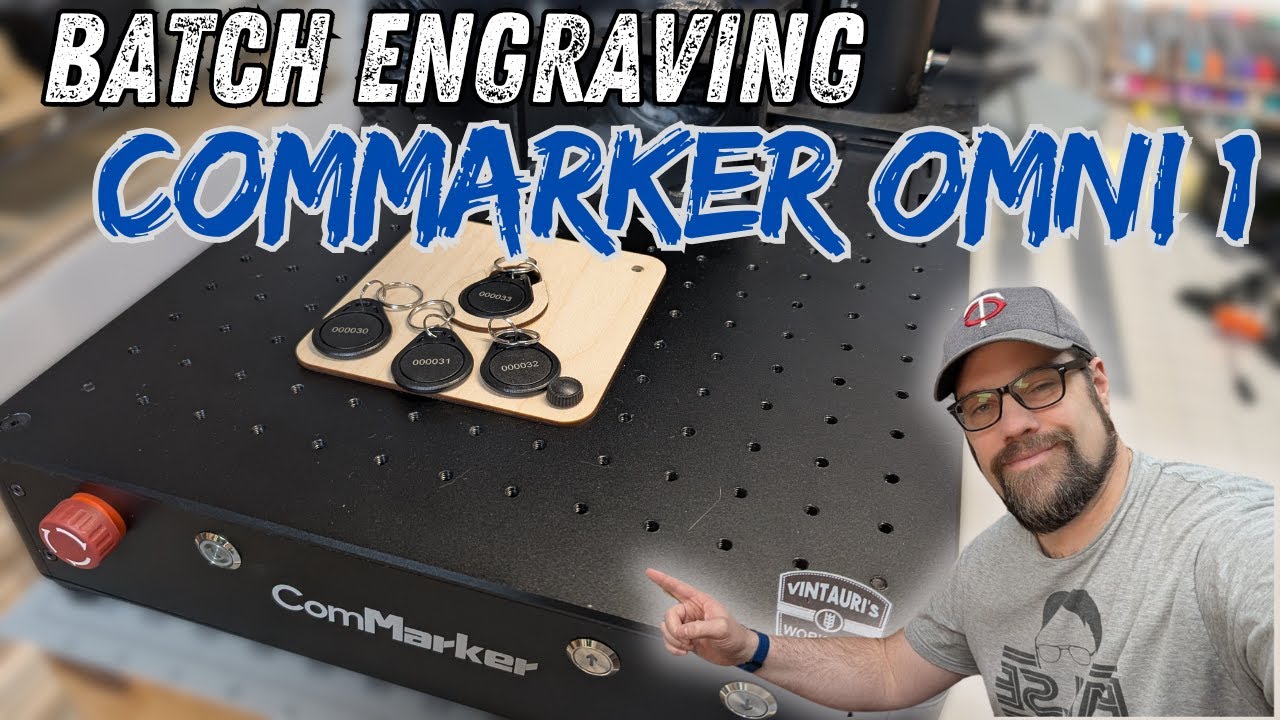
The Omni 1 from Commarker is great for adding sequential numbers to parts. But to make that easier and faster, we need to create a jig to hold the items in place for fast and consistent alignment. I'll show you one way to make a jig for a custom item, we'll cut it out on the Reno 45 Pro CO2 laser, and then add sequential numbers using the variable text tool in Lightburn.
Full video tutorial on setting up sequential numbers in Lightburn : • Lightburn Tutorial: Create serial numbers ...
Check out the Omni 1 laser here and be sure to use the coupon code "vintauri" to get 5% off your purchase. Using this link does help support this channel.
https://store.commarker.com/products/...
Check out the Monport Reno 45 Pro here: Check out all the Monport Lasers using my Affiliate Link here: https://monportlaser.com/?sca_ref=527...
Become a channel member here:
/ @vintauri
Follow me on Instagram and Facebook for behind-the-scenes on what is happening in my workshop!
/ vintauri
/ vintaurisworkshop
Check out my Etsy and Amazon store for more ways to support this channel!
https://vintaurisworkshop.etsy.com
https://www.amazon.com/shop/vintauri
✋ Disclaimer: Some links are affiliate links, meaning if you buy something, I may make a small commission at no additional cost. As an Amazon Associate, I earn from qualifying purchases.
M5 Thumbscrew kit that fits the Omni 1 - https://amzn.to/4e49Njc
Digital Calipers - https://amzn.to/3THuR5e
3mm Baltic Birch Plywood - https://amzn.to/43BuYEd
CA Glue and Accelerator - https://amzn.to/3TZz2d5
Acrylic Paint Pens - https://amzn.to/4b8Ty2c
#commarker #monportlaser #lightburn
@commarkerofficial
@monportlaser
Доступные форматы для скачивания:
Скачать видео mp4
-
Информация по загрузке:


