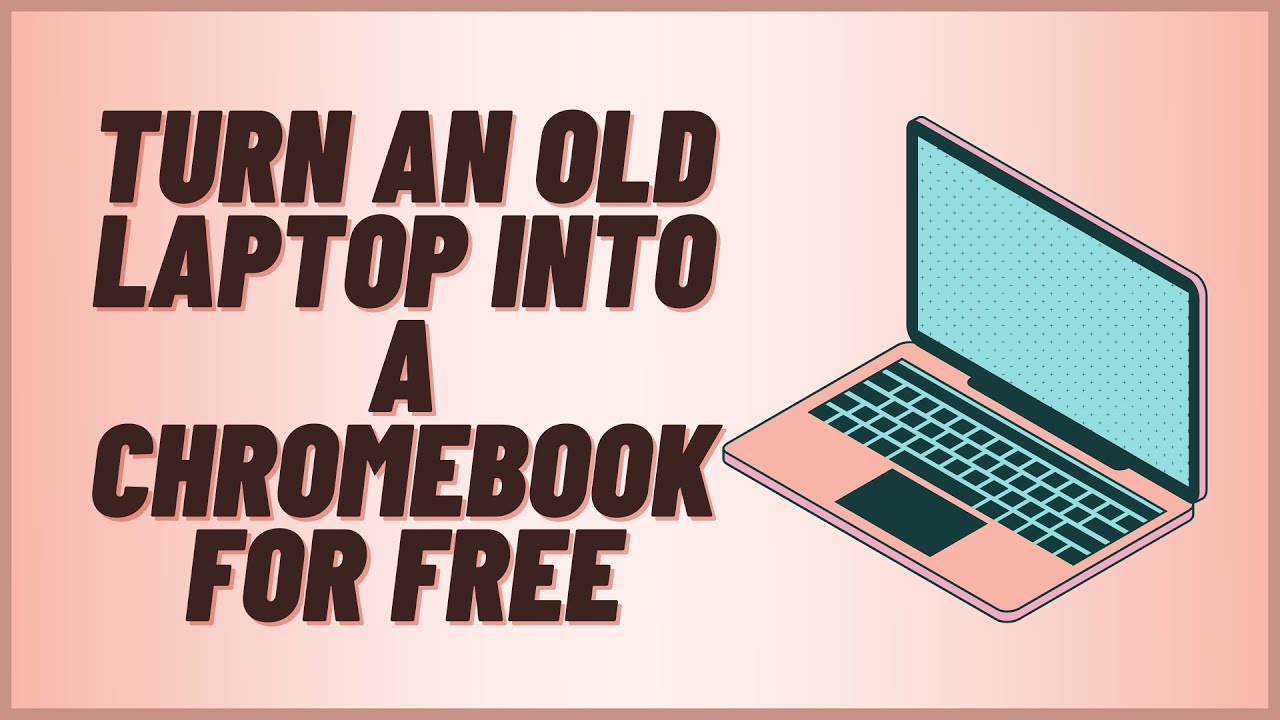
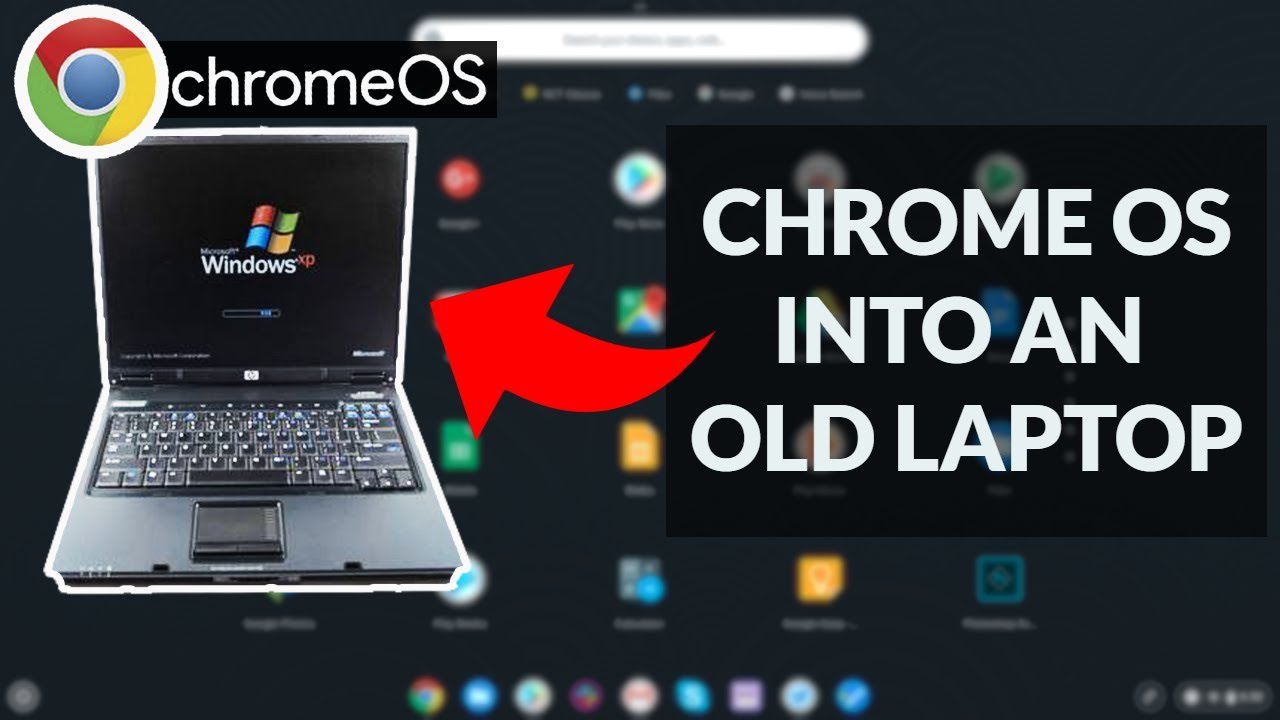
Turn an old computer into a Google Chromebook for FREE using CloudReady OS
Автор: Online ICT Suite
Загружено: 2021-01-23
Просмотров: 25354
In this video I will show you how to turn an old insecure (Windows 7 , Vista or XP) laptop or desktop computer into a Chromebook or Chromebox computer using Google's Neverware Cloudready OS. This is a great way of reusing an old laptop or desktop computer. Its fantastic if you need a extra computer for home school learning during school closures. Where's your old laptop? In the back of the cupboard, in the basement or is in that box in the attic?
16th February 2022 - Google are rebaading CloudReady OS to Chrome OS Flex. Google have published that once Chrome OS Flex stable version is released they will automatically upgrade CloudReady OS to Chrome OS Flex.
#cloudreadyOS #Lockdownlearning #Laptopsforkids #computersforkids
Neverware Cloudready homepage https://www.neverware.com
Cloudready critical requirements
https://guide.neverware.com/critical-...
Cloudready Certified Models List
https://guide.neverware.com/supported...
Download Cloudready home edition
https://www.neverware.com/freedownloa...
Download Rufus
http://rufus.ie/
00:00 Introducing CloudReady OS
00:16 Accessing CloudReady OS
01:00 Option to test CloudReady before permanently installing
01:21 Understand all data will be erased - make sure you have backups
01:56 Items required to install CloudReady OS via Windows 10
02:26 CloudReady OS install using Windows 10 with Rufus (Not sung Windows see my video to create a USB Drive with the Chrome Browser)
03:00 Check Neverware's Certified Models List (https://guide.neverware.com/supported...)
03:42 Downloading CloudReady OS
04:19 Download Rufus
04:41 Unzip the CloudReady OS files
04:57 Loading Rufus and preparing the CloudReady OS image
05:53 Disabling Secure boot on your old computer
0656 Starting CloudReady OS from your USB Drive
07:32 Changing Language and Keyboard layout
08:11 Testing CloudReady OS before permanently installing
08:52 Install CloudReady OS without testing
10:43 Install Proprietary media components
11:19 Add another user account - Add person
Full disclaimer: Install at your own risk! I cannot take any responsibility for loss of data or if Cloudready OS damages your device.
Доступные форматы для скачивания:
Скачать видео mp4
-
Информация по загрузке: