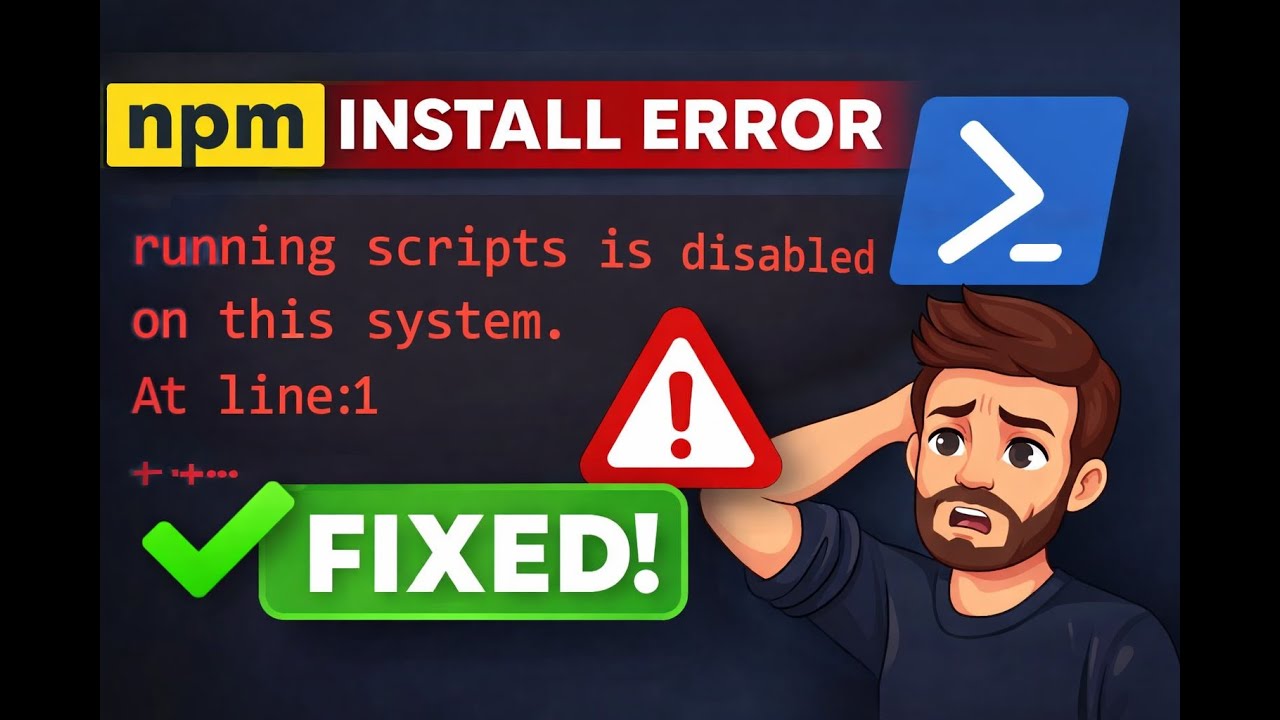
Fix npm install Error | Running Scripts Is Disabled on This System via VsCode and Windows Powershell
Автор: Code with TAN
Загружено: 2025-12-18
Просмотров: 23
Are you getting this error while running npm install on Windows?
“running scripts is disabled on this system”
Don’t worry, this is a common PowerShell execution policy issue, and in this video I’ll show you how to fix it step by step.
In this tutorial, you’ll learn:
Why npm install fails on Windows PowerShell
What the execution policy error actually means
How to safely fix the npm .ps1 error
Run npm install successfully in VS Code terminal
This solution works for:
Windows 10 / Windows 11
Node.js and npm users
VS Code PowerShell terminal
Perfect for beginners who are stuck while setting up a Node.js project.
📌 Command used in this video:
Set-ExecutionPolicy (explained clearly inside the video)
If this helped you, don’t forget to like, subscribe, and share 🚀
Доступные форматы для скачивания:
Скачать видео mp4
-
Информация по загрузке: