vMix Training Series: Scripting, Shortcuts and Activators
Автор: Live X
Загружено: 2020-07-30
Просмотров: 13055
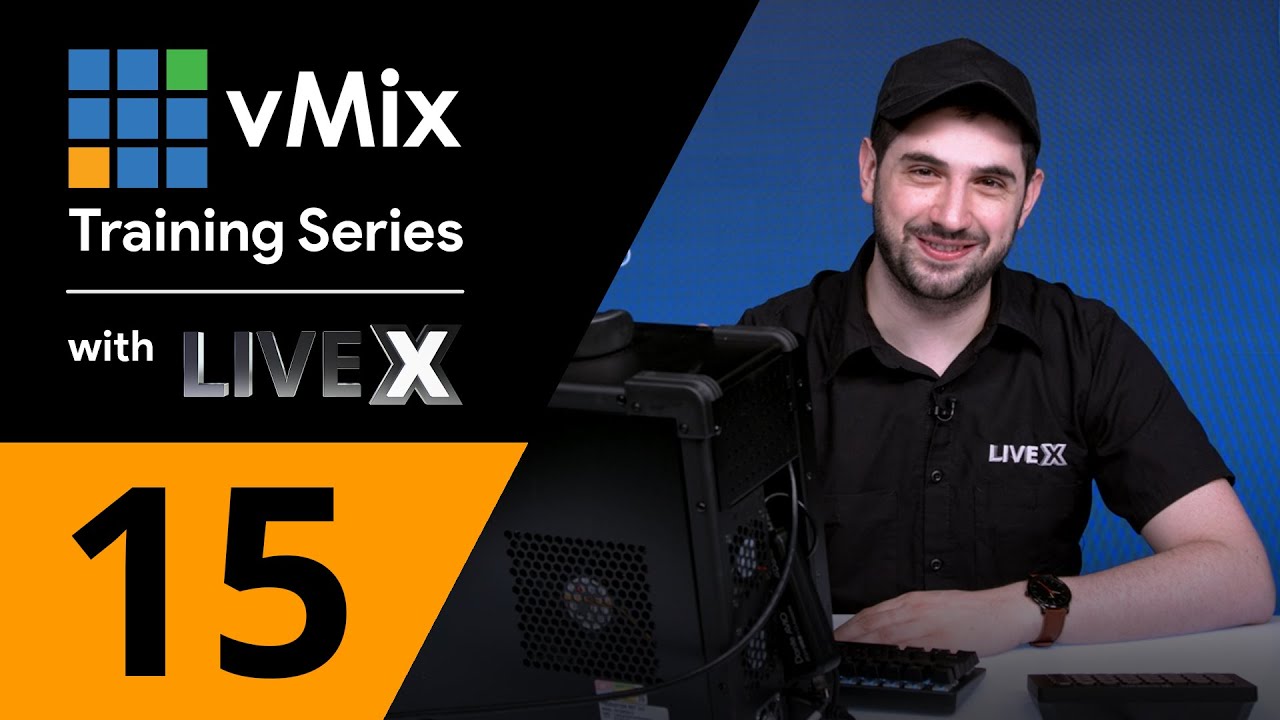
In our latest vMix training session, LiveX Creative & Technical Producer Nick Walsh goes over scripting, including how to import scripts you have already constructed, along with plenty of examples of setting up additional stingers and how to ensure you have the right kind of transitions for each. He also highlights several helpful shortcuts and how to connect them to several different specific shows you may be working on using the same machine.
vMix is feature rich live production software that allows you to record and stream professional productions all from a single PC or Laptop. vMix supports SD, HD and 4K productions. The two major system requirements for vMix are Windows 7 or higher and a DirectX 10 compatible graphics card. Minimum 2Ghz Dual-Core Processor is required (though an Intel Core i7 Processor 3Ghz+ is preferred) along with 2GB DDR3 memory. You'll also want a 7200 RPM Hard Drive for recordings.
#LiveX
Subscribe to LiveX: http://bit.ly/2E1QMzA
Get more LiveX: http://bit.ly/2FLU7EI
Like LiveX: http://bit.ly/2SgPp38
Follow LiveX: http://bit.ly/2zwMWe5
LiveX Instagram: http://bit.ly/2KBA0I8
Доступные форматы для скачивания:
Скачать видео mp4
-
Информация по загрузке: