How to Safely Back Up Your Files on Windows (Step by Step)
Автор: Lu Explains IT
Загружено: 2026-01-19
Просмотров: 7
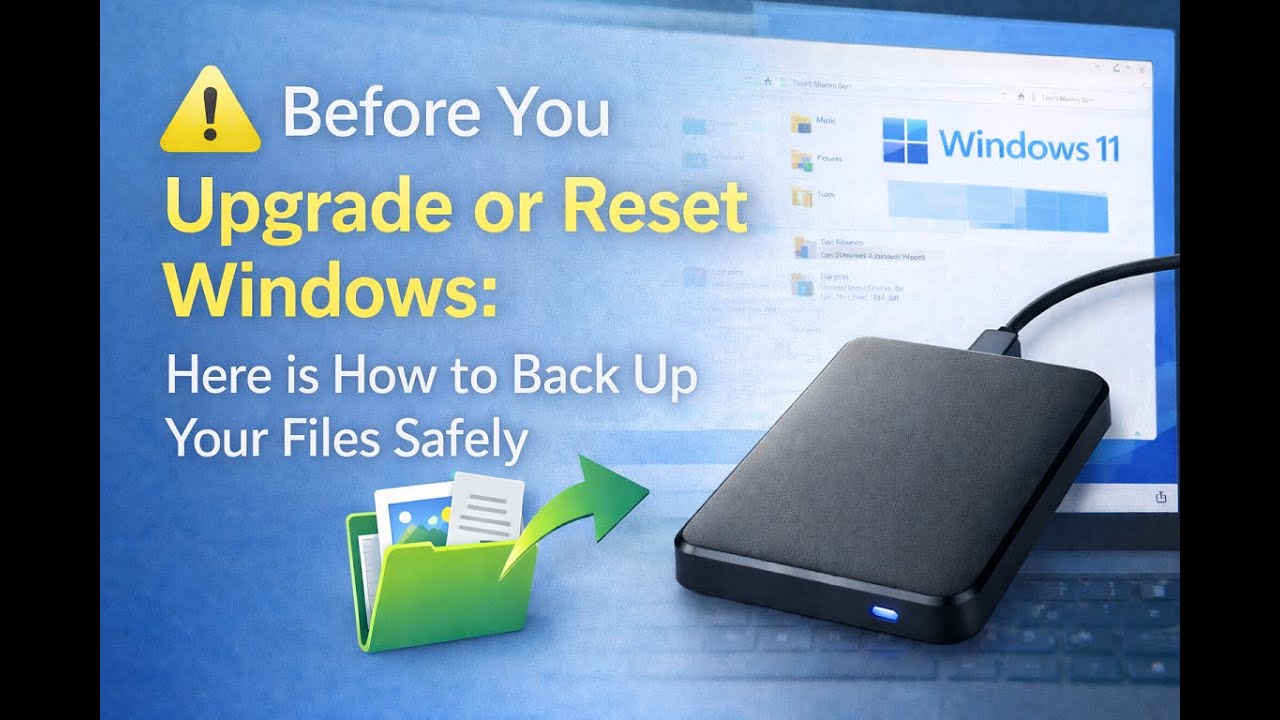
Before upgrading or resetting Windows, it is important to make sure your personal files are protected.
This video shows a safe, step-by-step way to back up your files before making changes to your computer. The focus is on documents, photos, music, and other important personal data that cannot be replaced if something goes wrong.
We start by checking what may already be backed up, then create a separate copy of your files using an external drive. This approach helps reduce risk and gives you peace of mind before upgrades, resets, or moving to a new PC.
A simple checklist is linked below if you want a reminder of other files to consider backing up.
1. Open File Explorer
Click the folder icon on the taskbar
Or press Windows Key + E
2. Click “This PC” on the left side
3. Open the Local Disk (C:)
4. Open the folder named “Users”
5. Click your username (in this example 'Demouser' was used
This is your user folder
6. Inside this folder, you will usually see:
Documents
Pictures
Music
Desktop
These folders contain most personal files stored on your computer.
This video does not cover browser bookmarks or Outlook email files. Those items are handled differently and will be covered in a separate video.
0:00 Intro
0:35 Why we backup files
3:22 Where personal files are stored in Windows
1:35 Checking what may already be backed up by one drive
2:45 Why an external drive is still important
9:20 External and USB Thumb Drive
9:50 Connecting External Device
12:18 Simplest way to copy files safely (copy, not move)
16:49 Verify and Confirm files were copied
18:05 Recap
Доступные форматы для скачивания:
Скачать видео mp4
-
Информация по загрузке: