Word Paper Cut Out Effect - Adobe Illustrator Tutorial
Автор: Illi Tutorials
Загружено: 2020-04-16
Просмотров: 38265
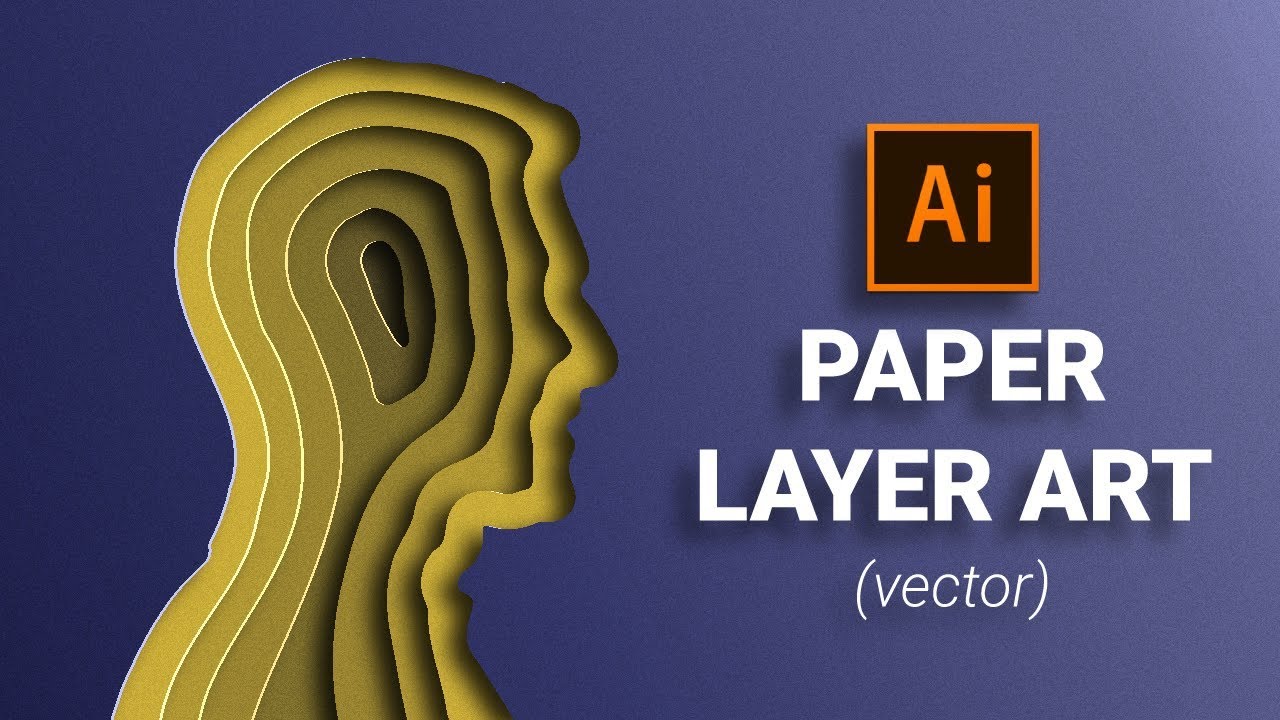
As requested, this tutorial will show you how to make a paper cut out of a word in Illustrator. The trick is to convert the word into a shape, so that it can work like any other paper cut out effect. This effect will work in Illustrator CS5 to CC.
I'd say the most difficult thing about these multi-colored paper cut outs is finding complementary colours. So feel free to find inspiration from paper cut out images on Google and these tutorials. That's the most convenient way!
The color codes are:
Blue: #1f3a4c
Orange: #ff8437
Yellow: #ffc64f
Light Green: #a2ba84
Darker Green: #539087
======================================================
Music Credit: Feeling Good - LAKEY INSPIRED
Music By: LAKEY INSPIRED
Official SoundCloud / lakeyinspired
Official YouTube Channel:
/ @lakeyinspired
License for commercial use: Creative Commons Attribution 3.0 Unported "Share Alike" (CC BY-SA 3.0)
https://creativecommons.org/licenses/...
Music promoted by: Chill Out Records @ https://goo.gl/fh3rEJ
www.ChillOutMedia.com / www.LoFi-HipHop.com

Доступные форматы для скачивания:
Скачать видео mp4
-
Информация по загрузке: